As a senior creative consultant at ElectronicInc, I played a key role in developing a comprehensive web-based corporate Intranet for a major logistics corporation, which enhanced employee communication, knowledge management, and information retention, ultimately creating a unified information management system for the client. The EI team comprised a client-facing program manager, a product-facing team lead, a user researcher, a creative consultant responsible for UX, usability, service design, and UI (myself), an information and content expert, and a developer.
We collaborated with a client team responsible for implementing and coordinating with various stakeholders within this Fortune 500 logistics corporation. Over the years, the project underwent continuous evolution, with stakeholders, design goals, business needs, and IT/management goals constantly changing.
Working closely with the client’s business team, our human-centered creative team designed a flexible, clear, and comprehensive information management intranet that could adapt to the client’s evolving business goals and organize the vast amount of materials generated by hundreds of teams across thousands of global locations with diverse needs, goals, and business processes.
Our research involved a range of qualitative methods, including contextual inquiries, A/B testing, ethnographic and diary studies, team workshops, focus groups, field studies, user interviews, and card sorts. We also analyzed quantitative data from existing ERM/IT/IM tools, as well as data from questionnaires, polls, and other quantitative gathering methods.
We developed and tested numerous prototypes, models, and process flows with various client teams to define clear design goals, task flows, user maps, user journeys, and critical questions, ultimately creating a guiding framework for this evolving tool.
Here is some of the material I worked on for this project. It has been anonymized so as not to expose too much about who this specific client was.
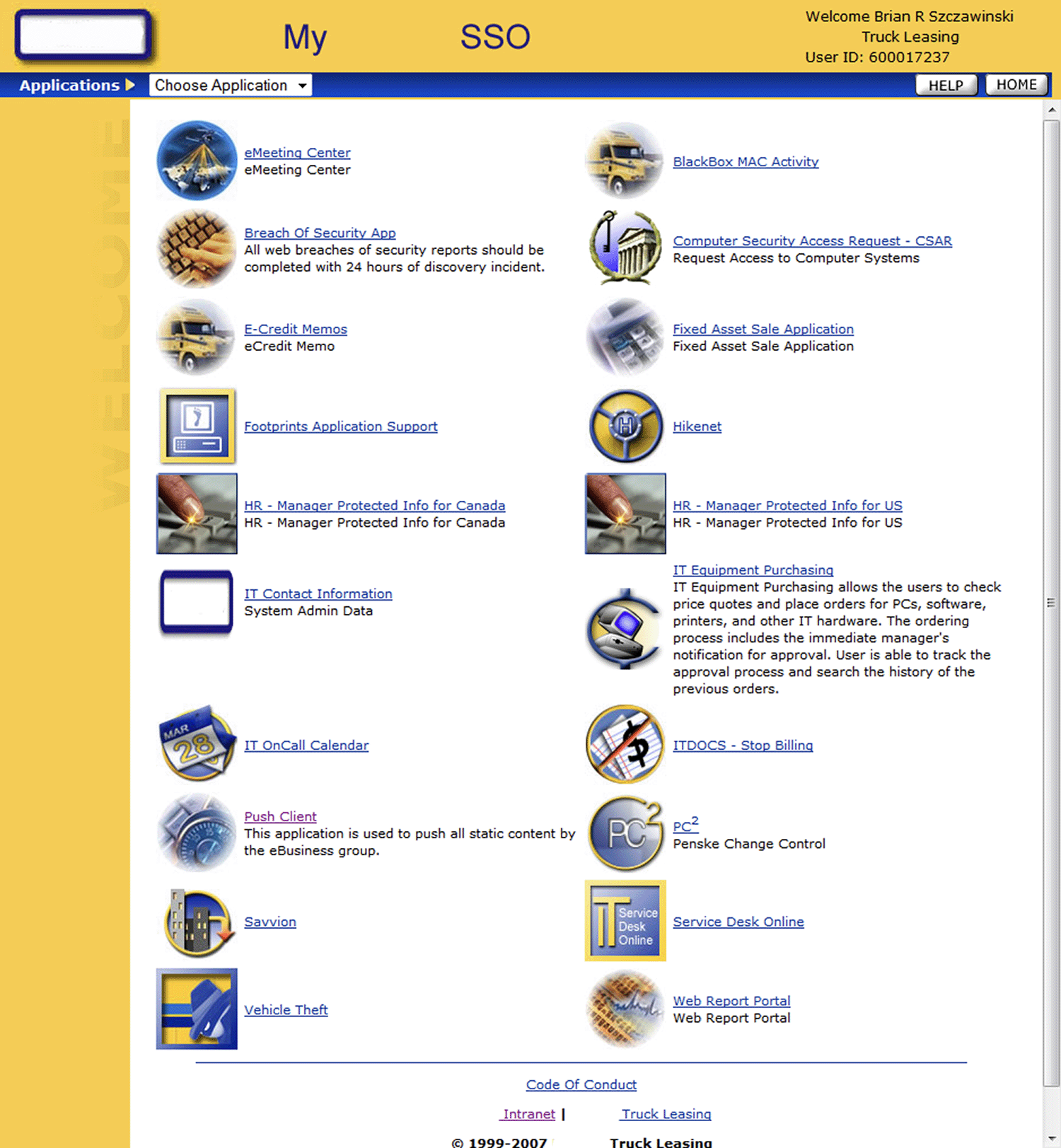
Previous client IT created tool
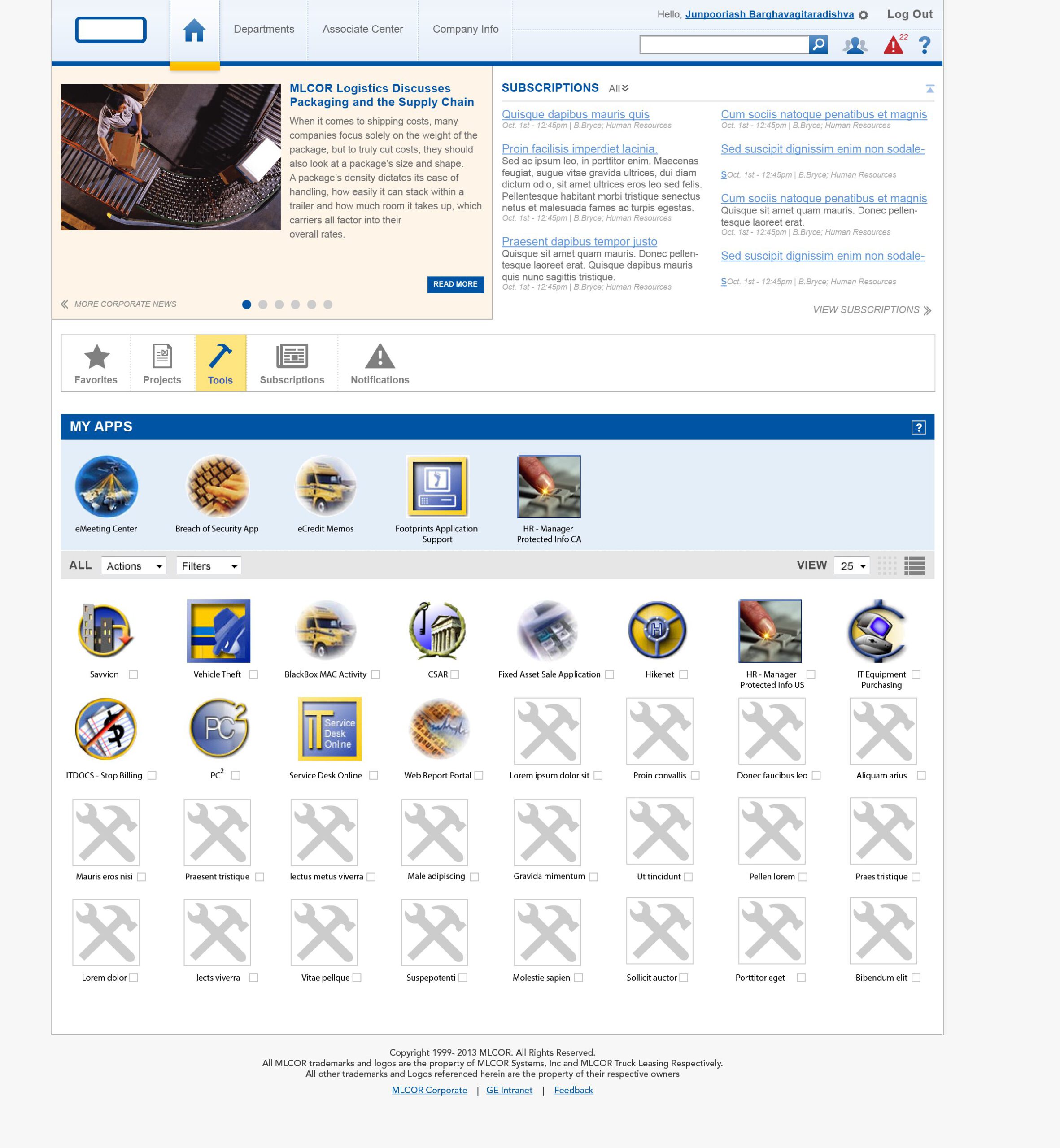
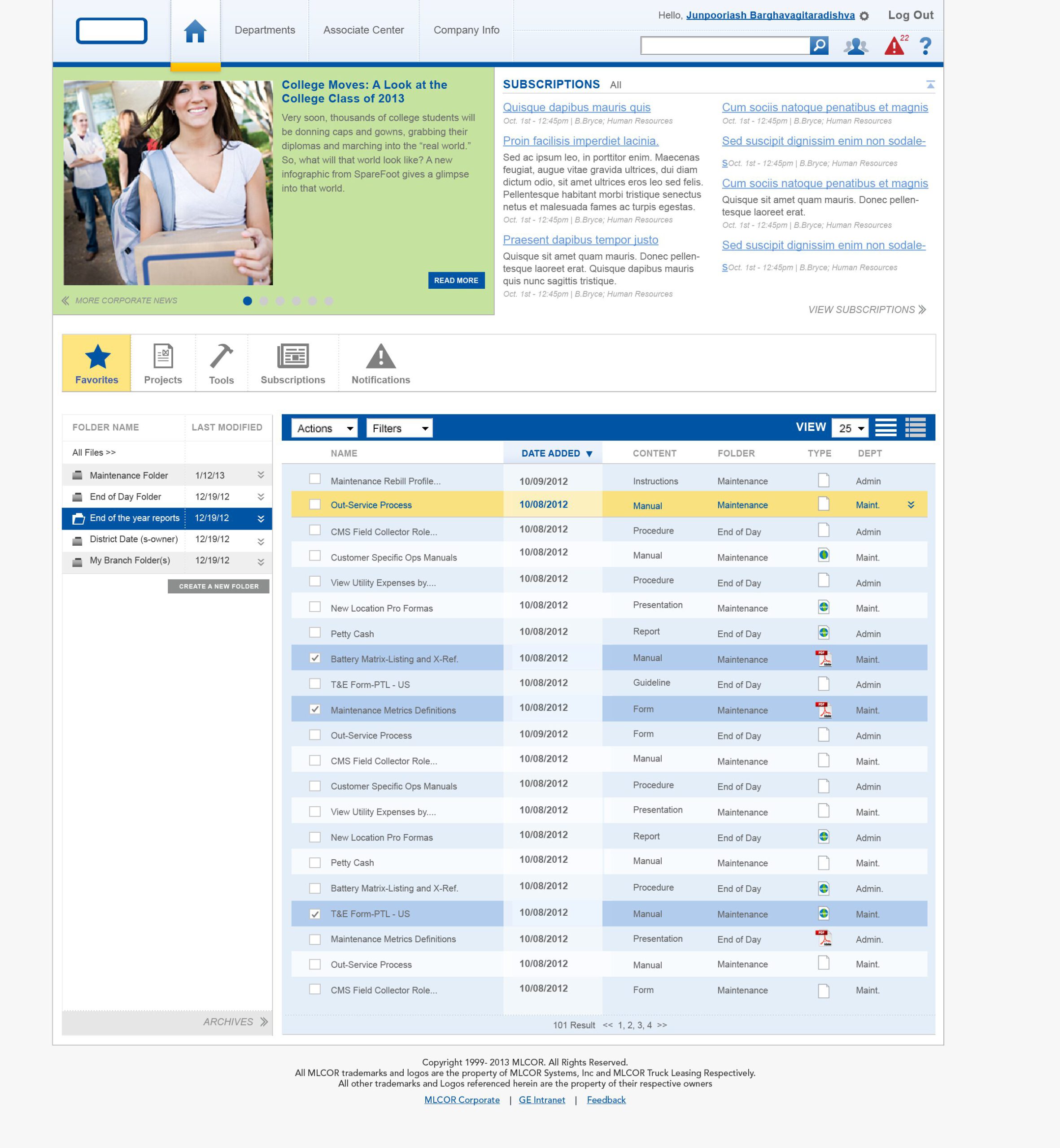
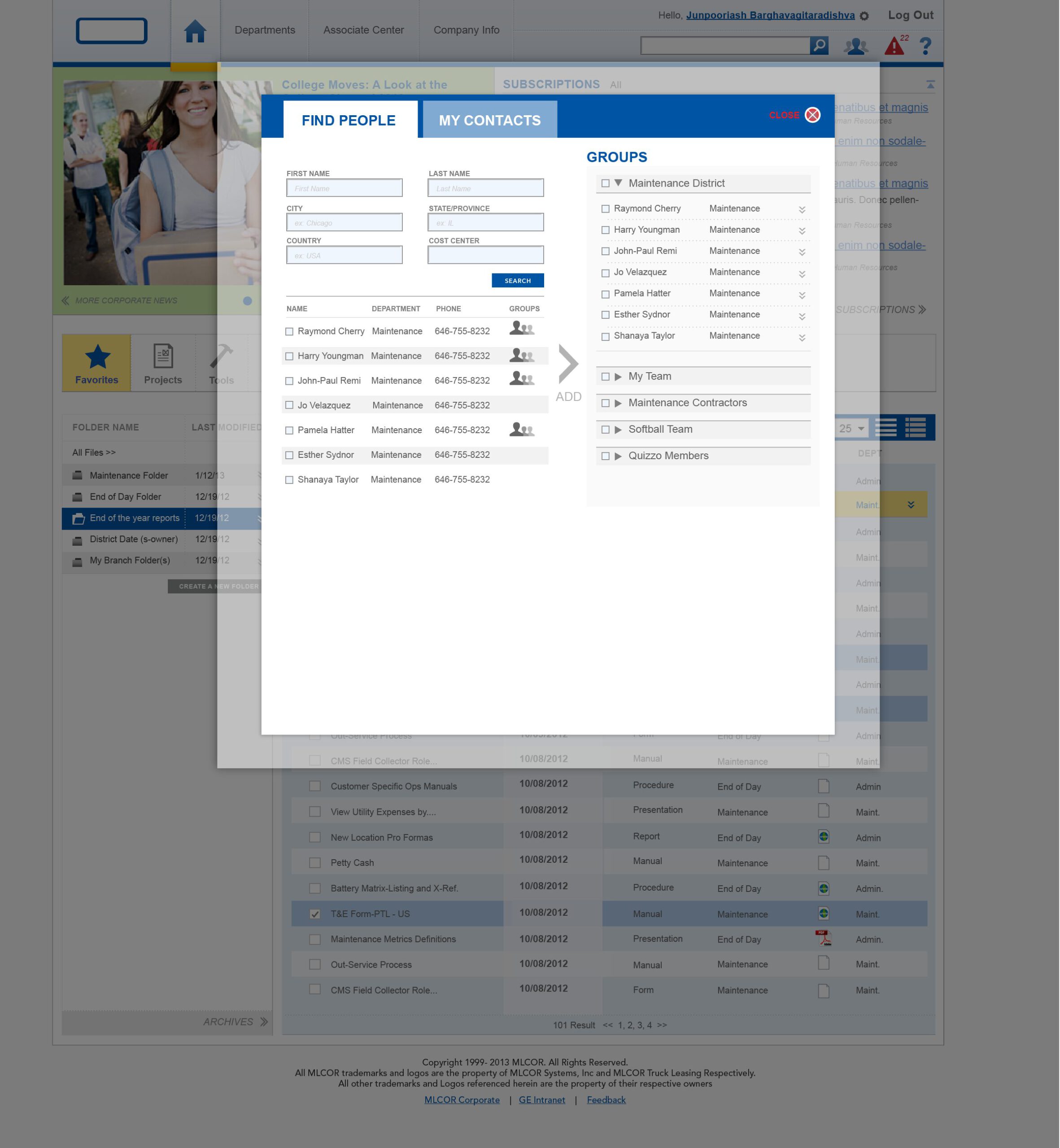
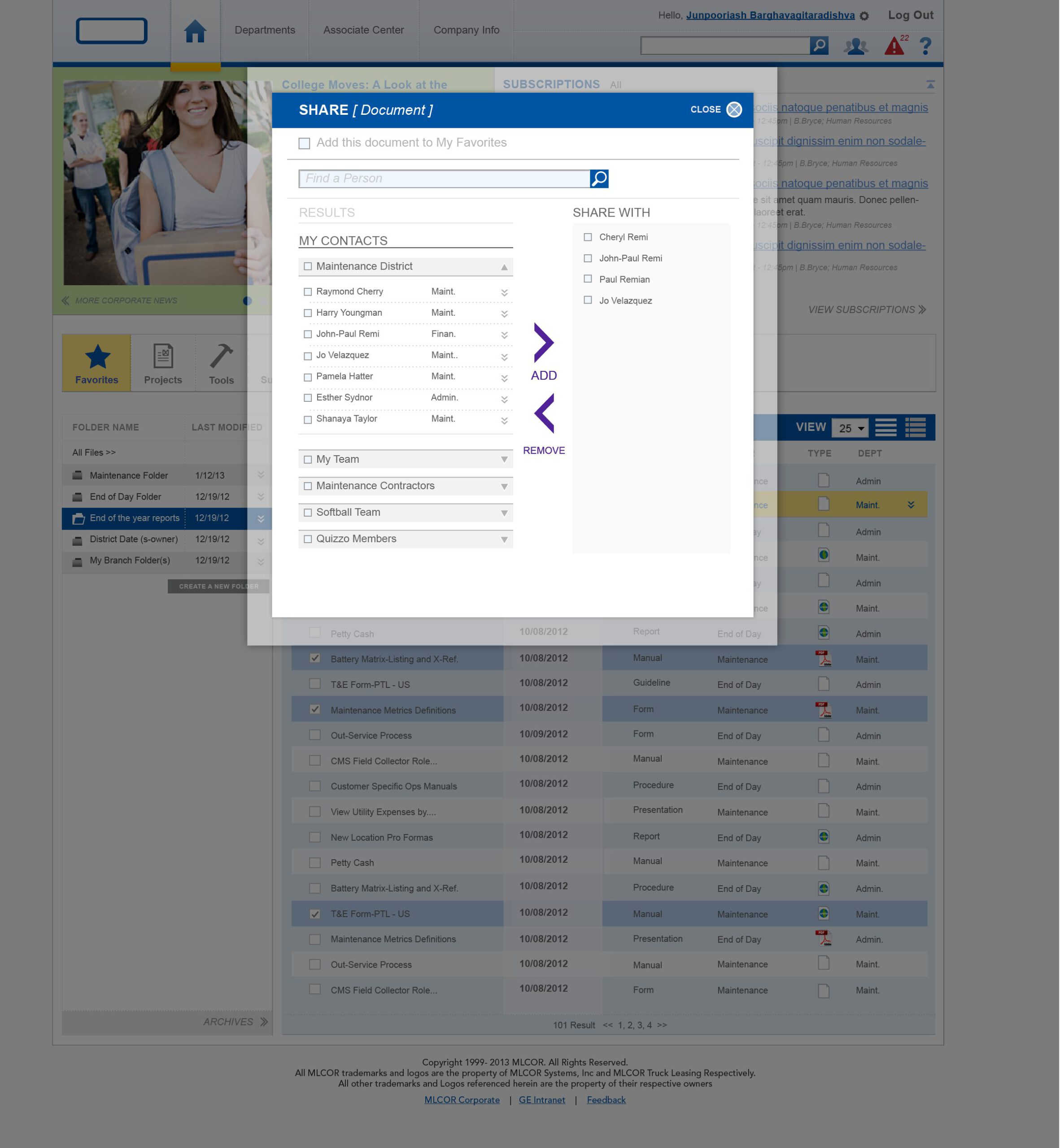
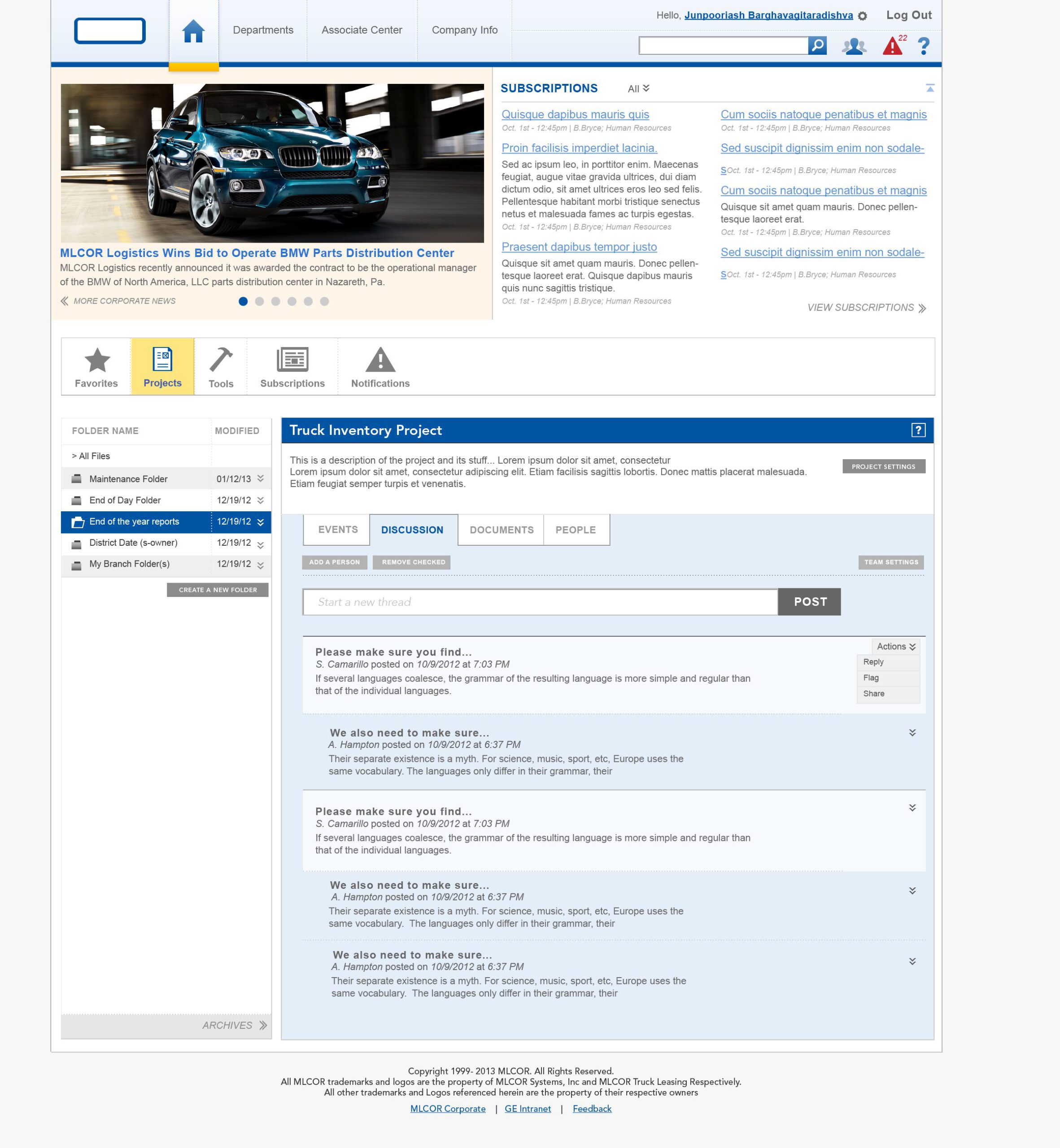
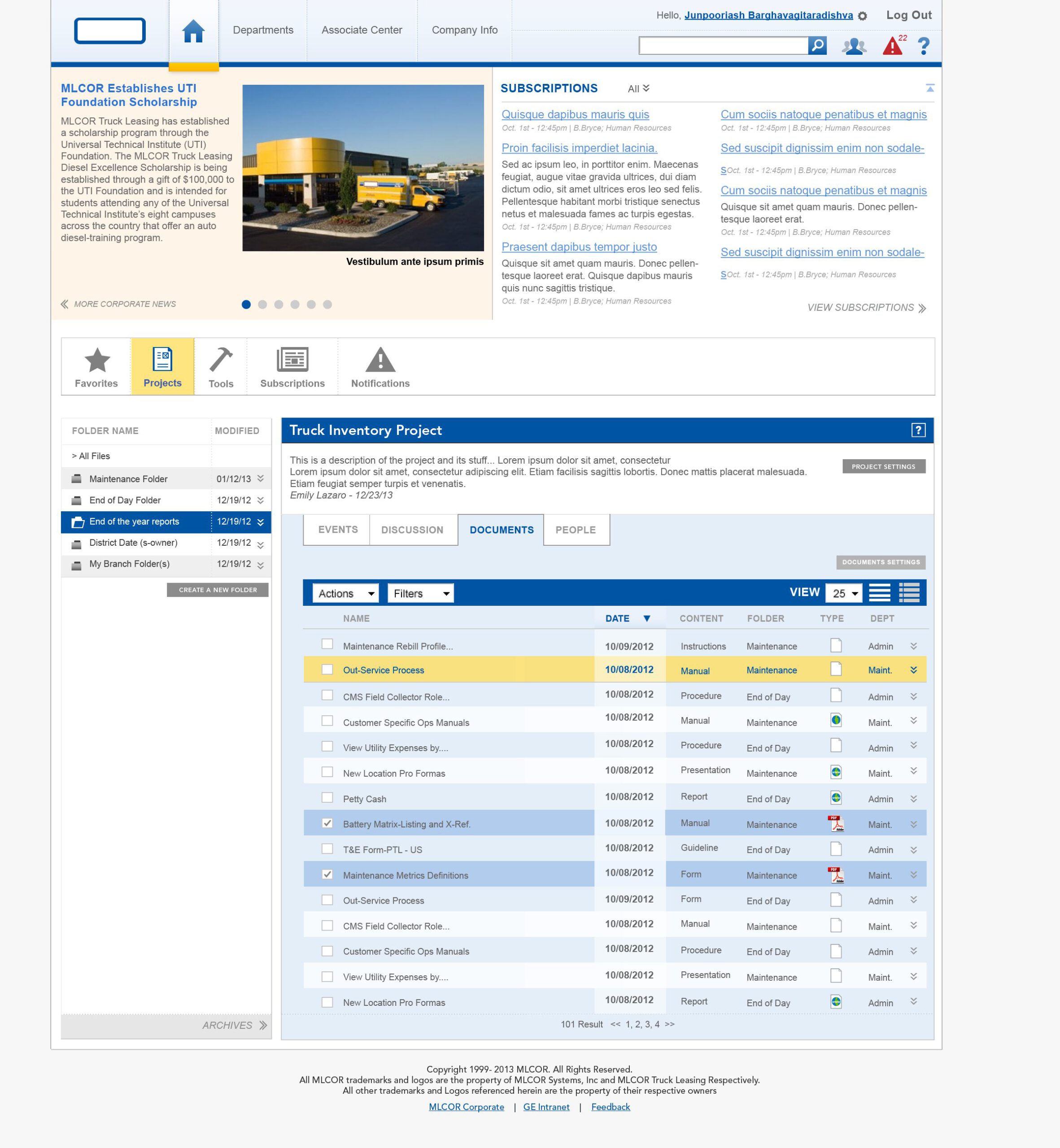
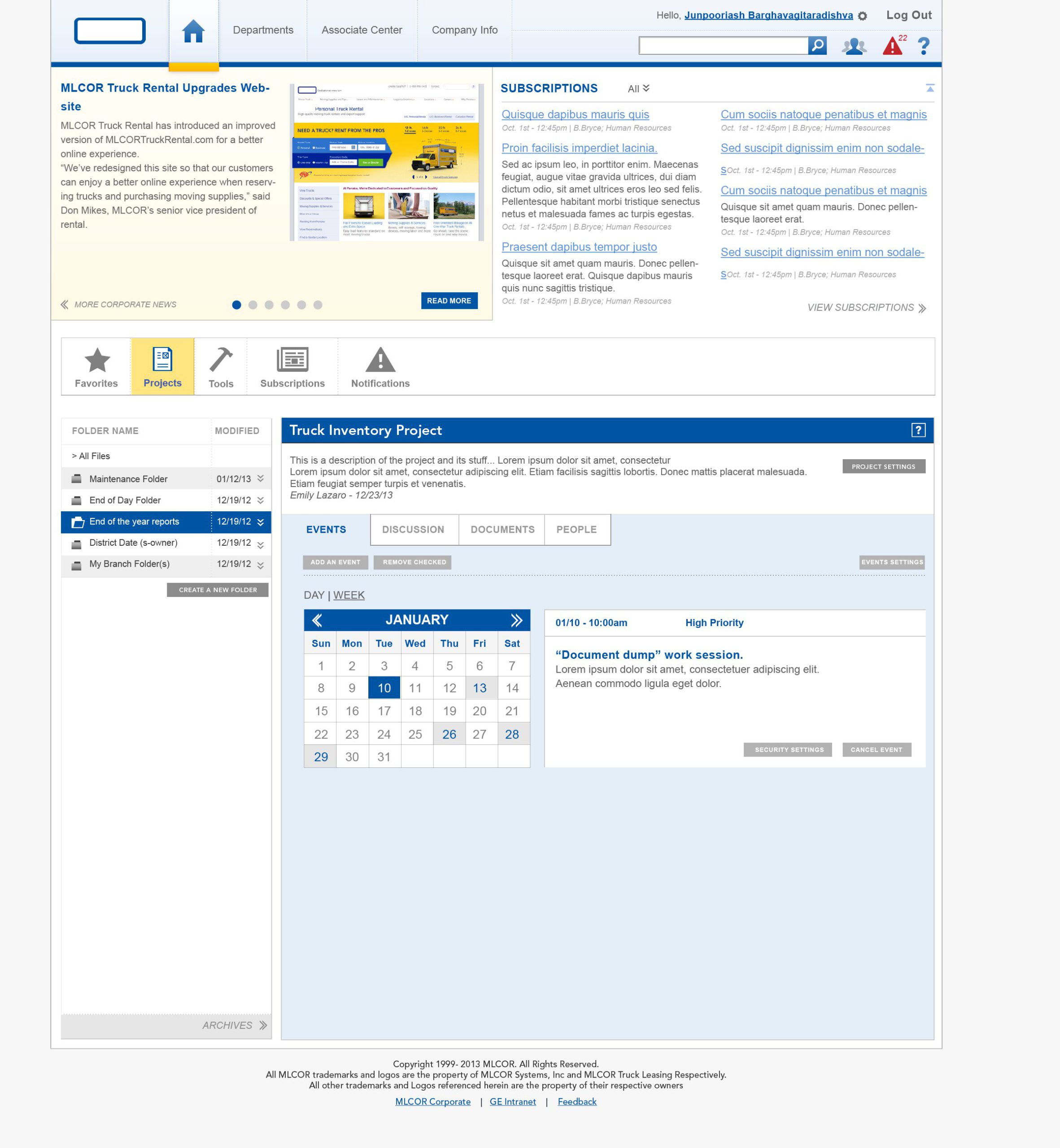
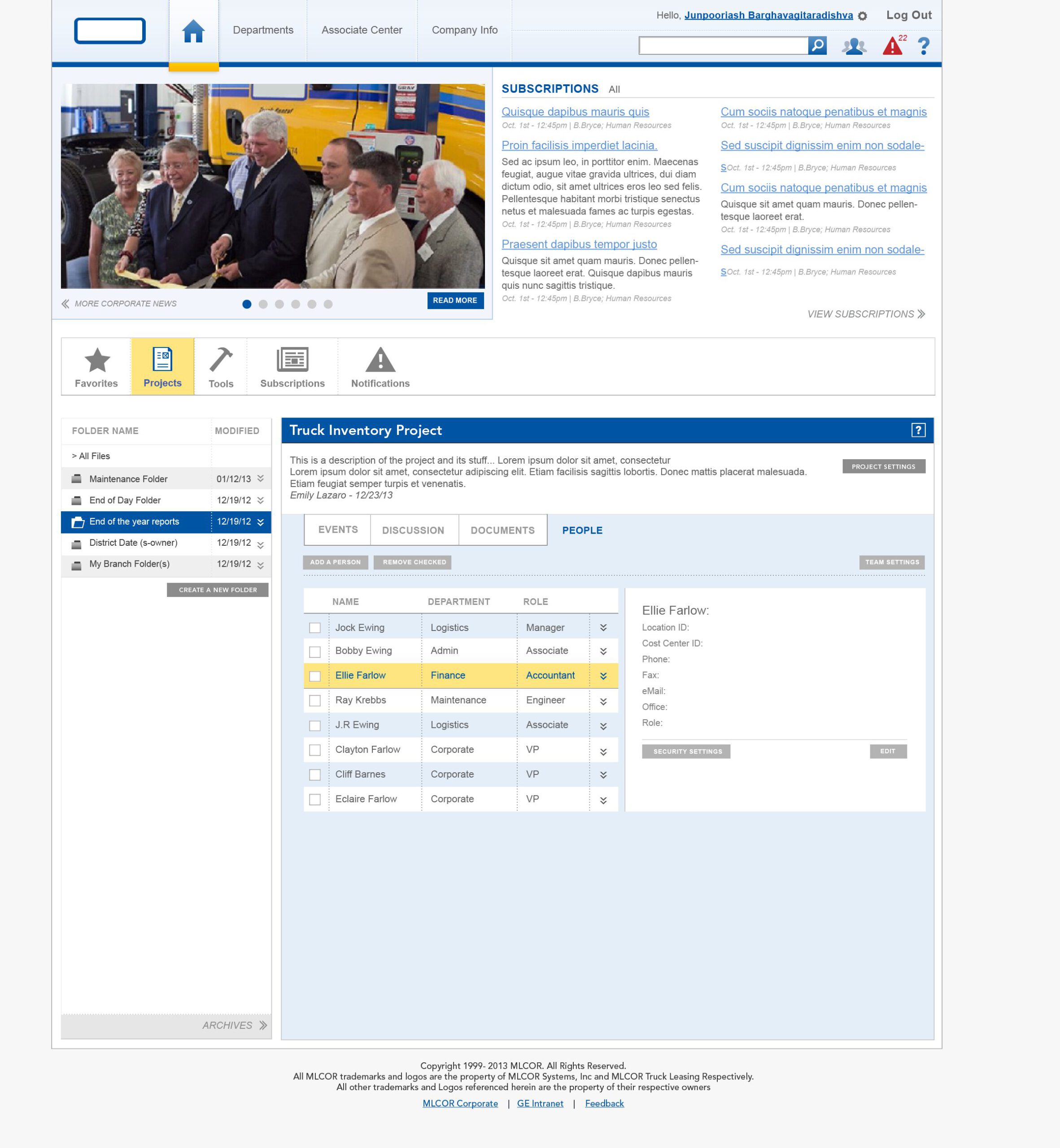
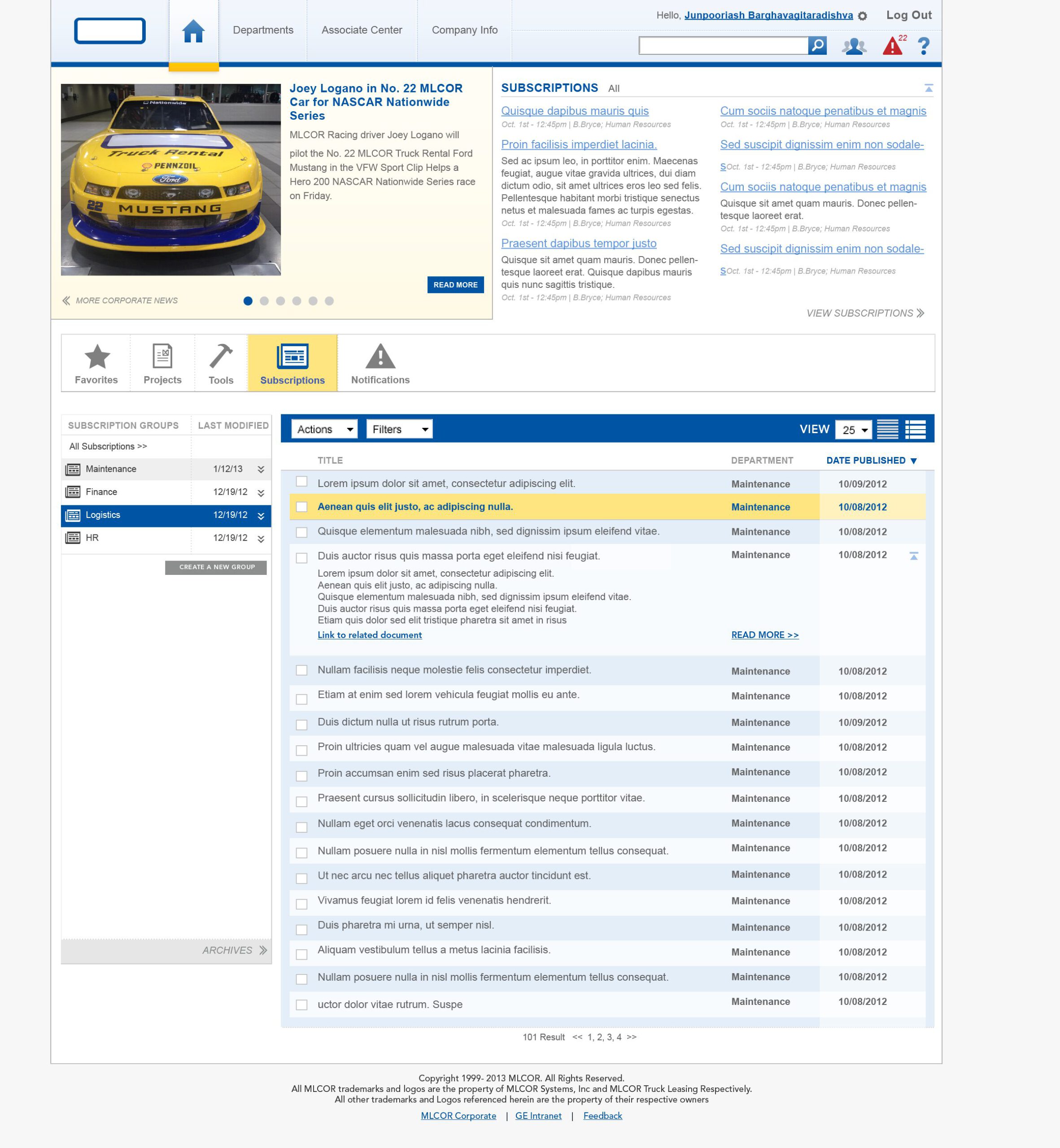
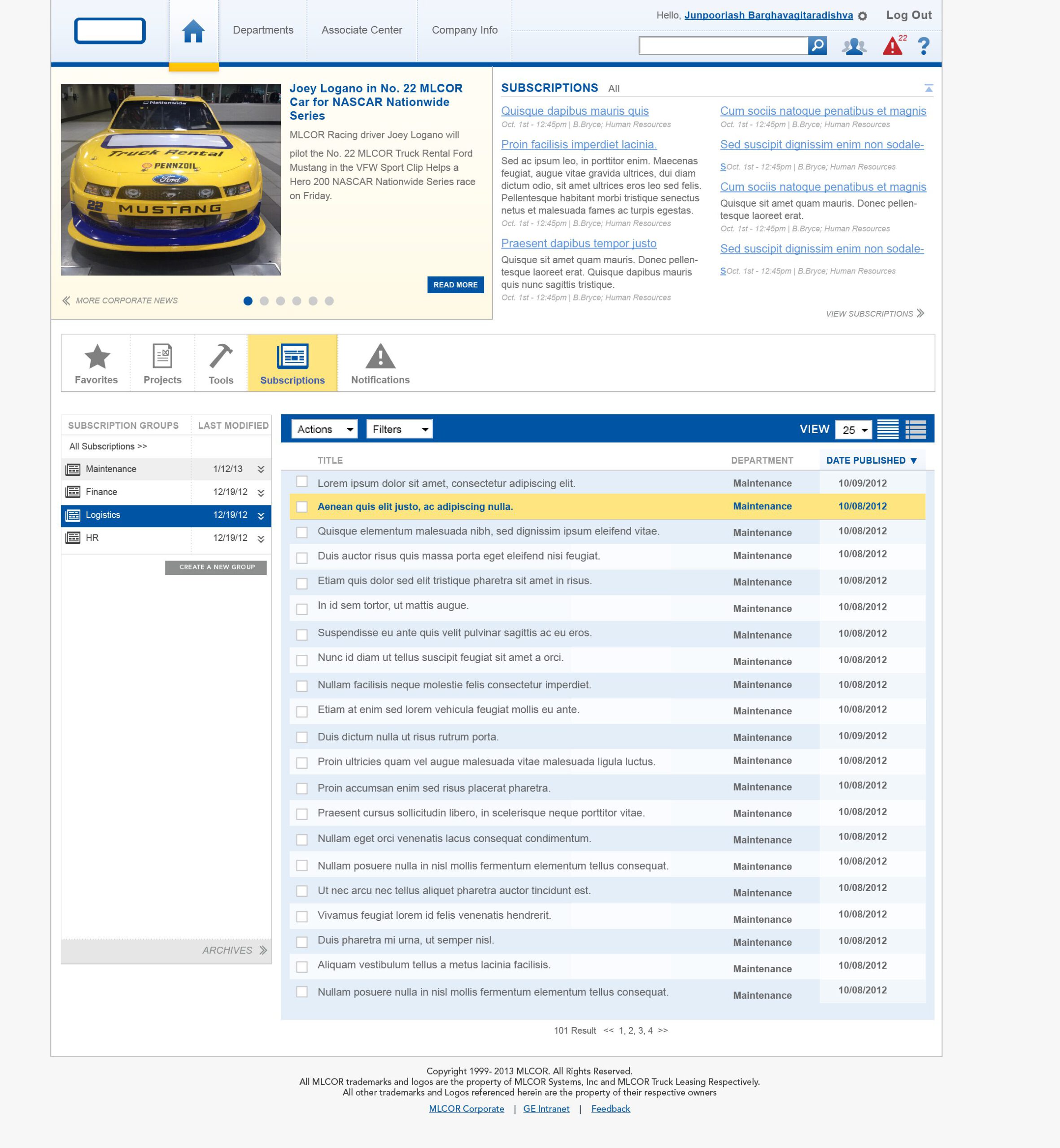
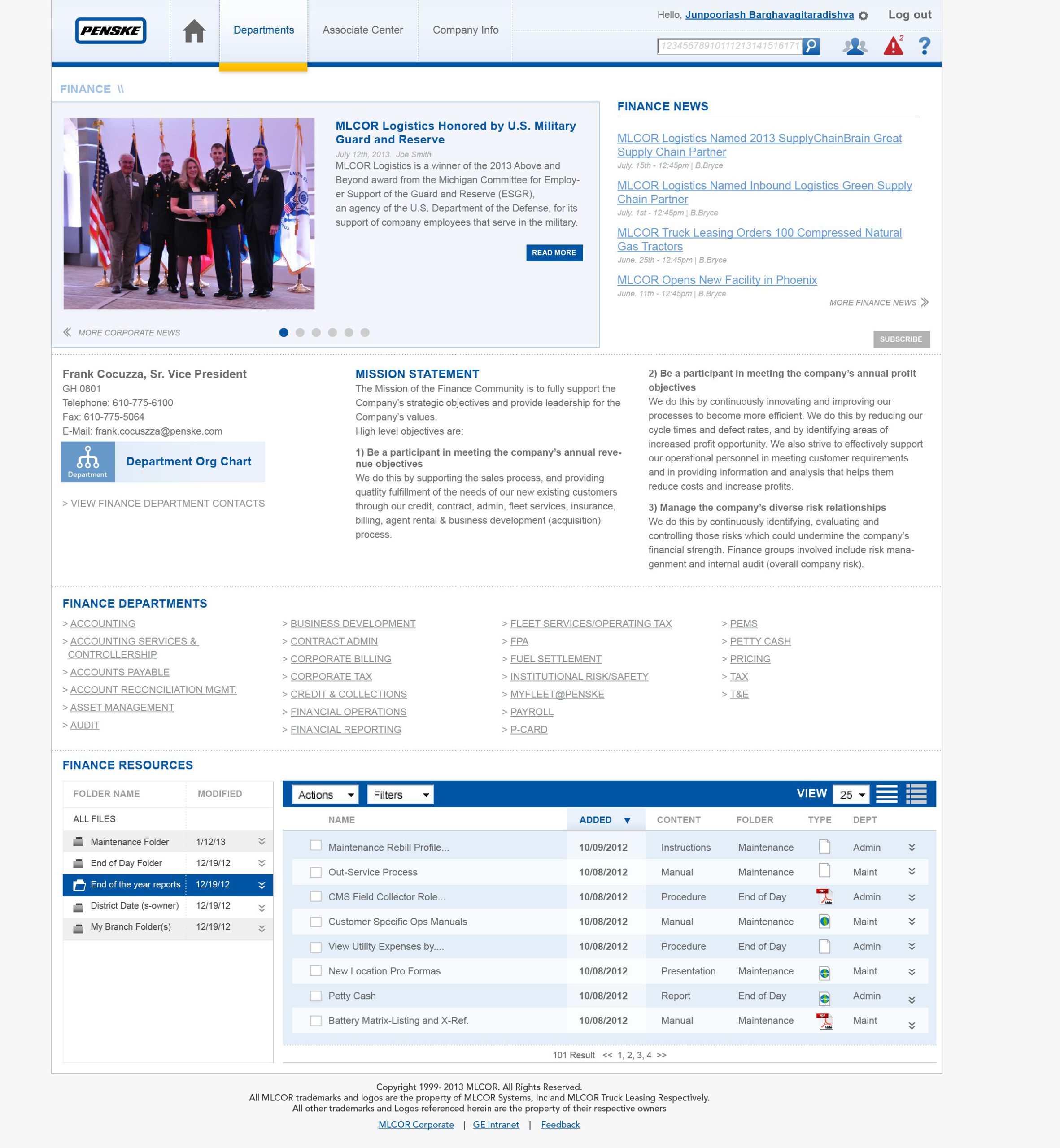
A Page of the new intranet
UX & IA direction & processes
This project had three major components to consider: information structure and taxonomy, which required flexible content organization, viewing, and input, among other aspects.The user experience needed to address system consistency, learnability through relatable ‘affordances and signifiers’, and ease of use within the framework, while the service design focused on integrating this new system into the organization’s existing workflows and bureaucracy.
To integrate this intranet tool into the organization’s existing workflows, we employed systematic service design, focusing on user experience and usability aspects such as ease of use, learnability, and easy access to pre-existing tools. User experience and usability: To integrate this intranet tool into the organization’s existing workflows, we used systematic service design to ensure ease of use, learnability, and easy access to pre-existing tools.
Our team used a multistream process to tackle the project’s complexity, which arose from the global organization’s diverse work processes, structures, languages, operational types, and cultural differences, by concurrently conducting user research, IA research, user experience development, and UI design.
I collaborated with the researcher on user and usability research to gain a deep understanding of the environments where this tool would be used and integrated, avoiding the miscommunication that often occurs when information is reinterpreted later. I attended numerous meetings with the clients’ IT department and various management teams to gain insight into their internal decision-making processes and team and organizational dynamics. We held weekly standup meetings with the client’s intranet team and our team to stay up-to-date on the constantly evolving features and goals.
I worked with the IA and content researcher to identify the data types, taxonomic structures, and content types required for the system, so as to create UI interfaces that fit both the user needs and information structures. We also collaborated on the service processes that would enhance the users’ work processes.
The greatest concern was that this new intranet would create another unnecessary bureaucratic layer, adding to people’s workload and diverting their attention from their main tasks.
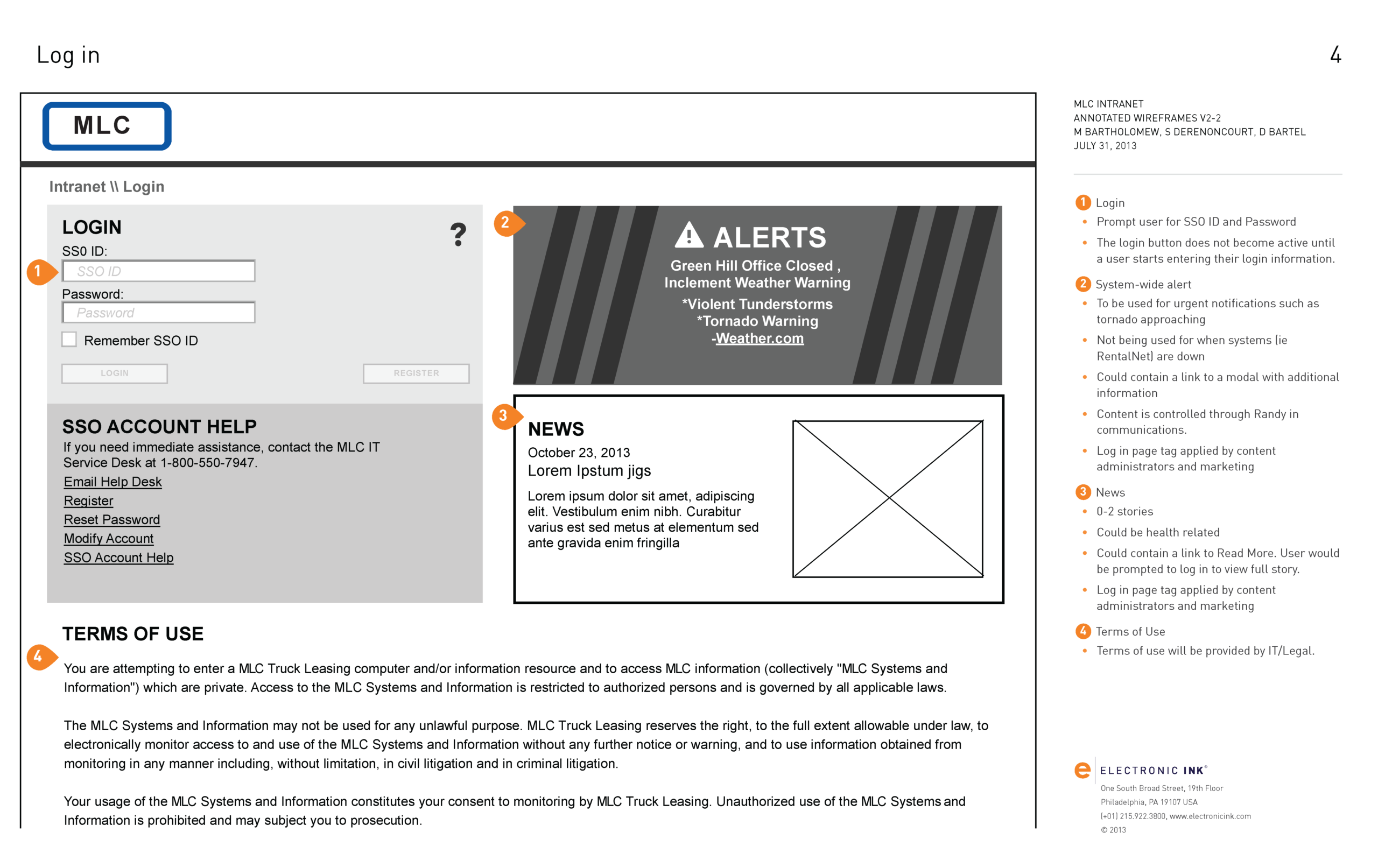
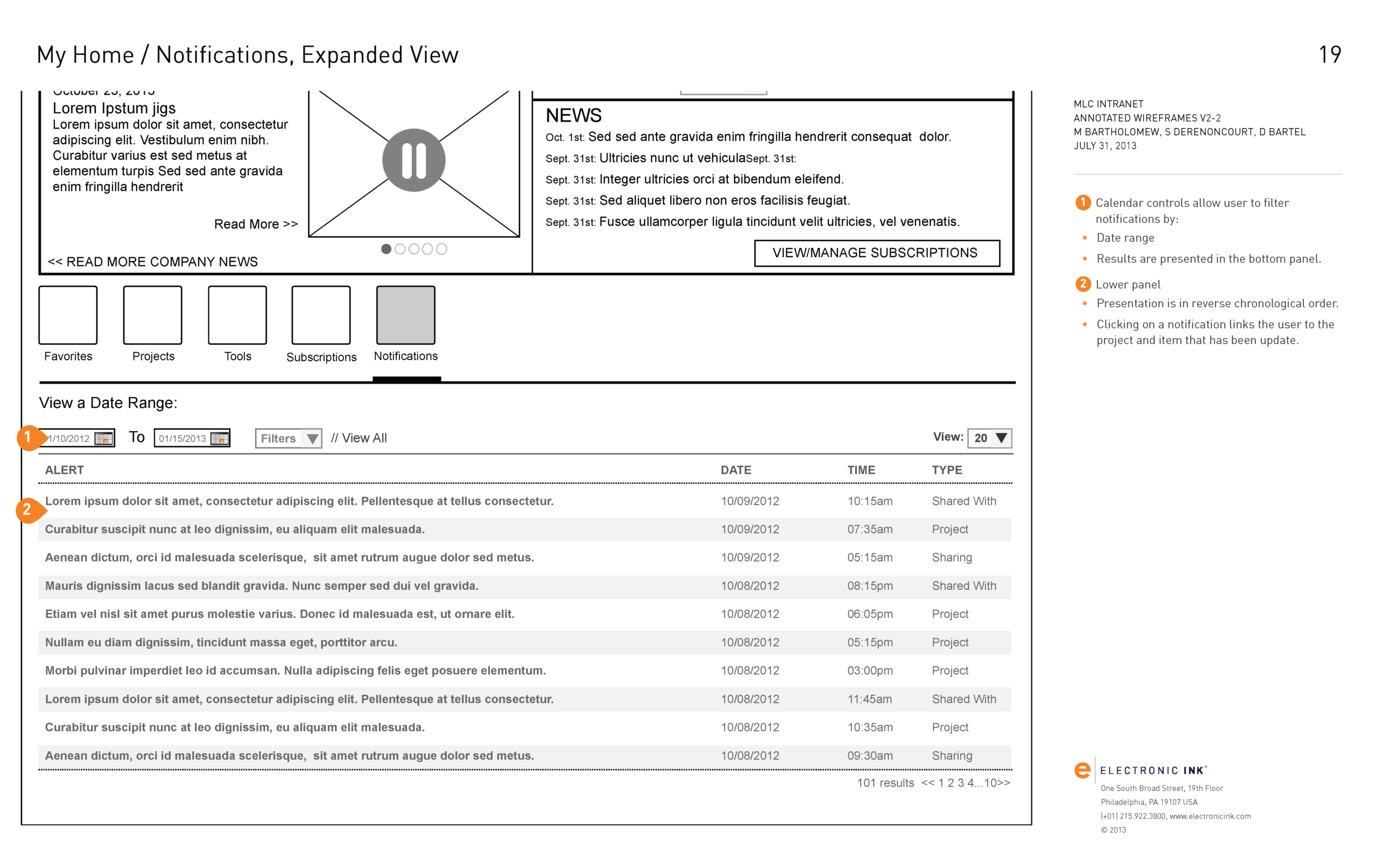
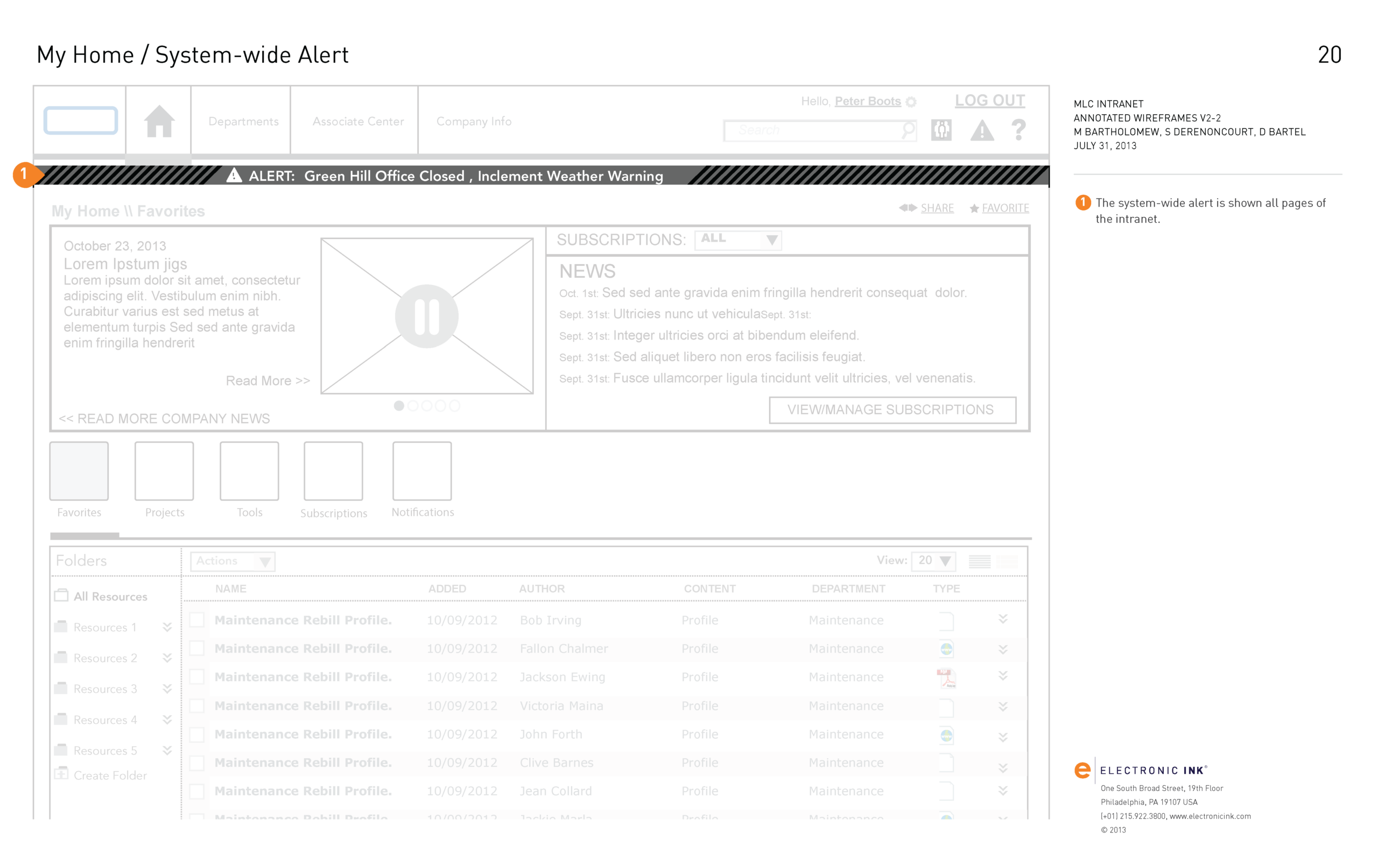
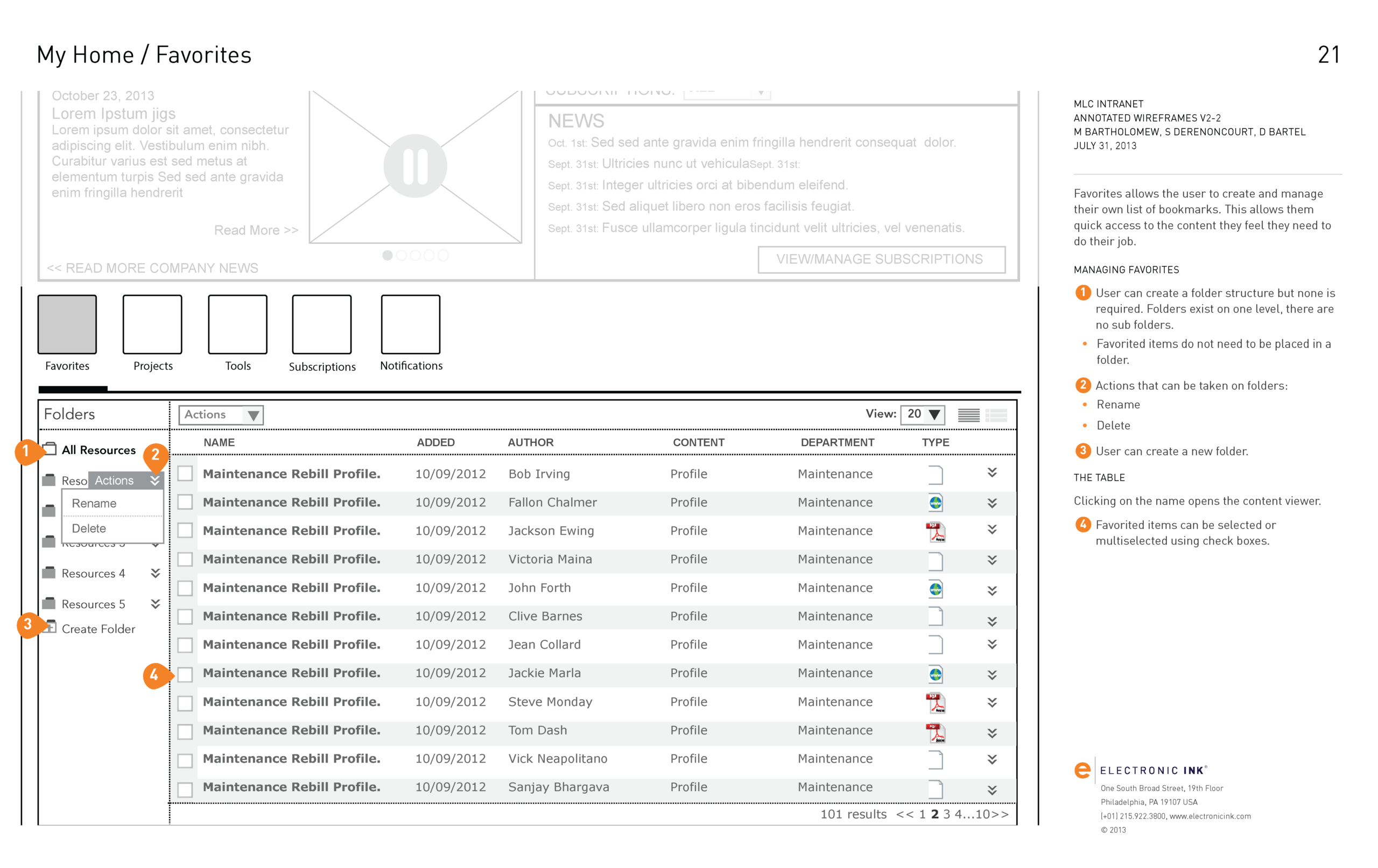
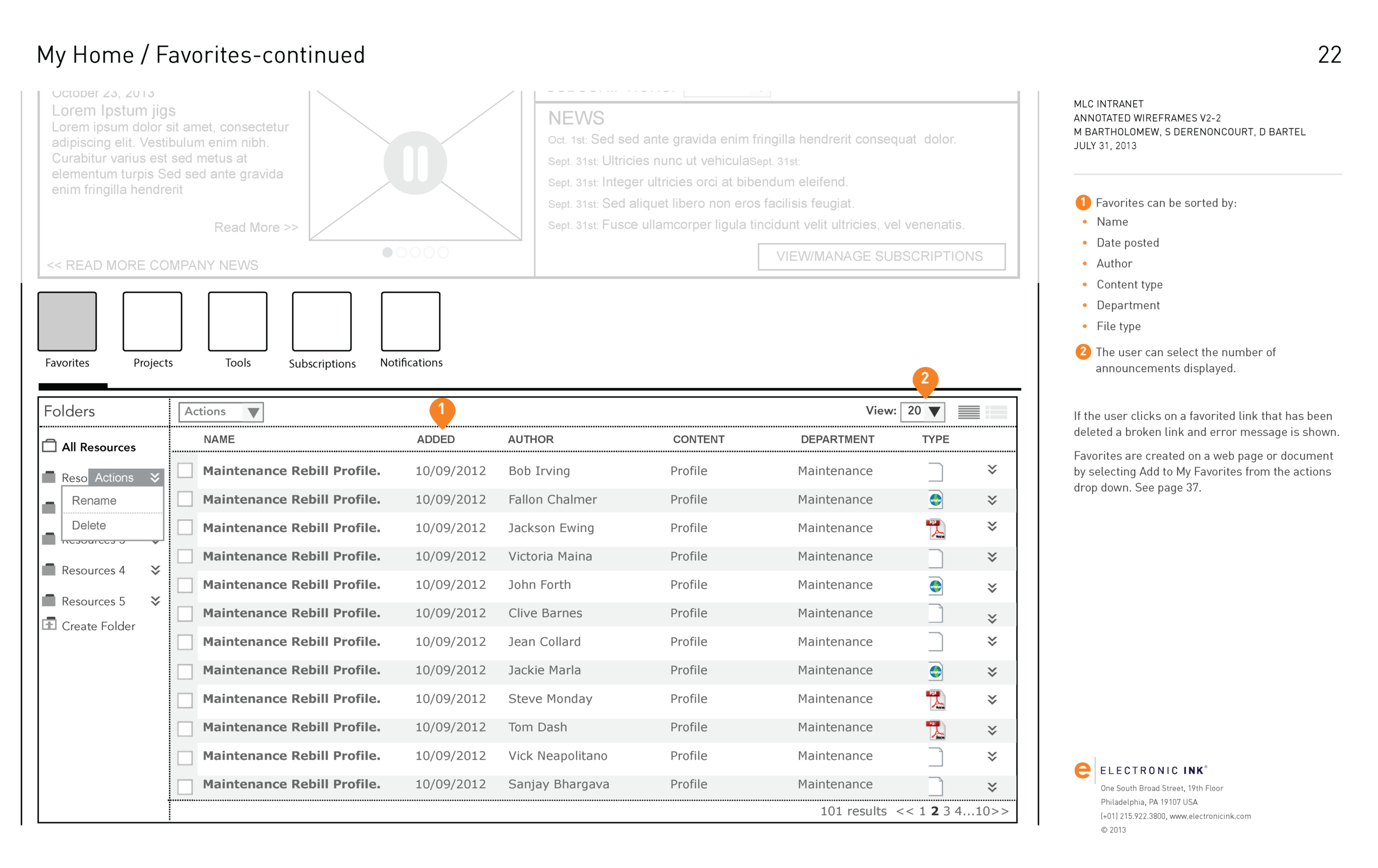
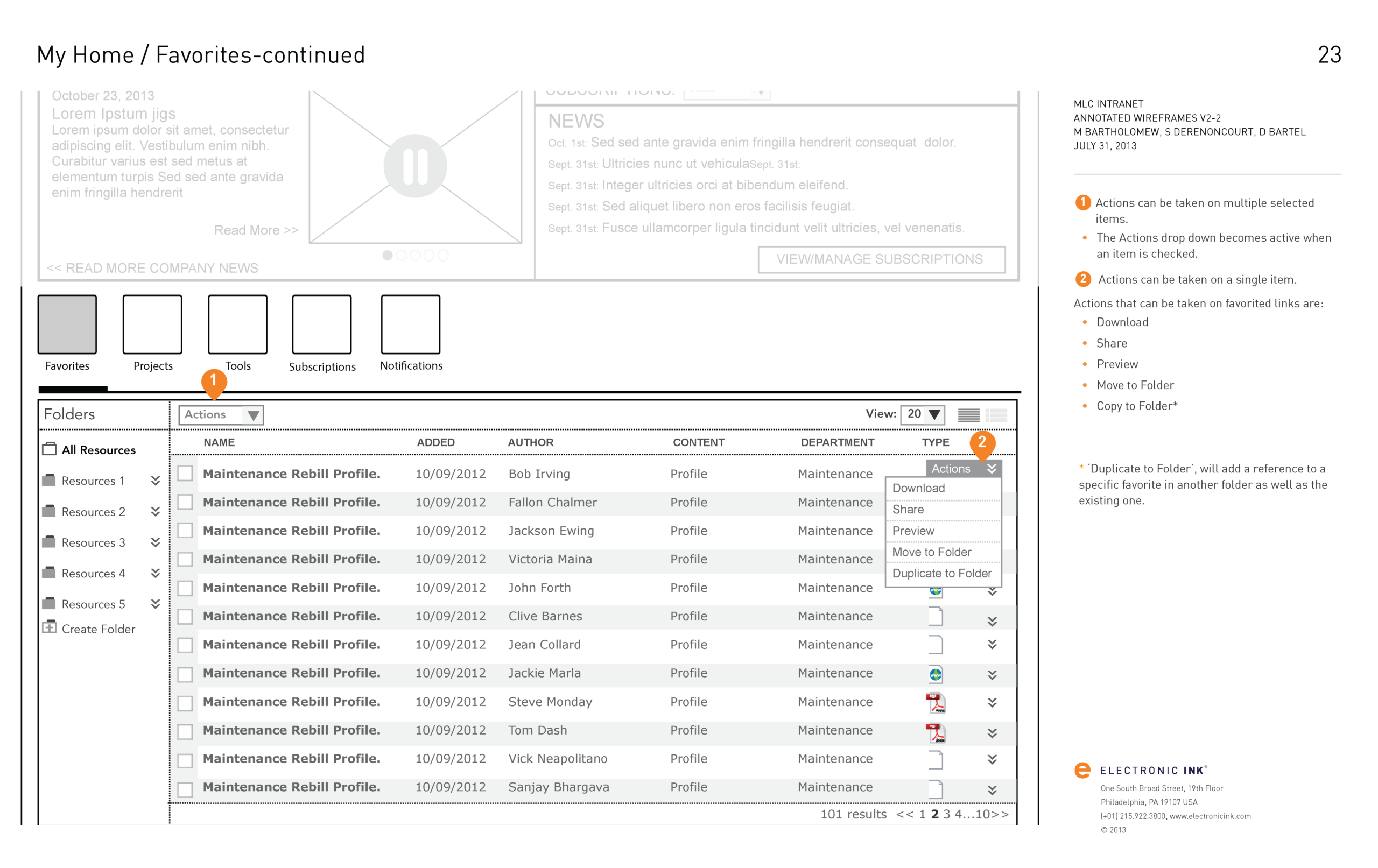
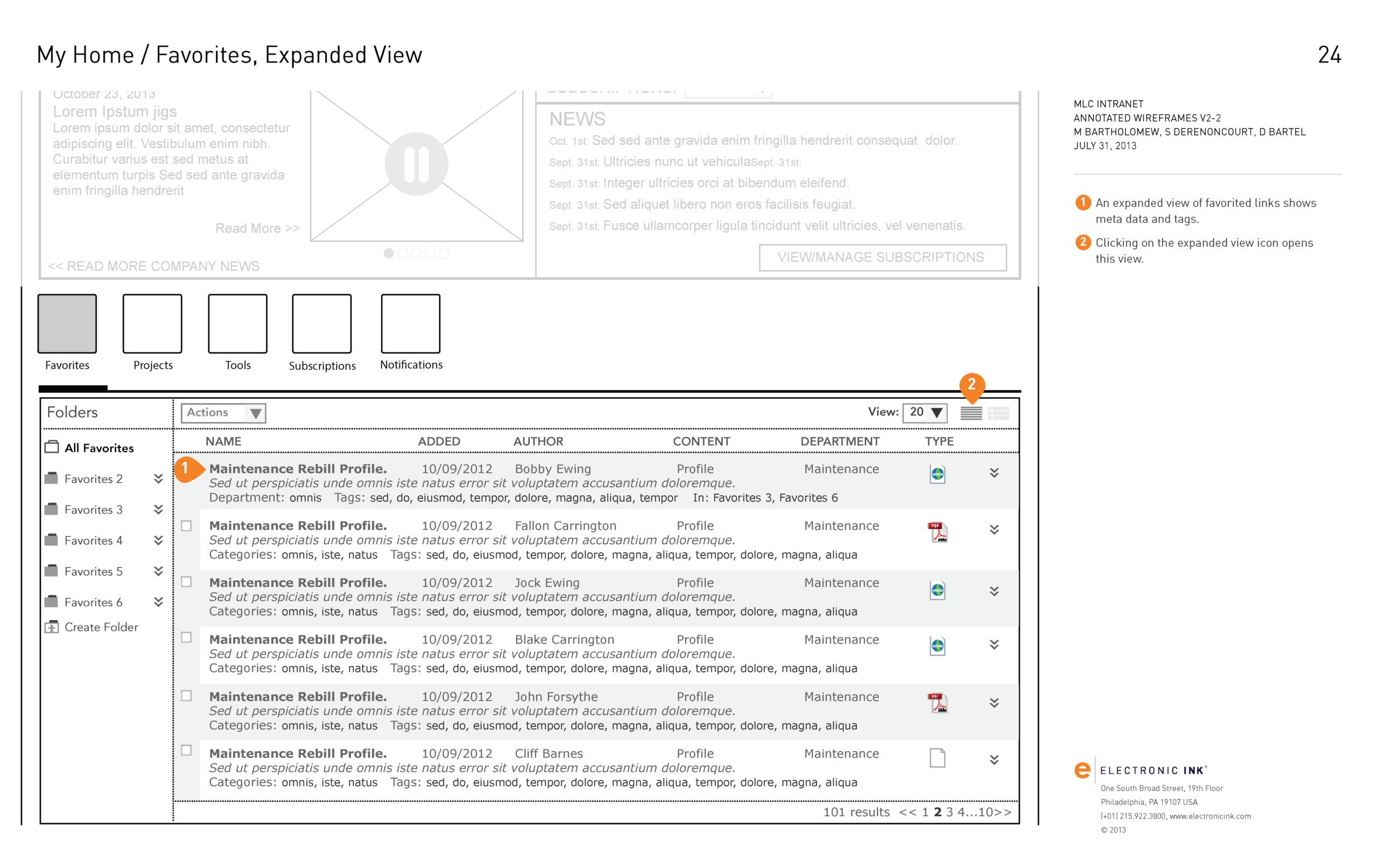
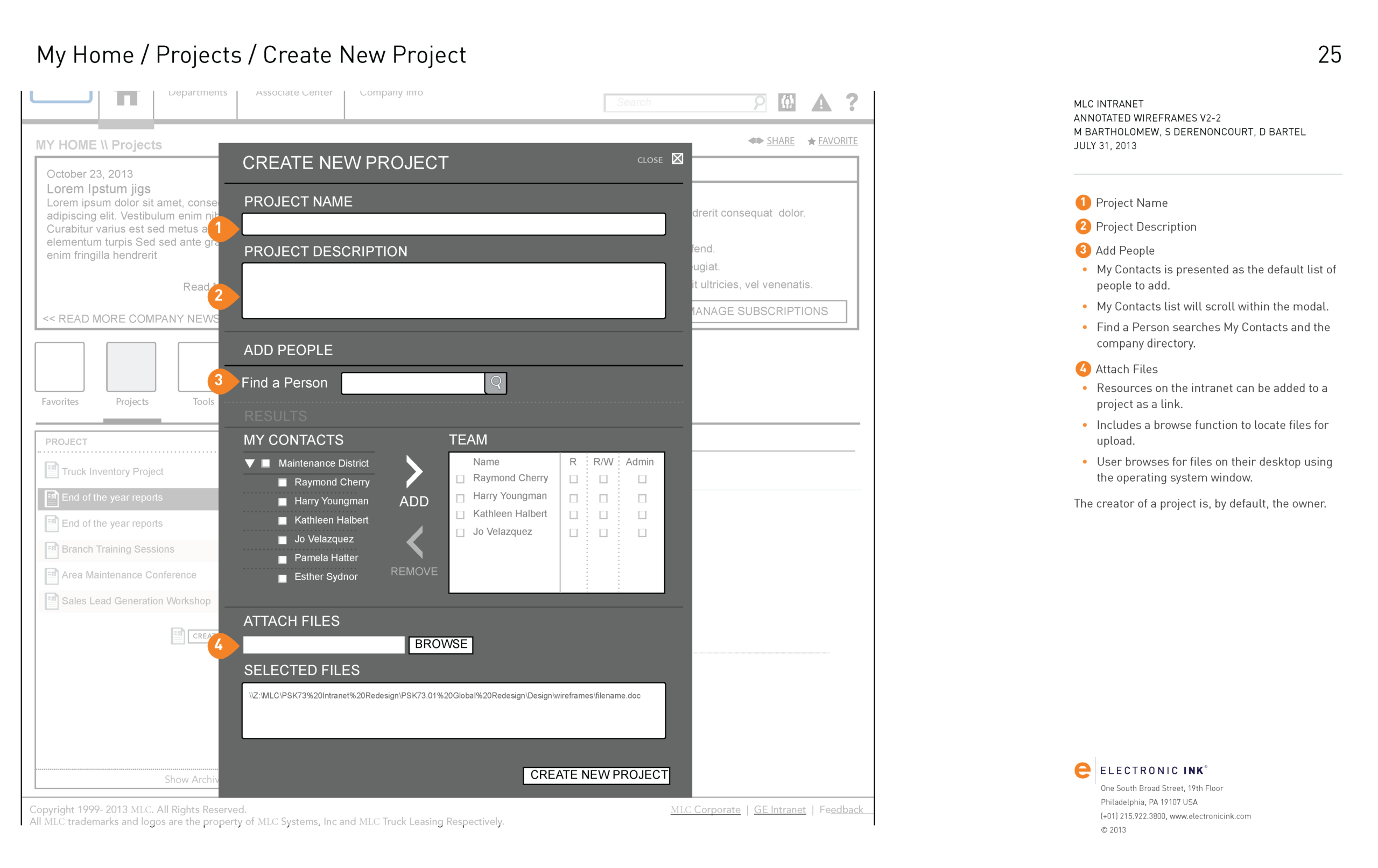
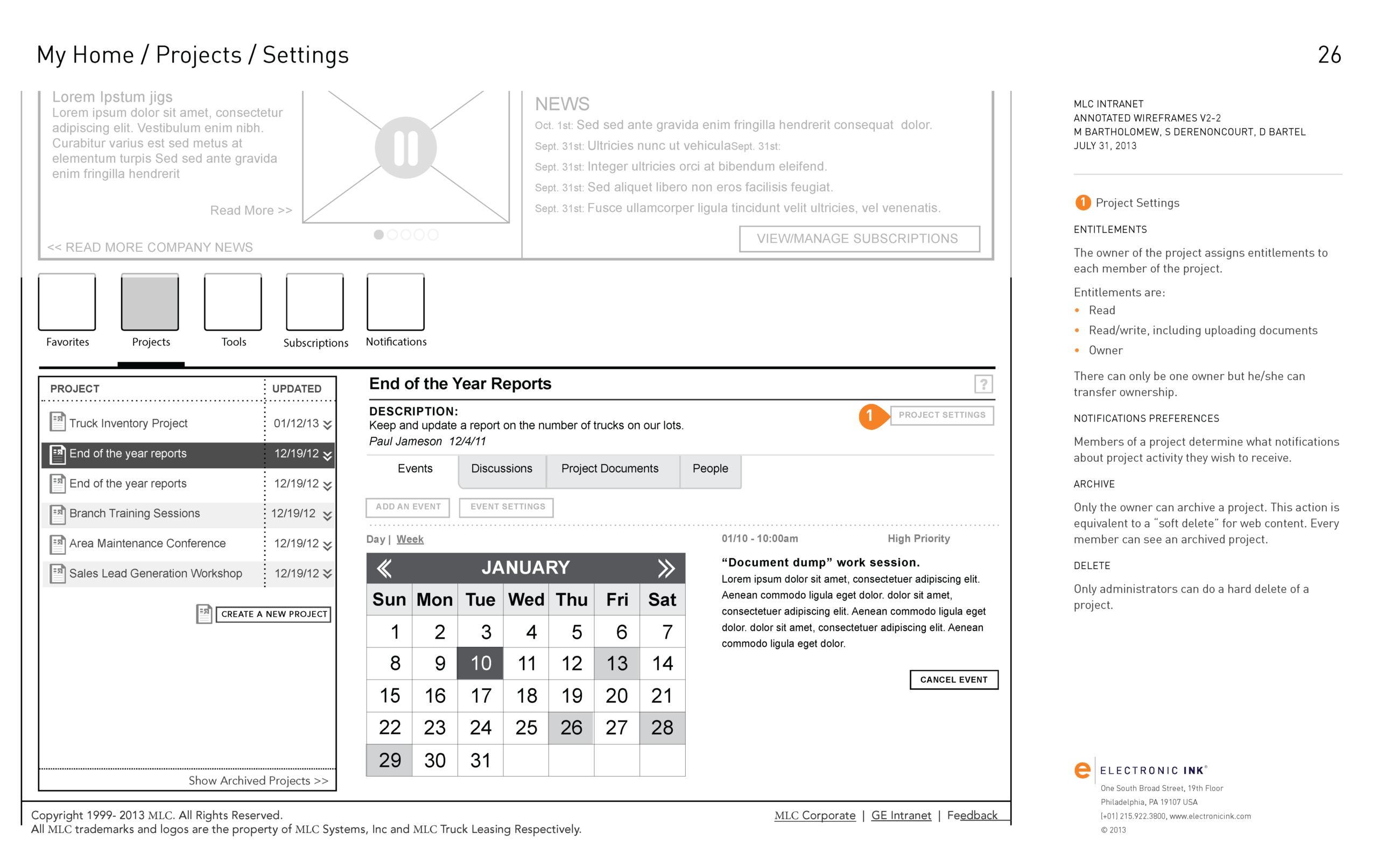
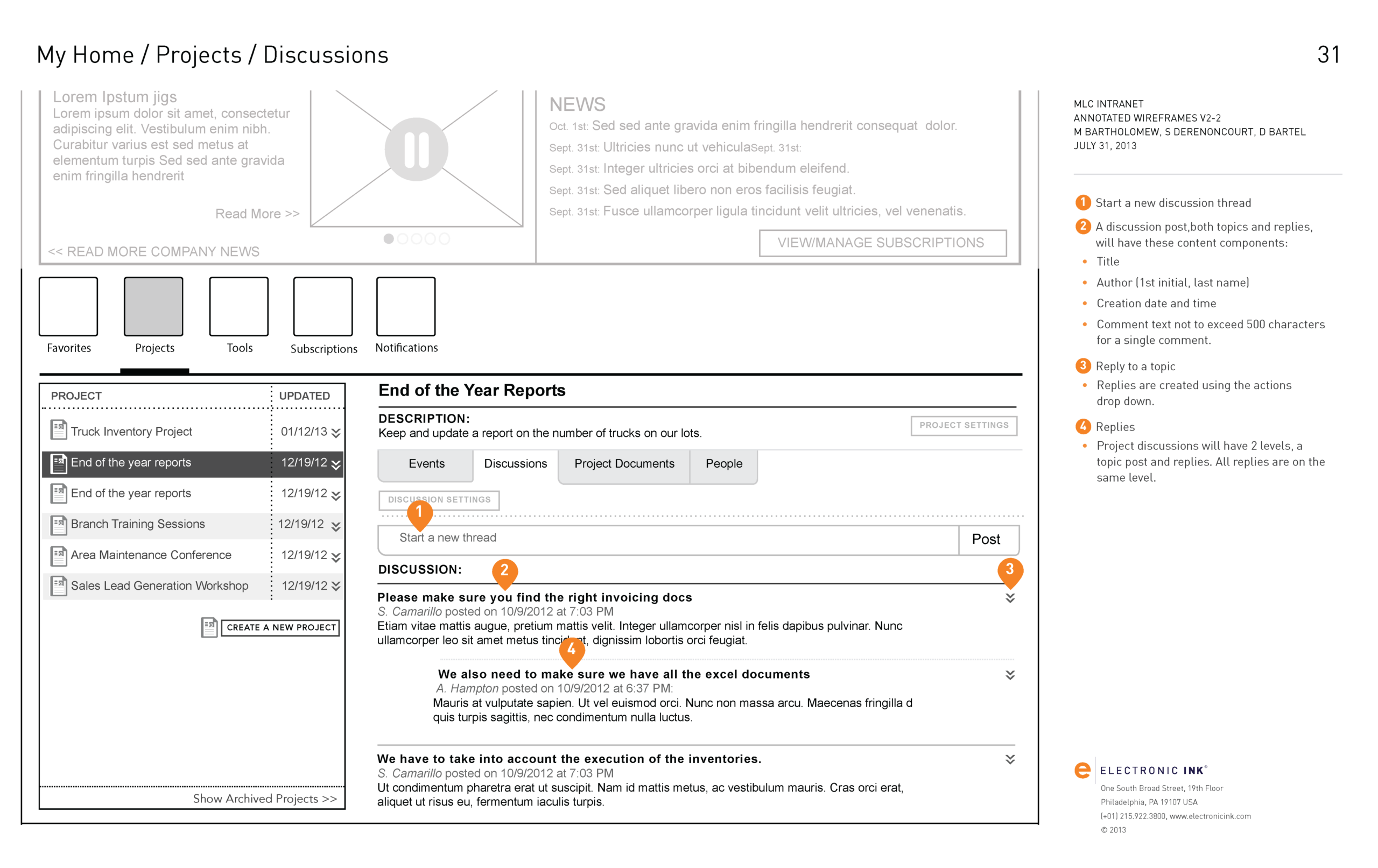
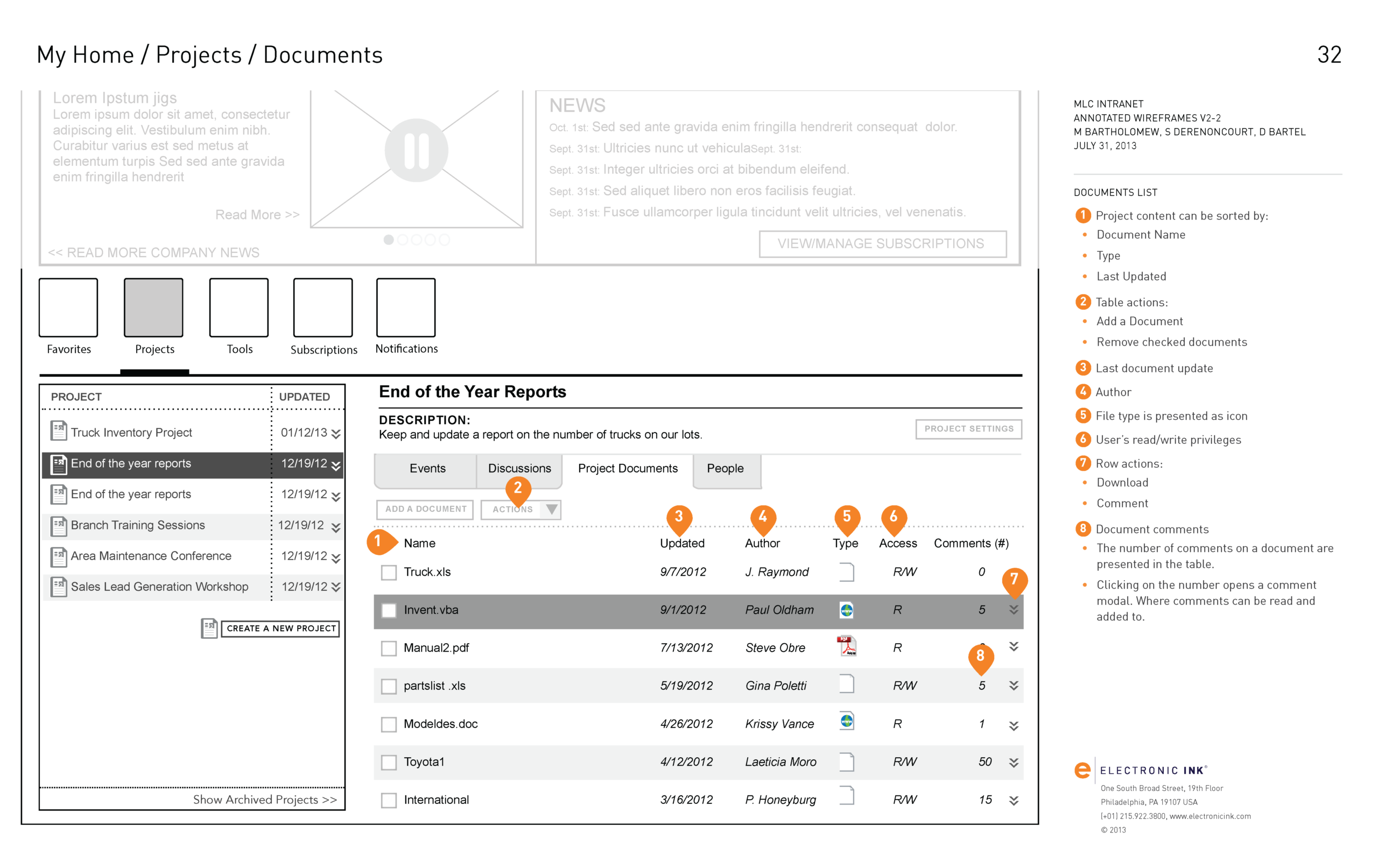
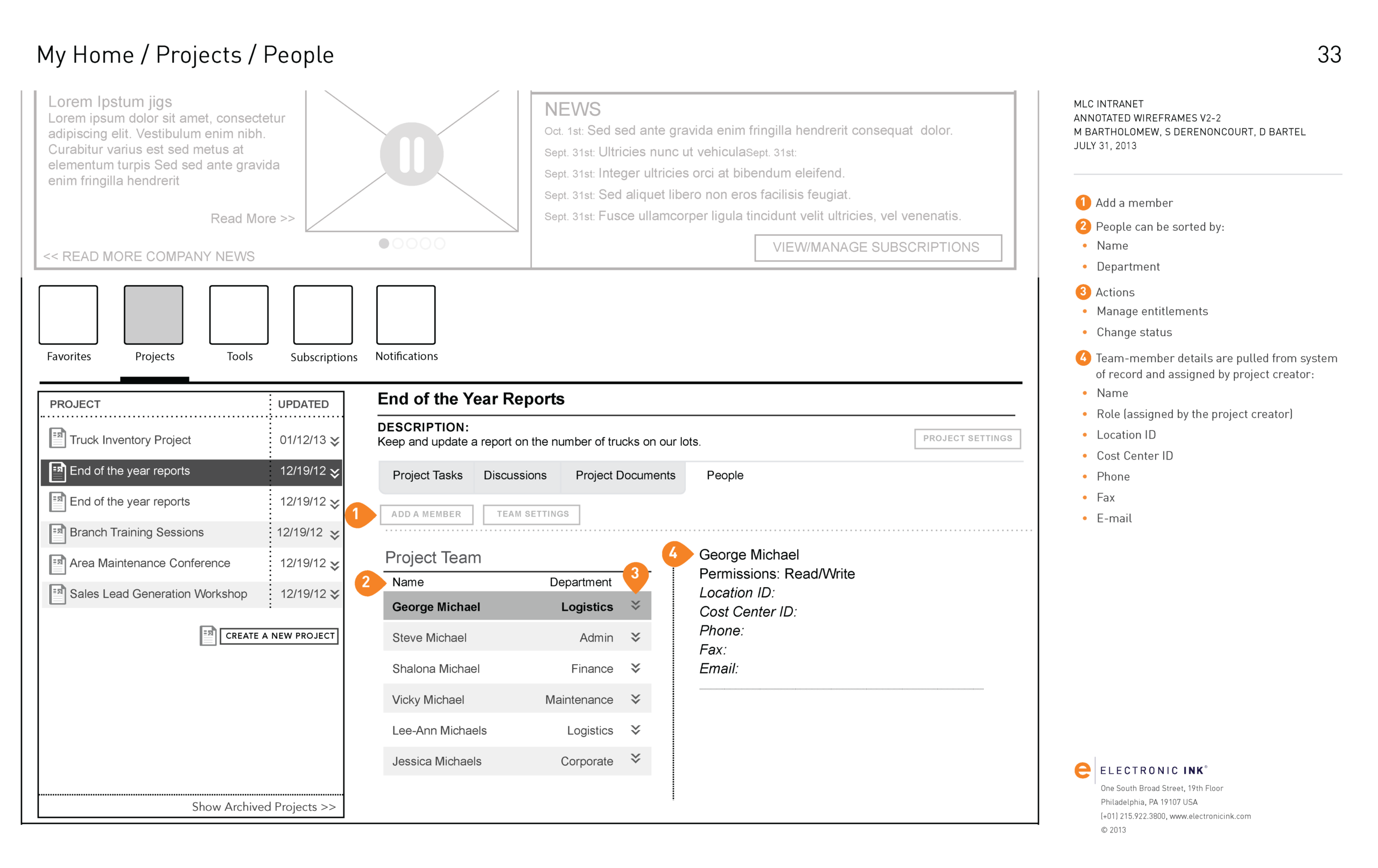
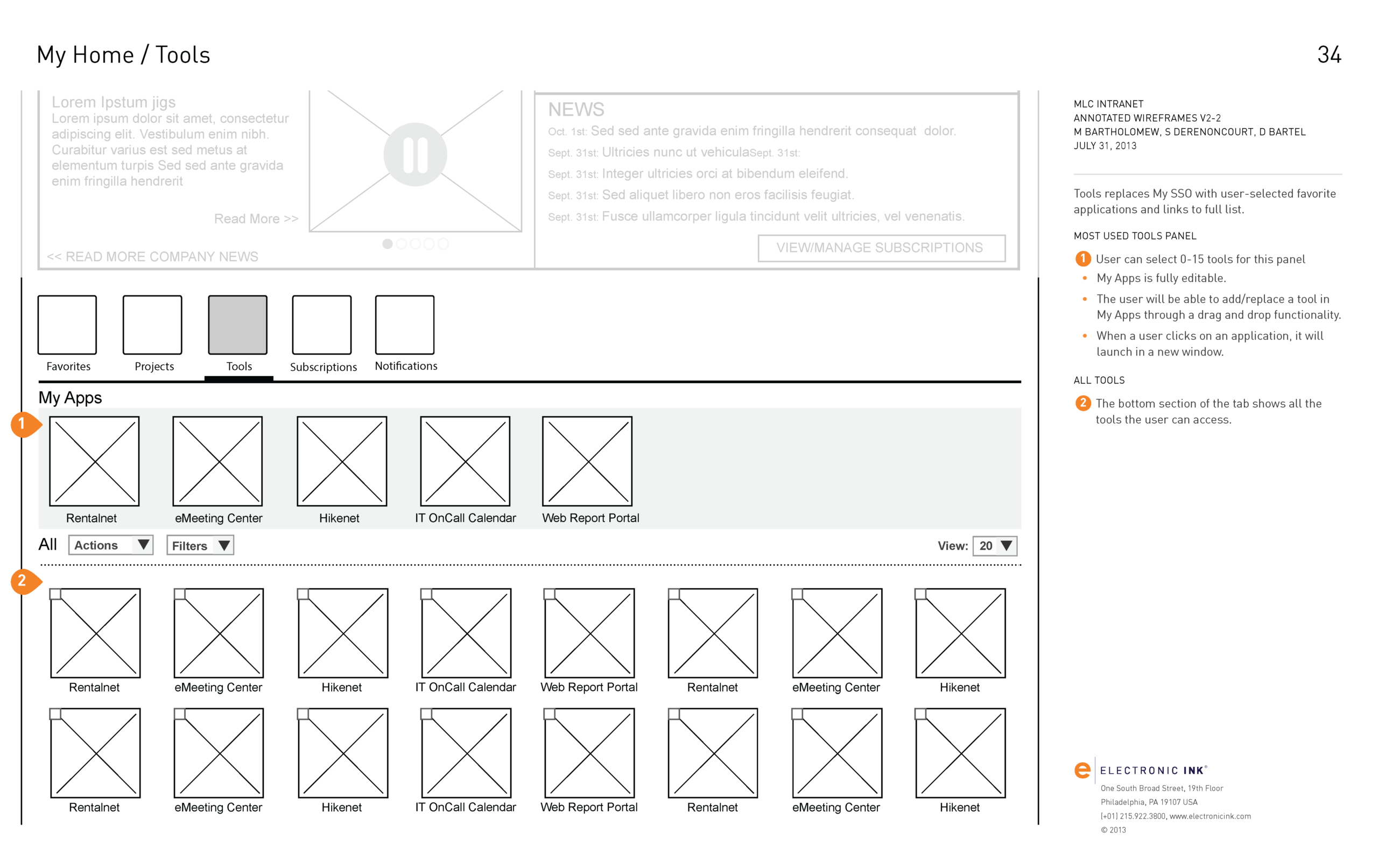
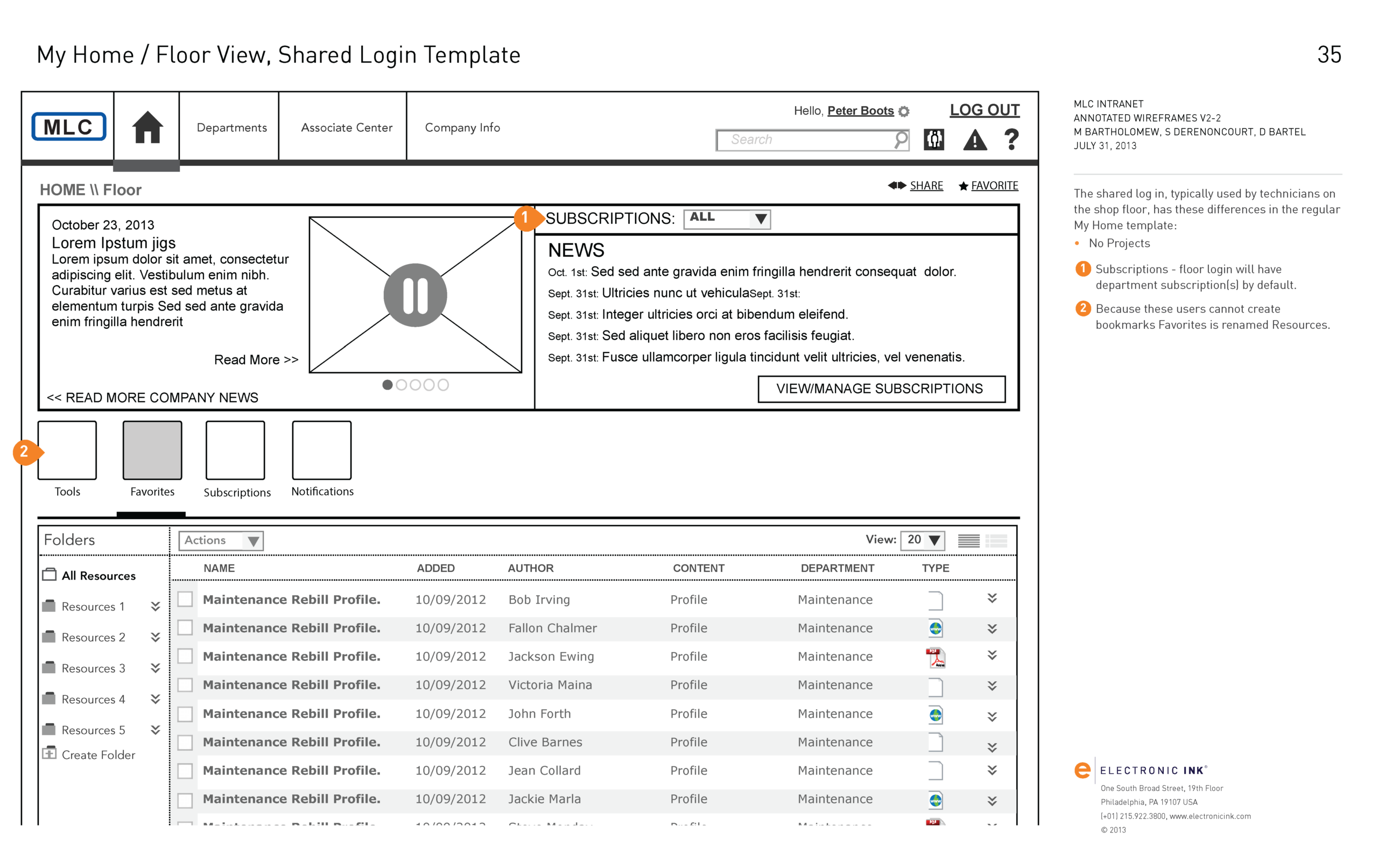
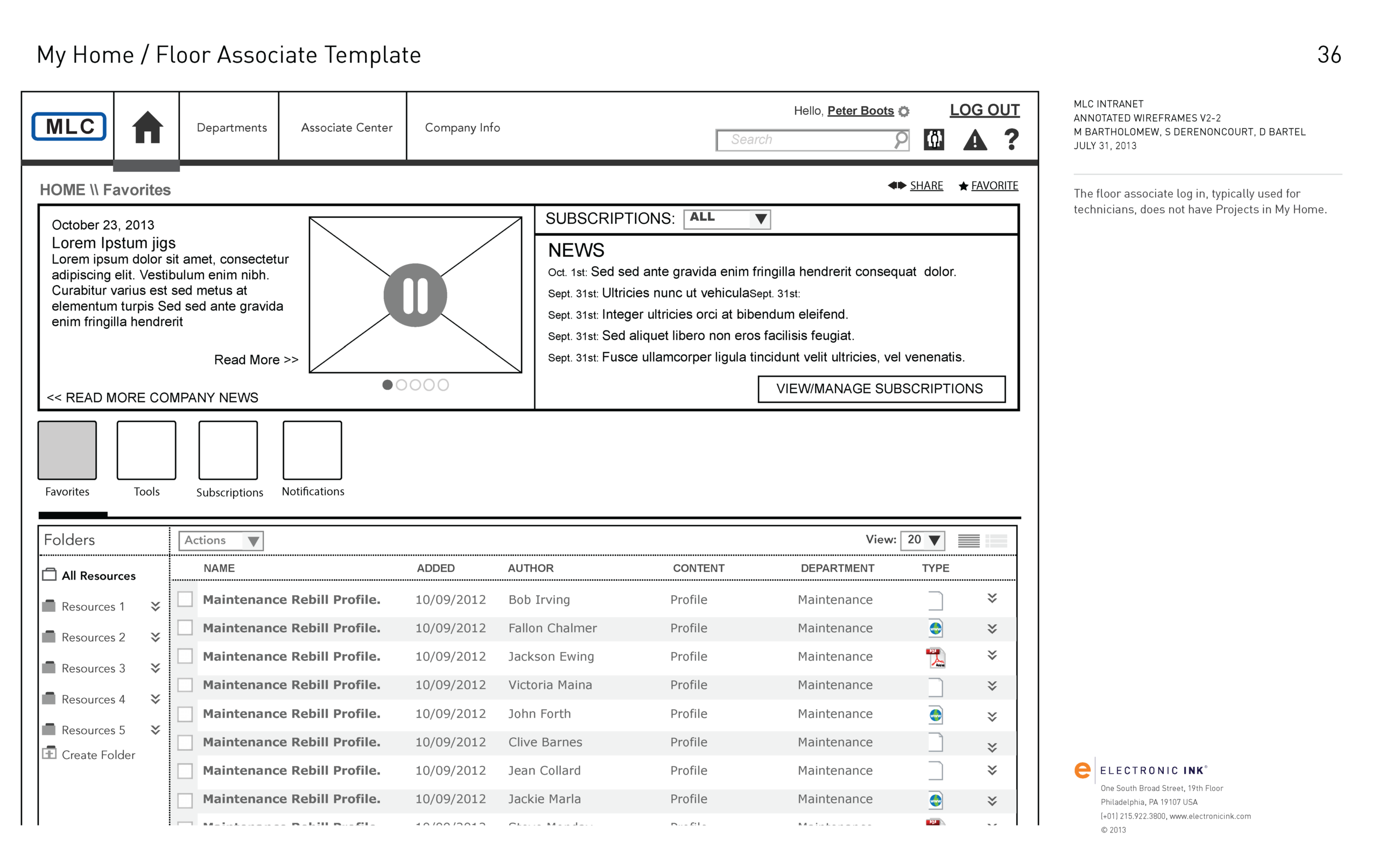
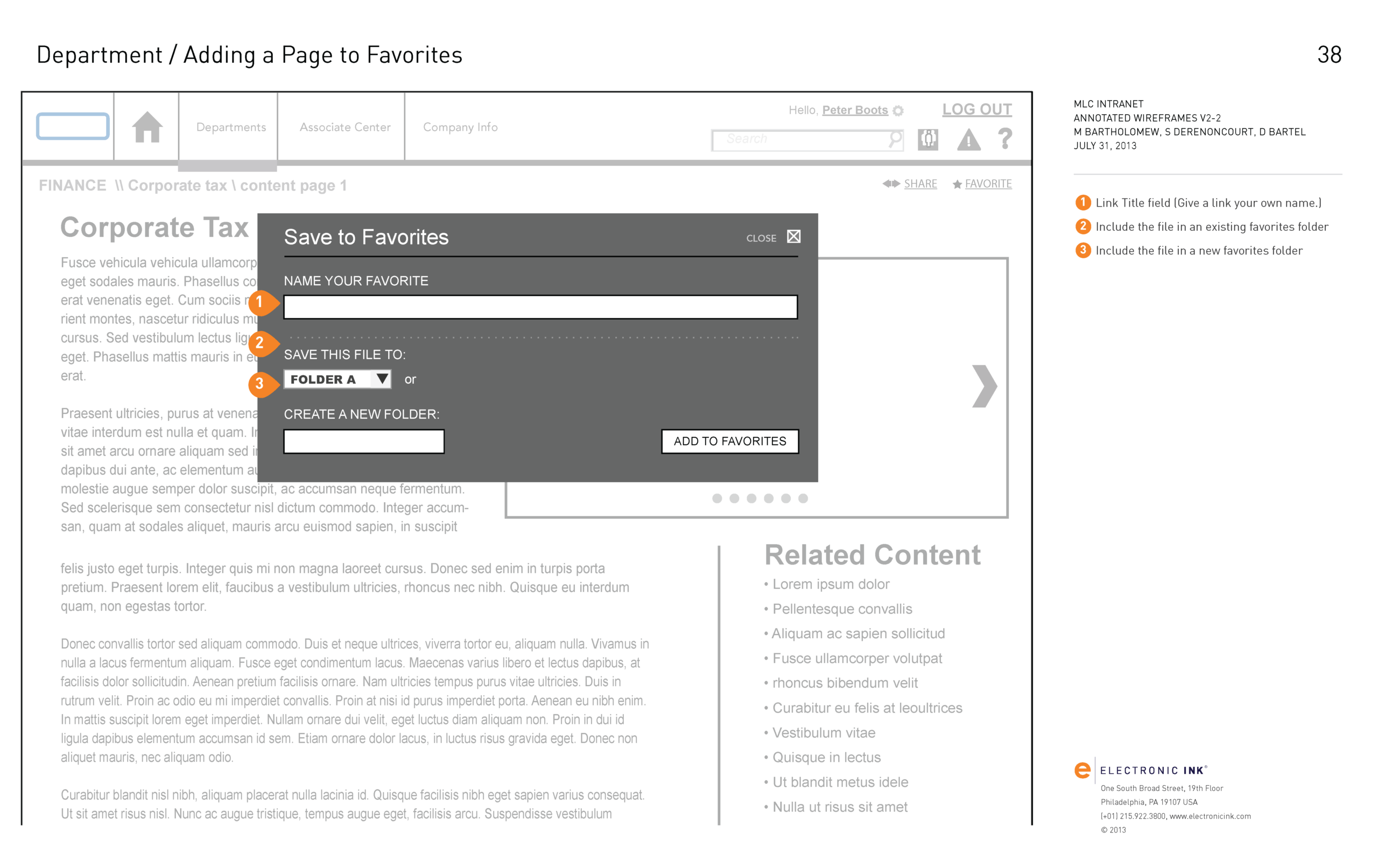
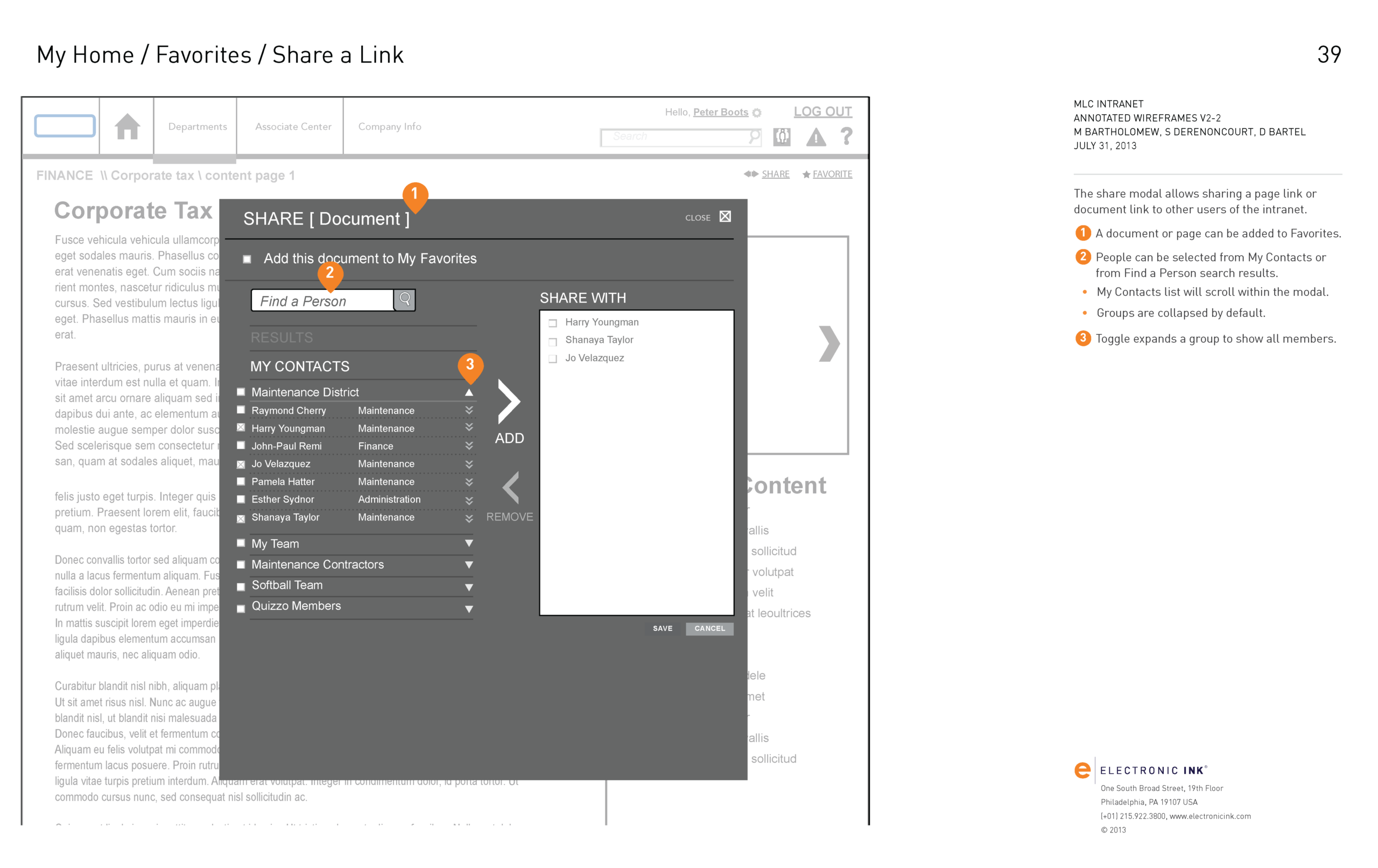
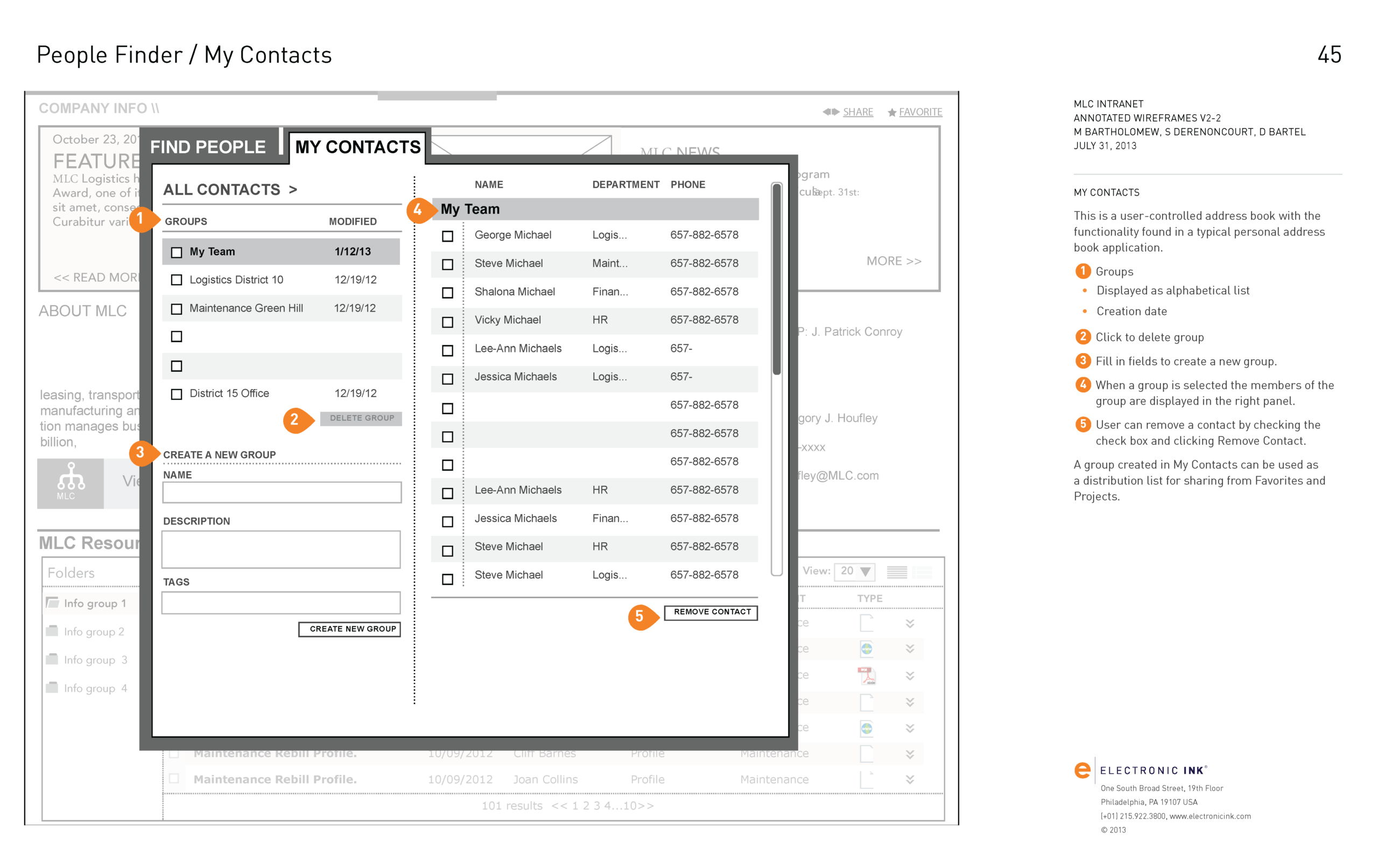
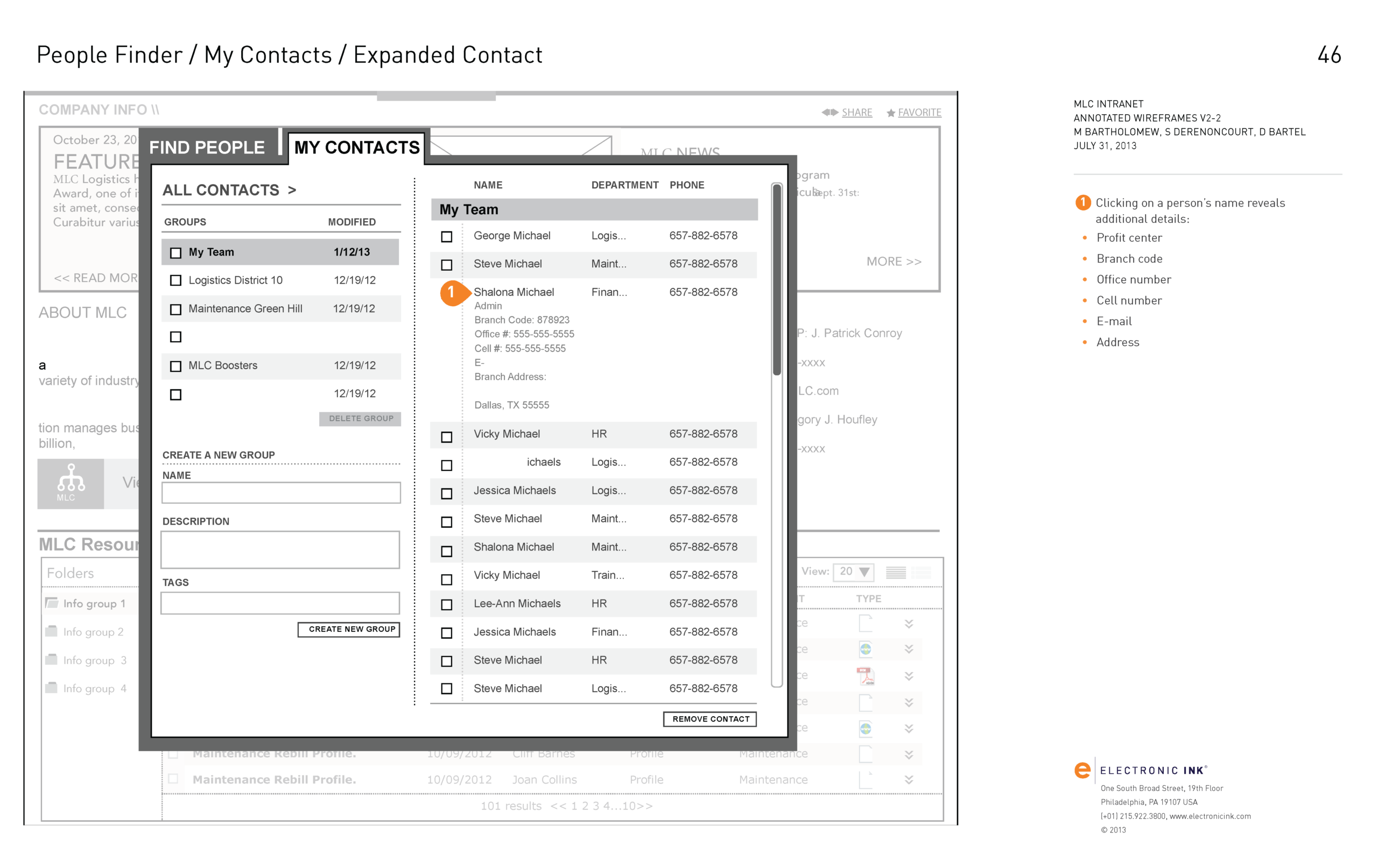
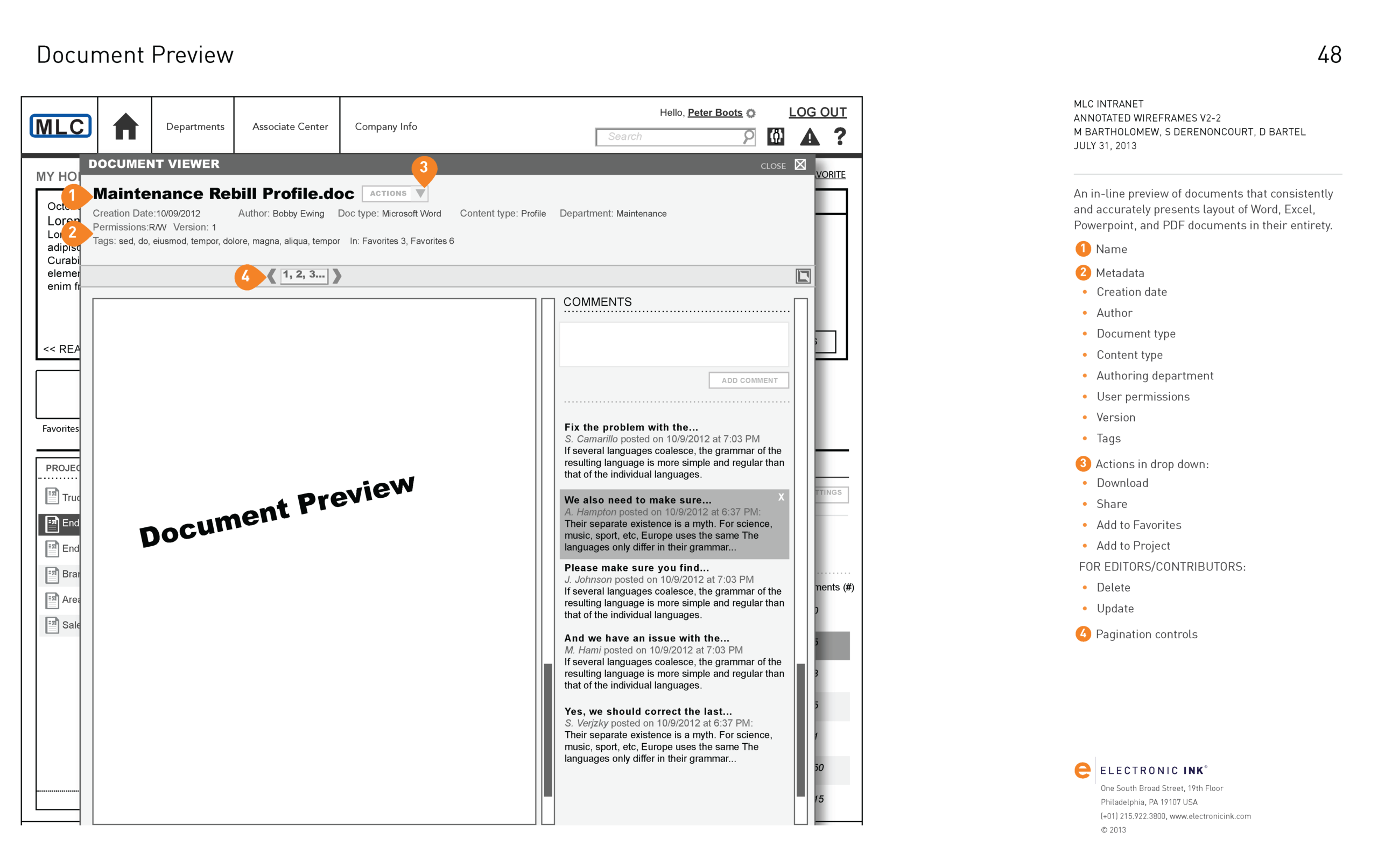
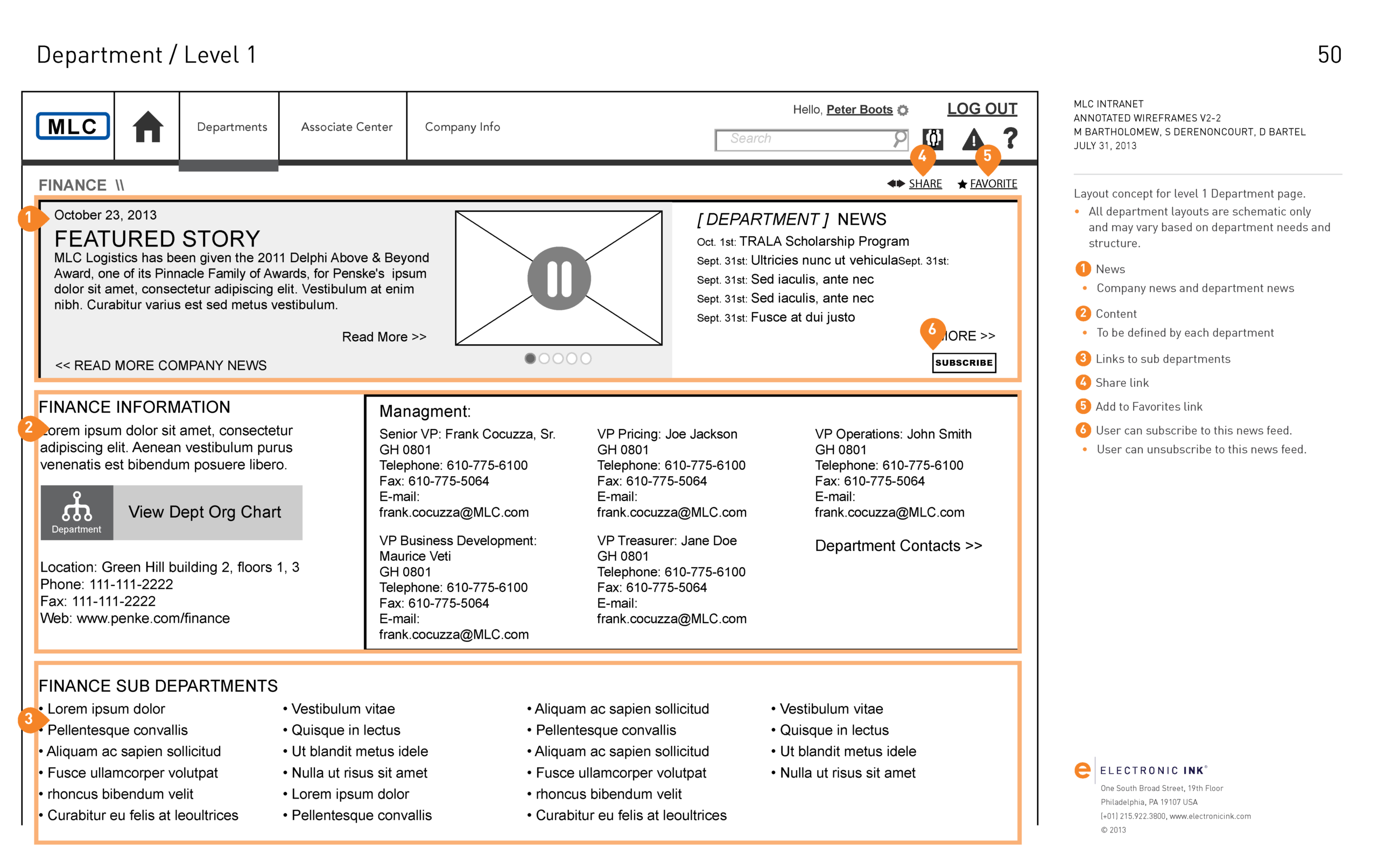
For this project, I employed Axure RP for comprehensive wireframing and prototyping, creating wireframes that could be tested with users for specific functionality and usability. Additionally, I utilized Adobe InDesign, Illustrator, Microsoft PowerPoint, and Microsoft Visio to design presentations, infographics, basic wireframes, task flows, and other meeting materials.
The client’s IT developers utilized the Axure prototypes to determine and design the system architecture, database schemas, and necessary backend structures, hooks, and APIs for integrating, replacing, or incorporating existing systems.

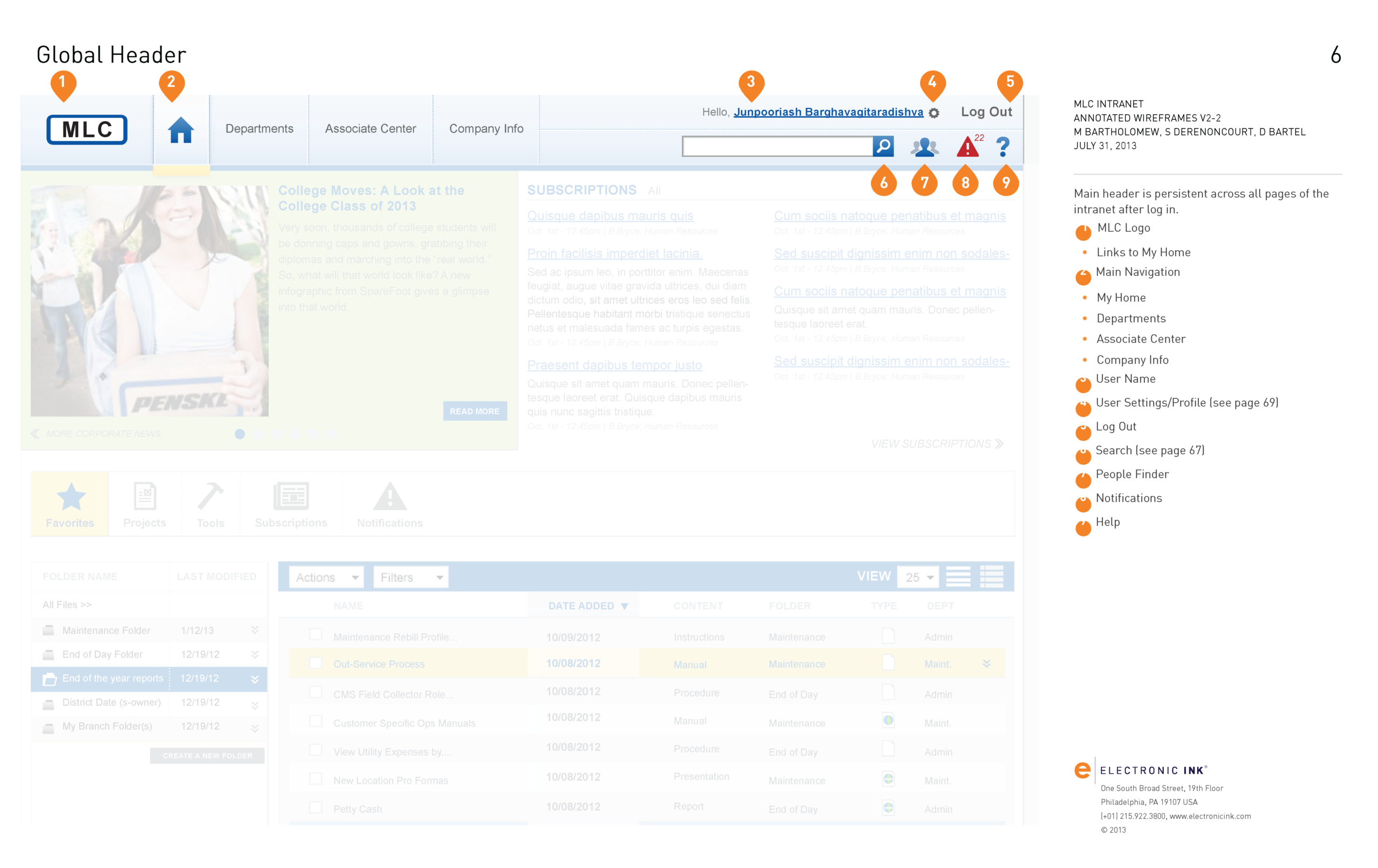
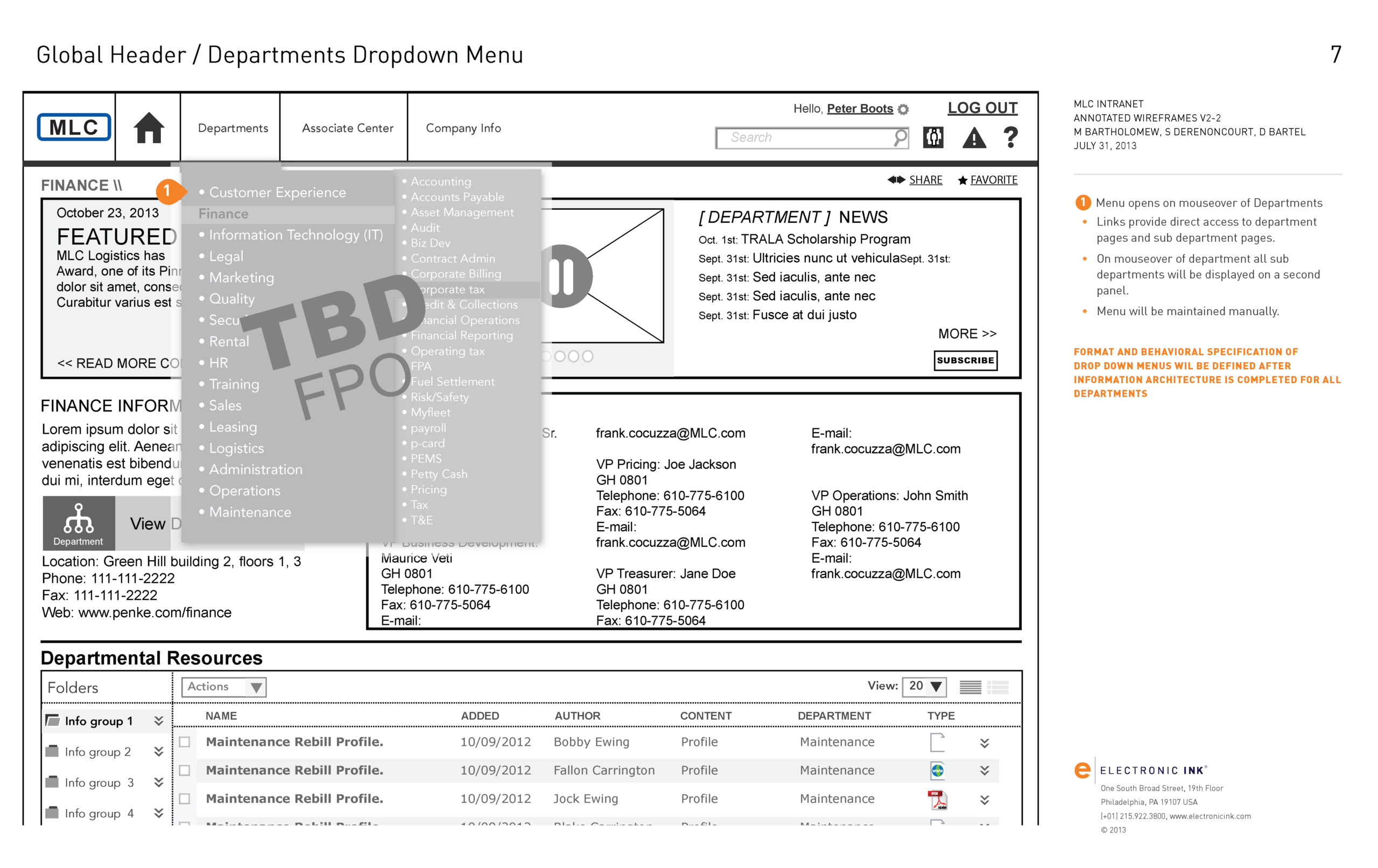
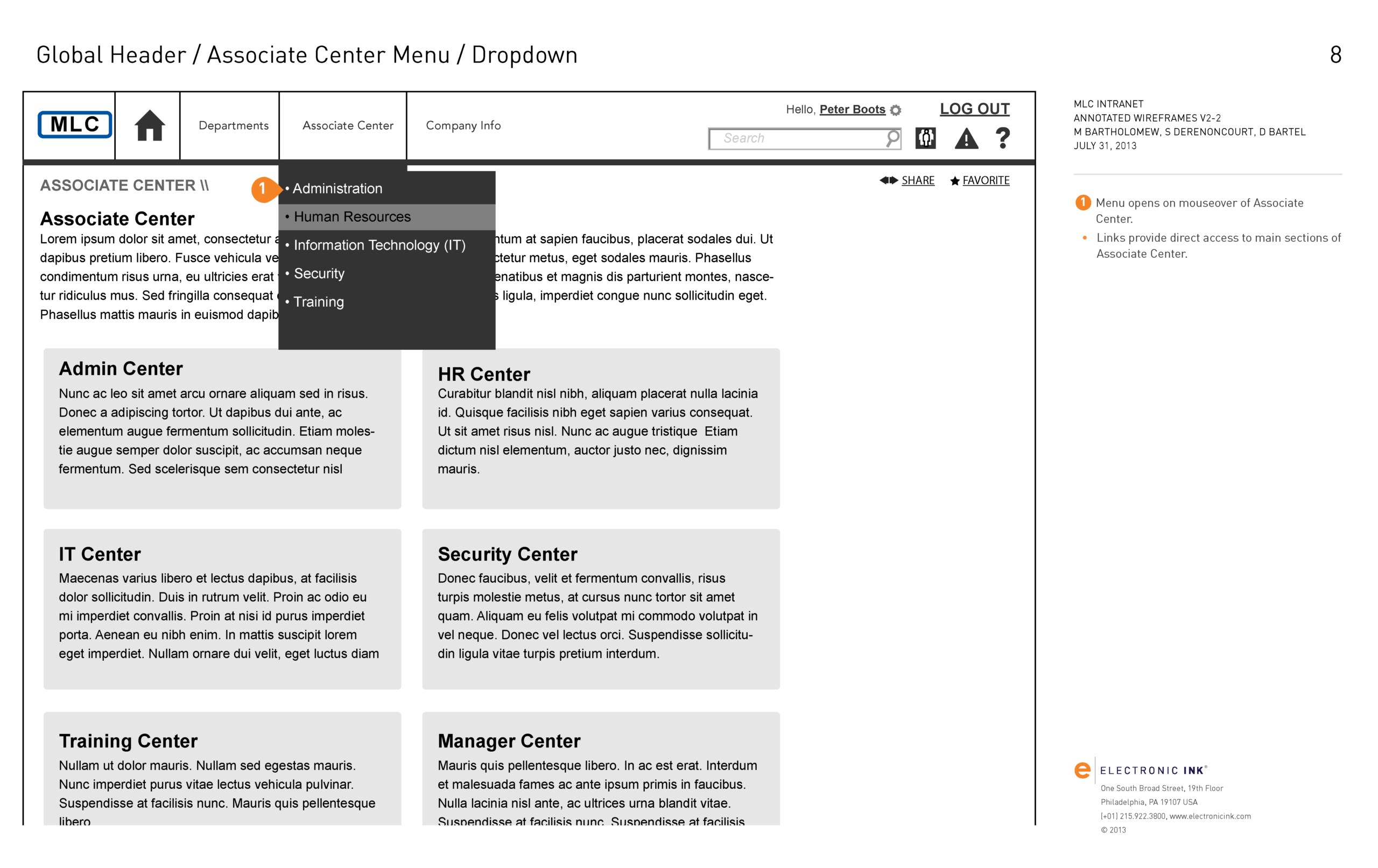
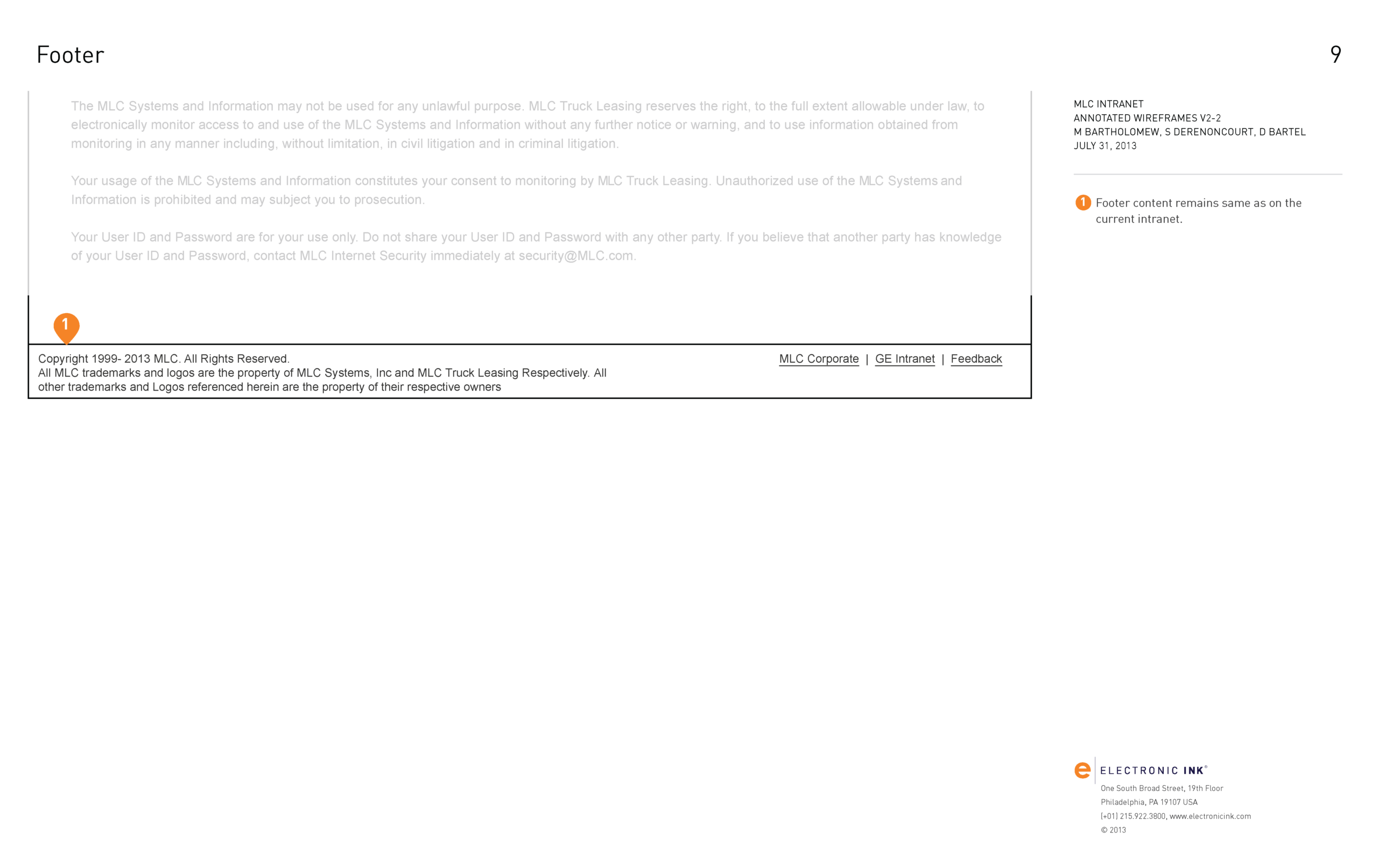

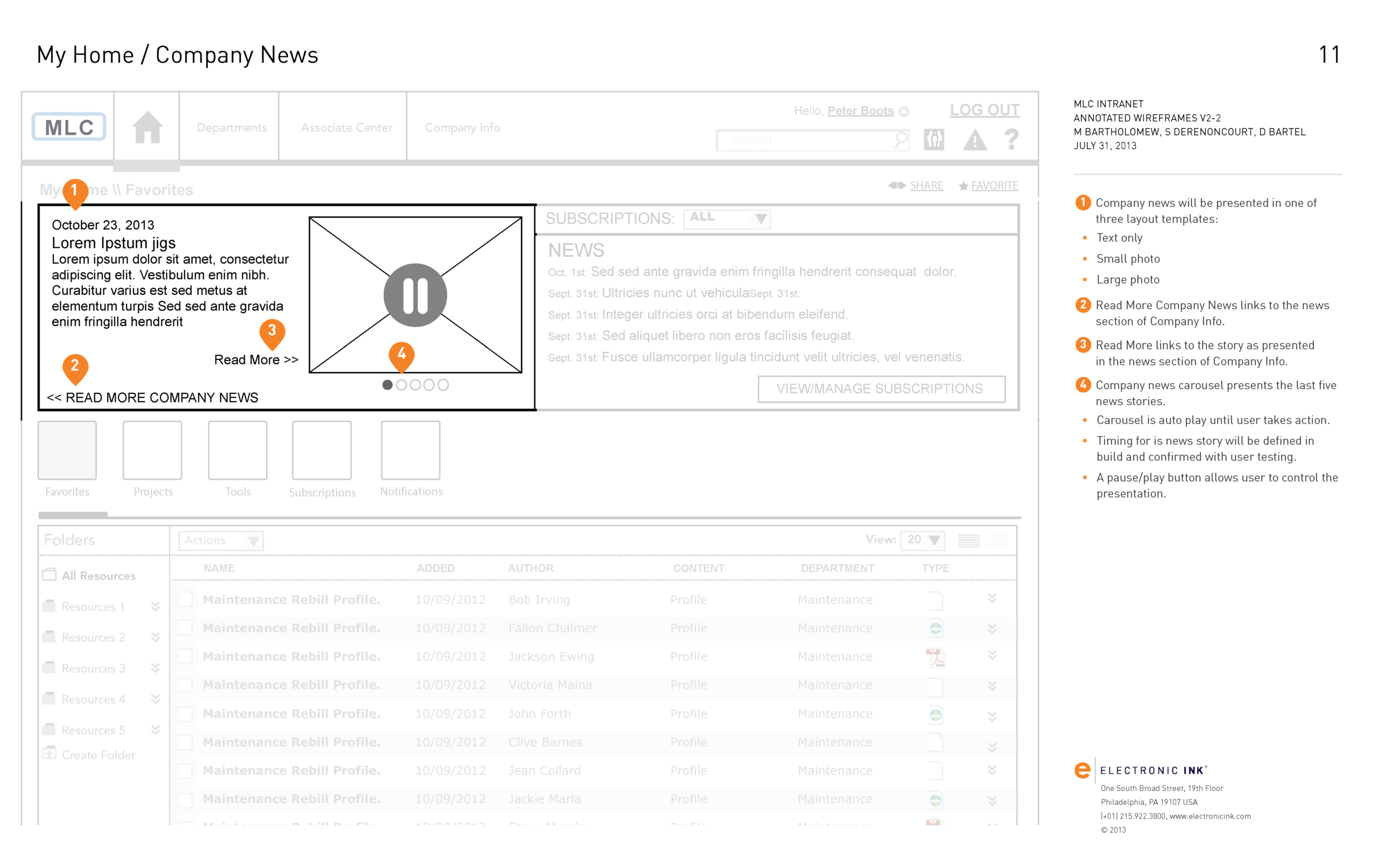
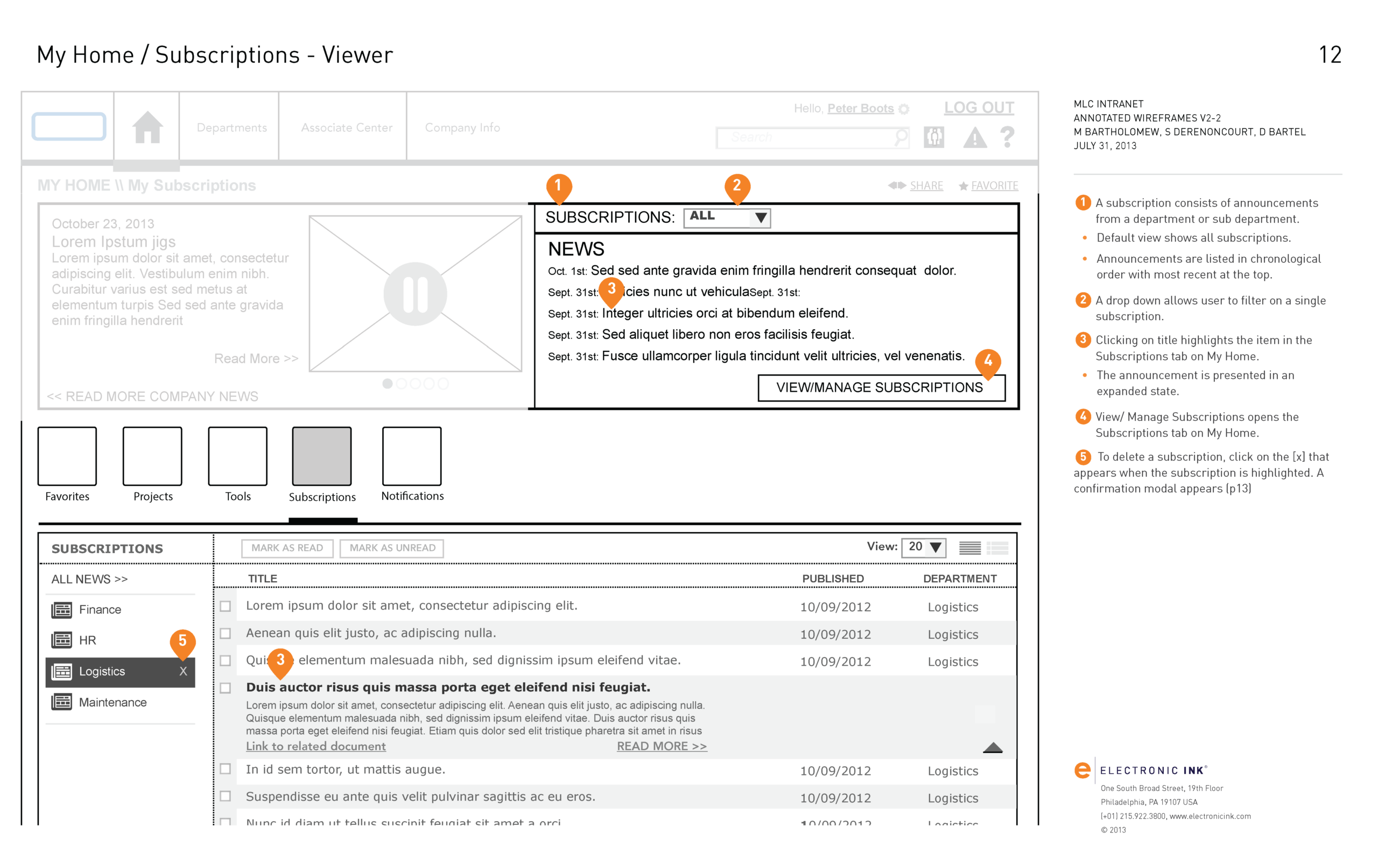
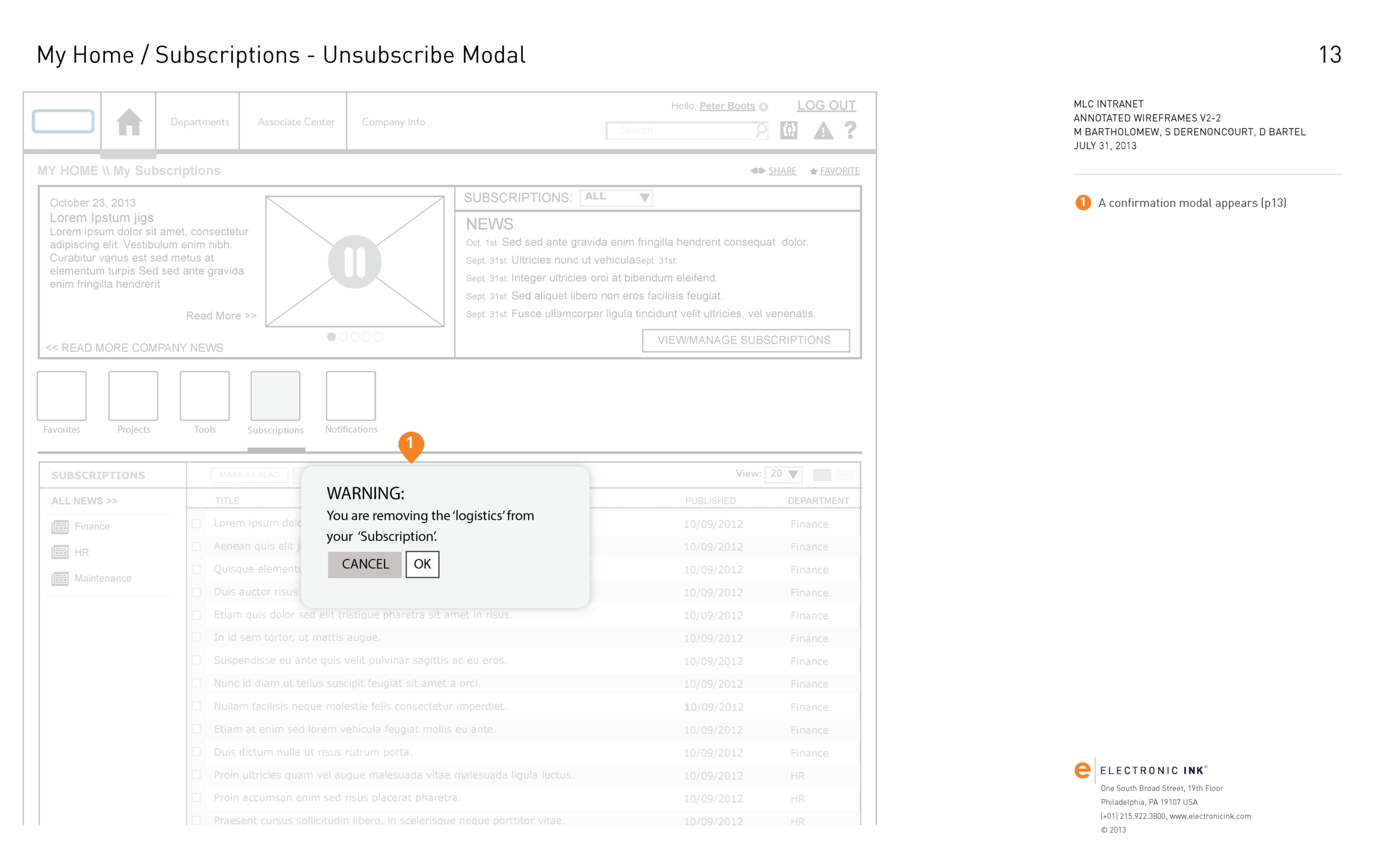
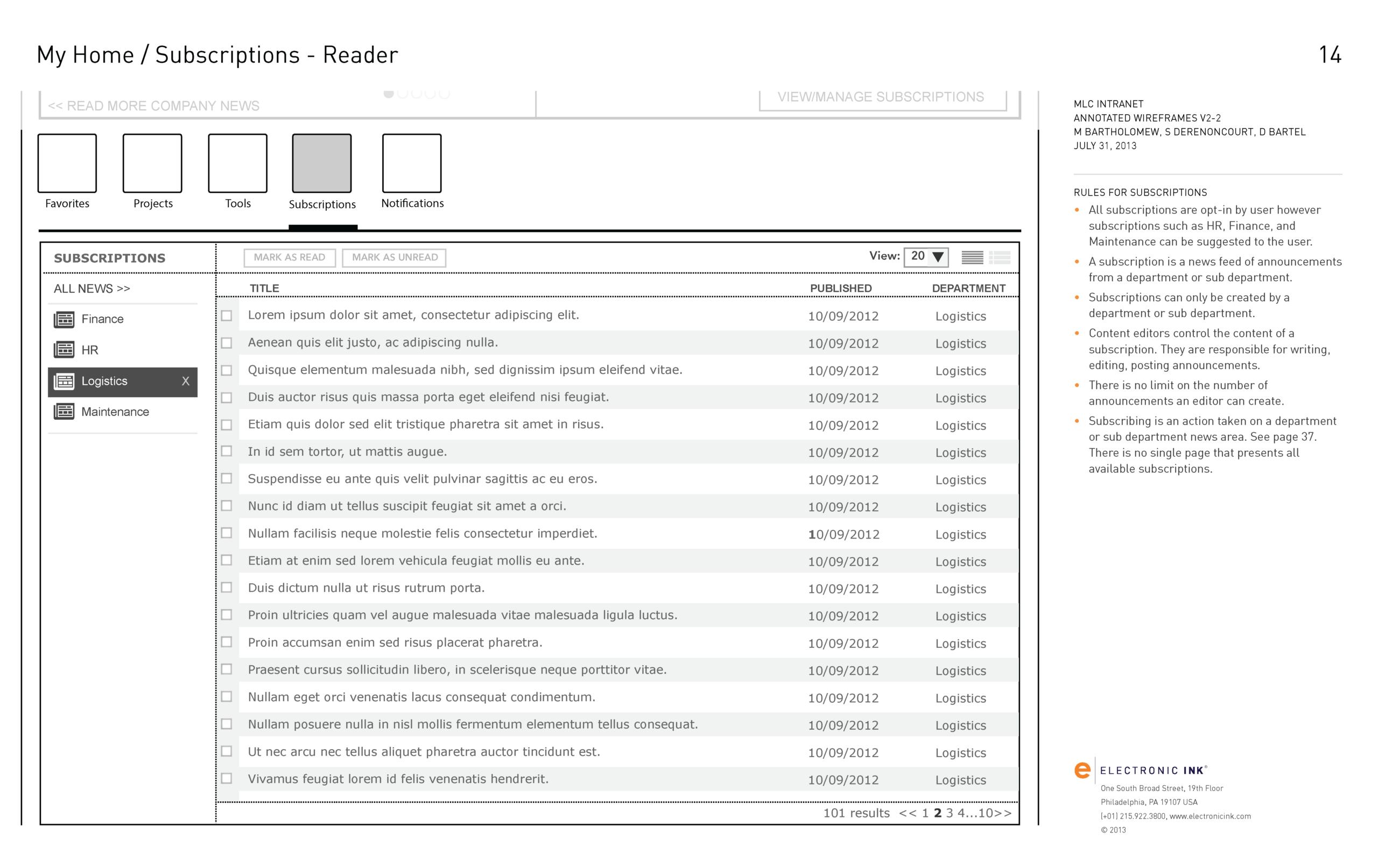
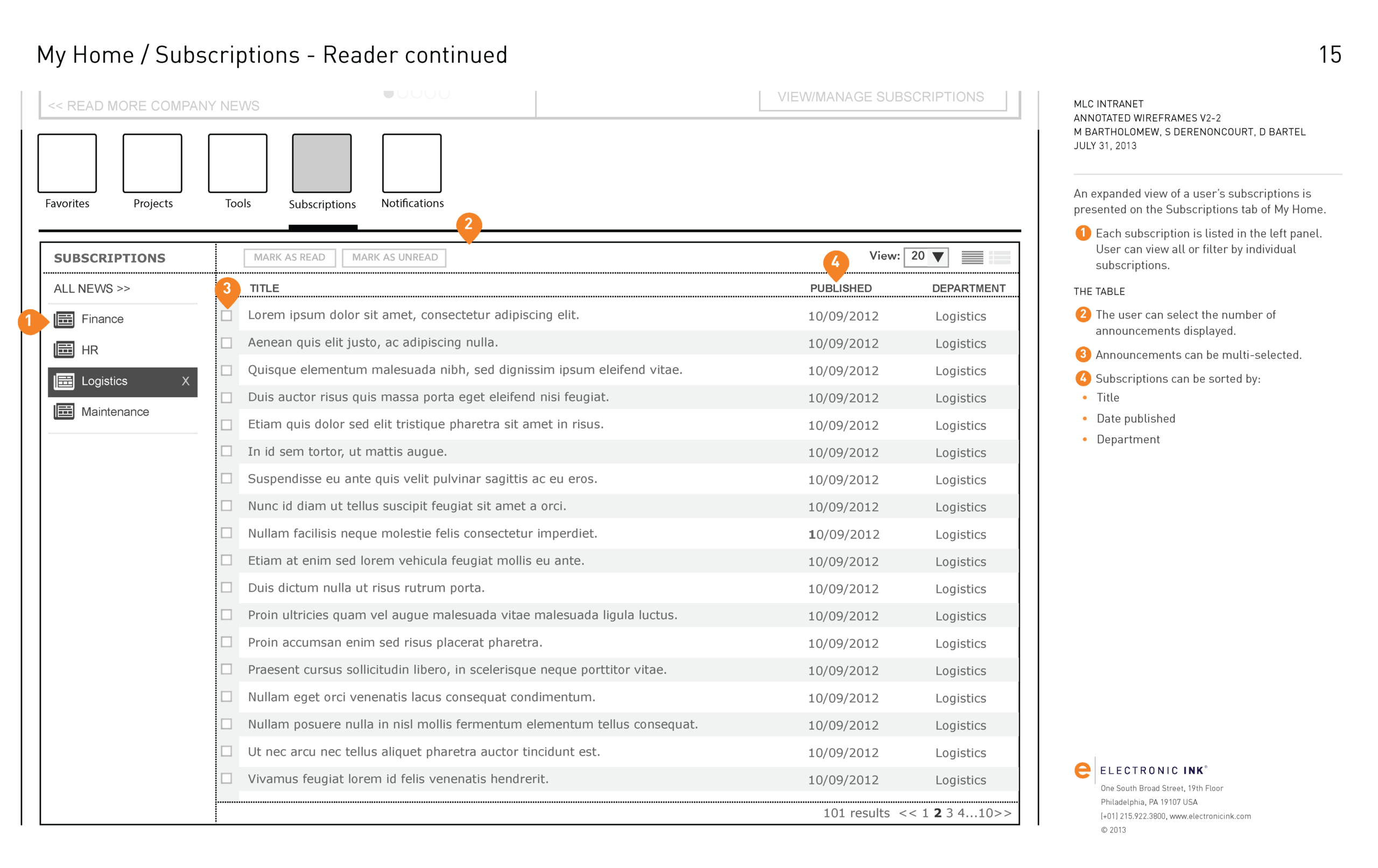
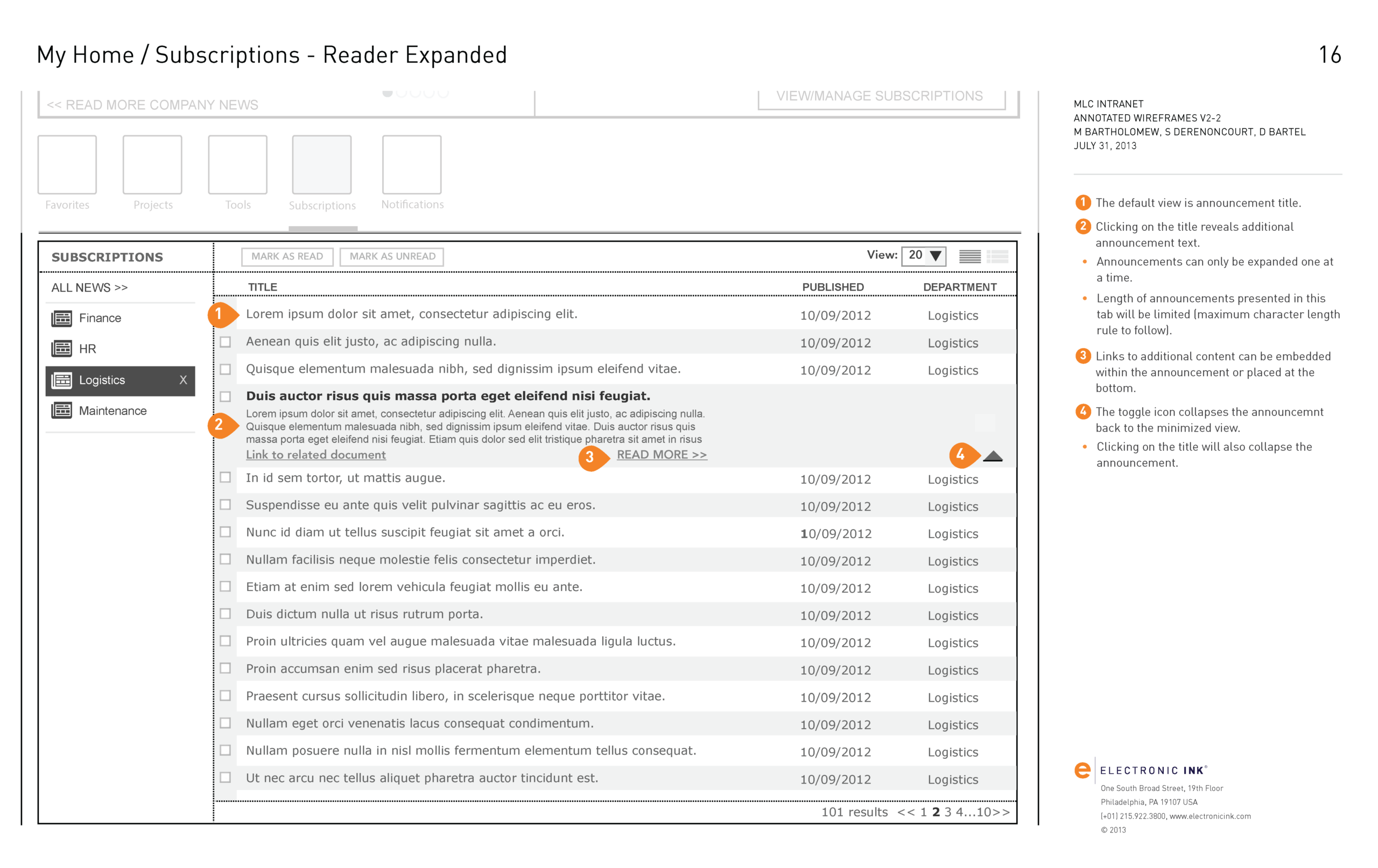
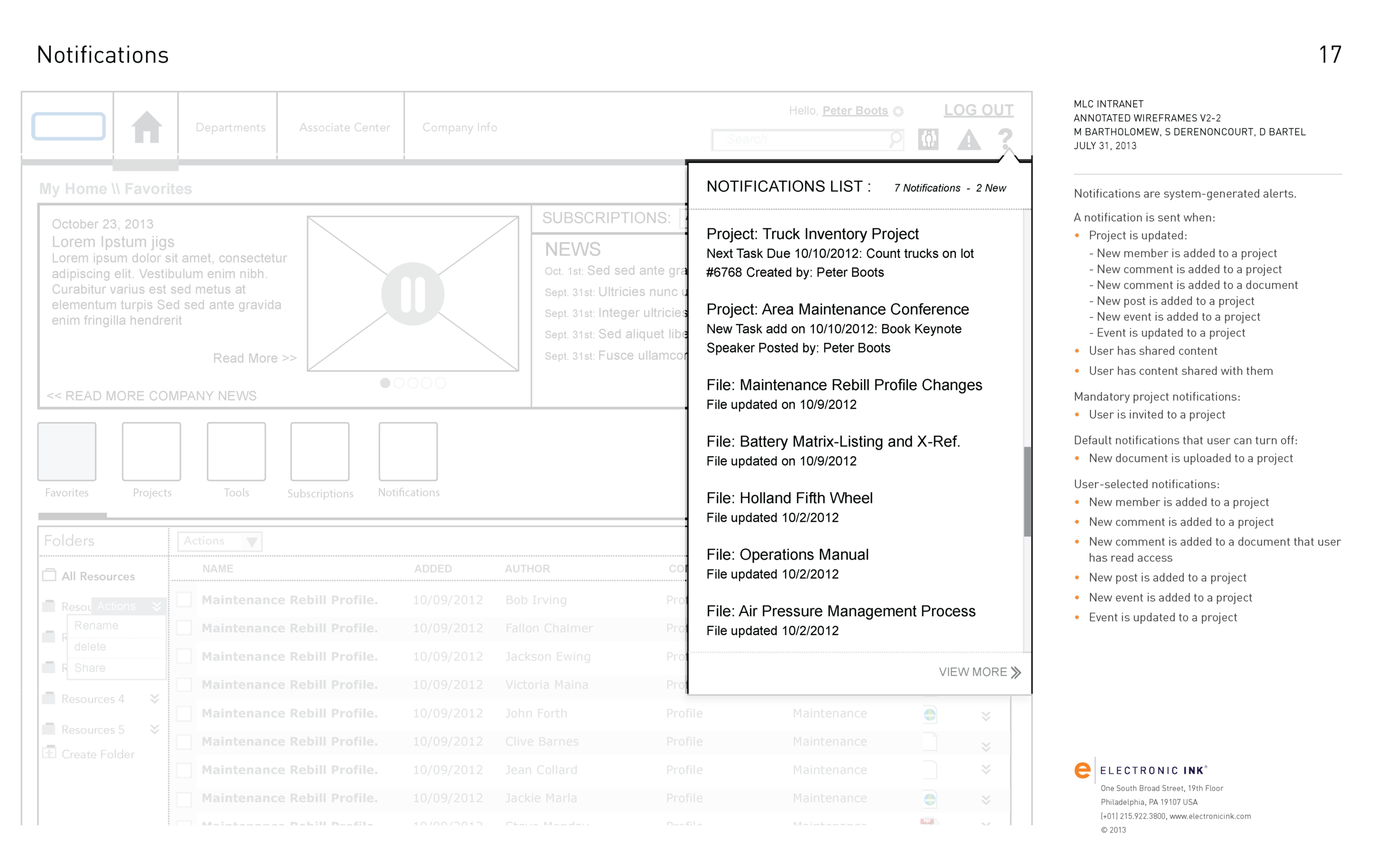
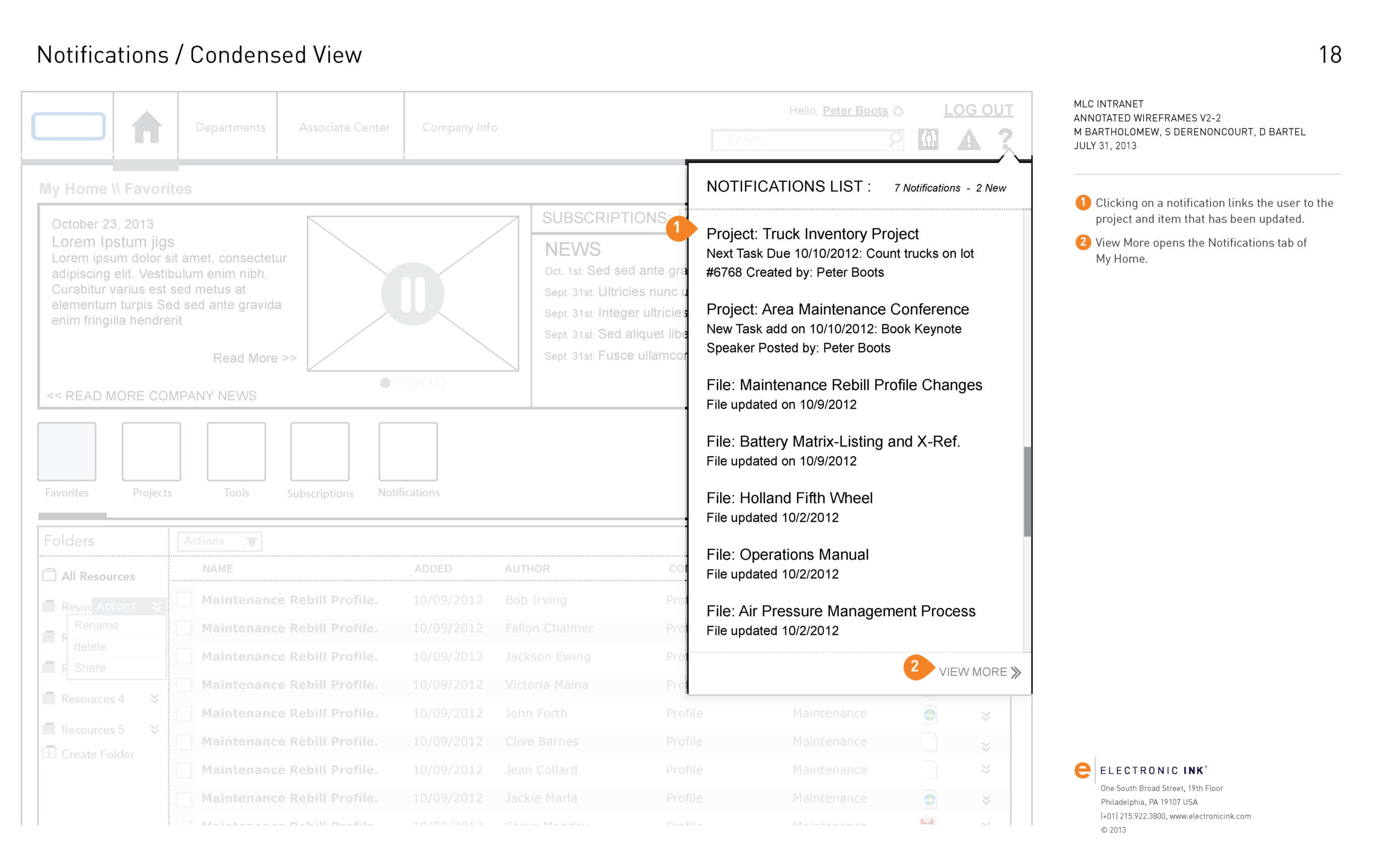
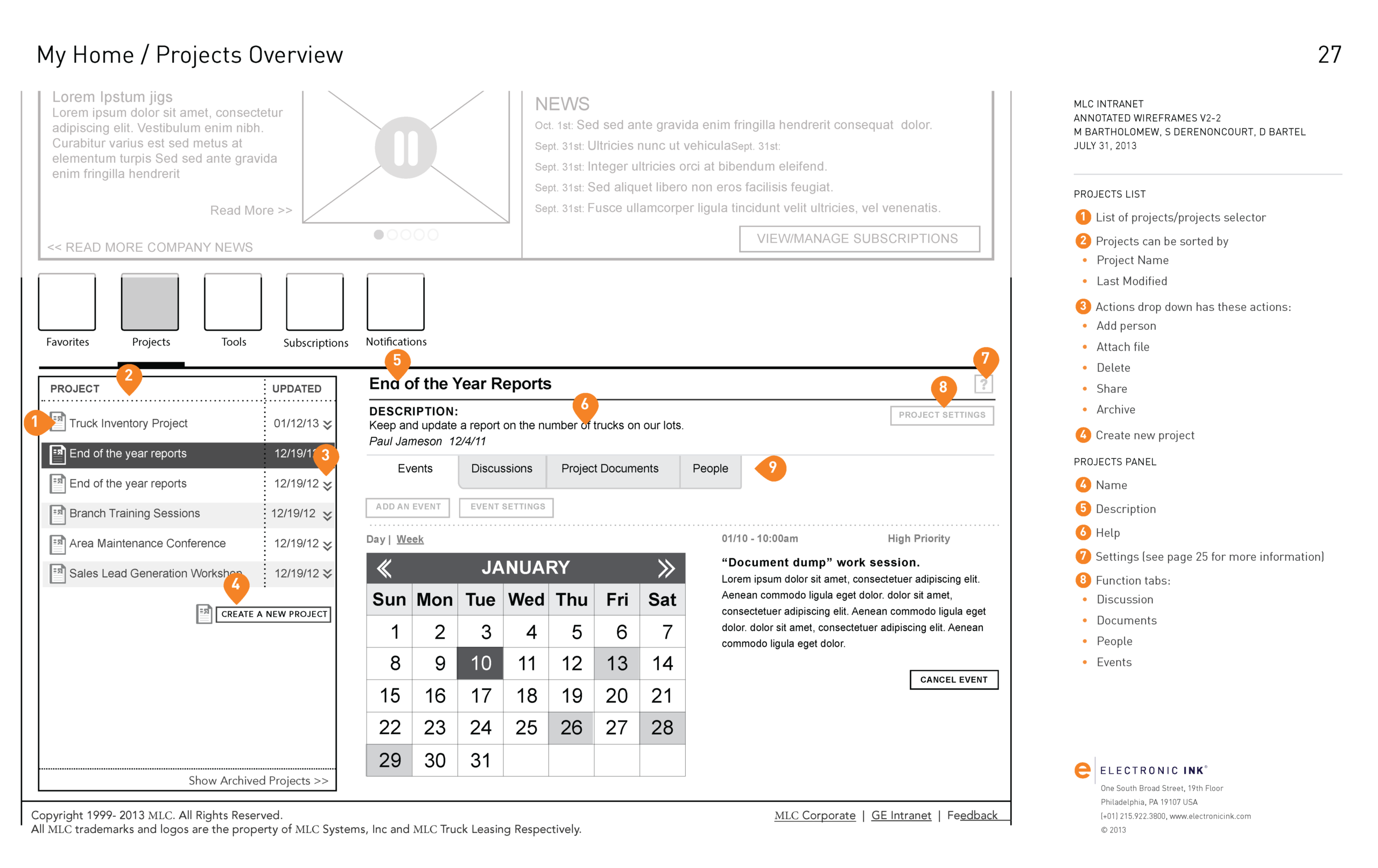
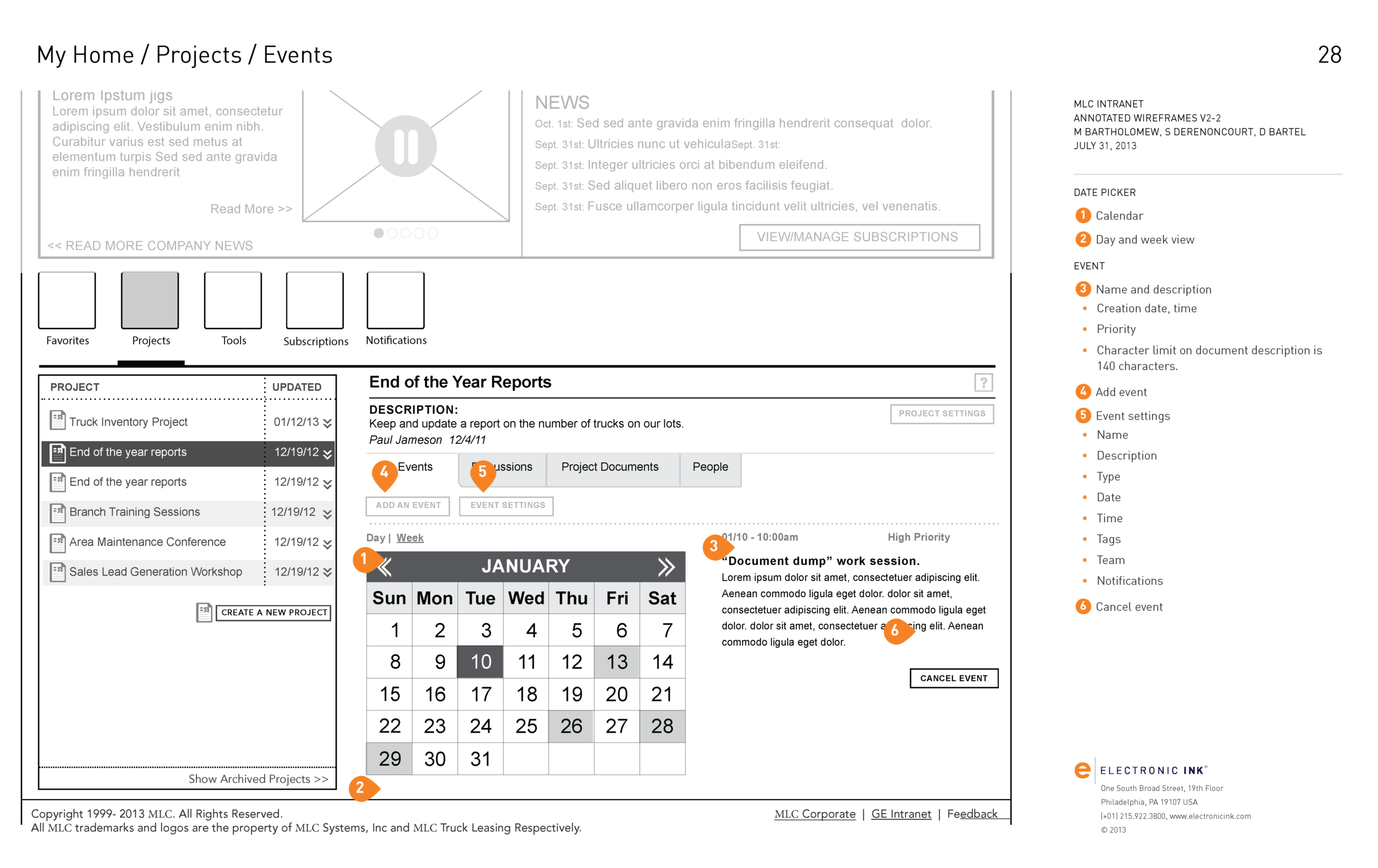
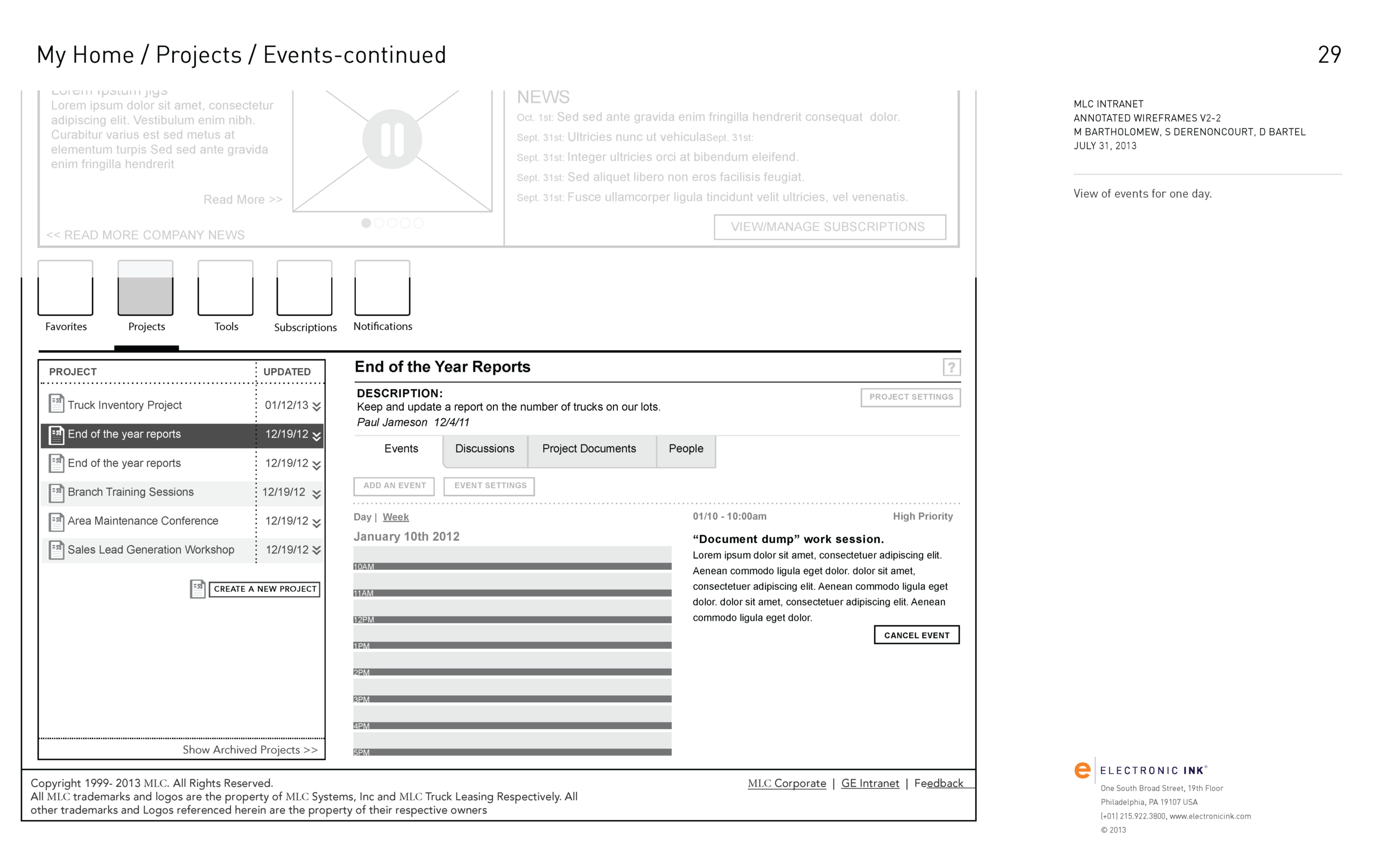
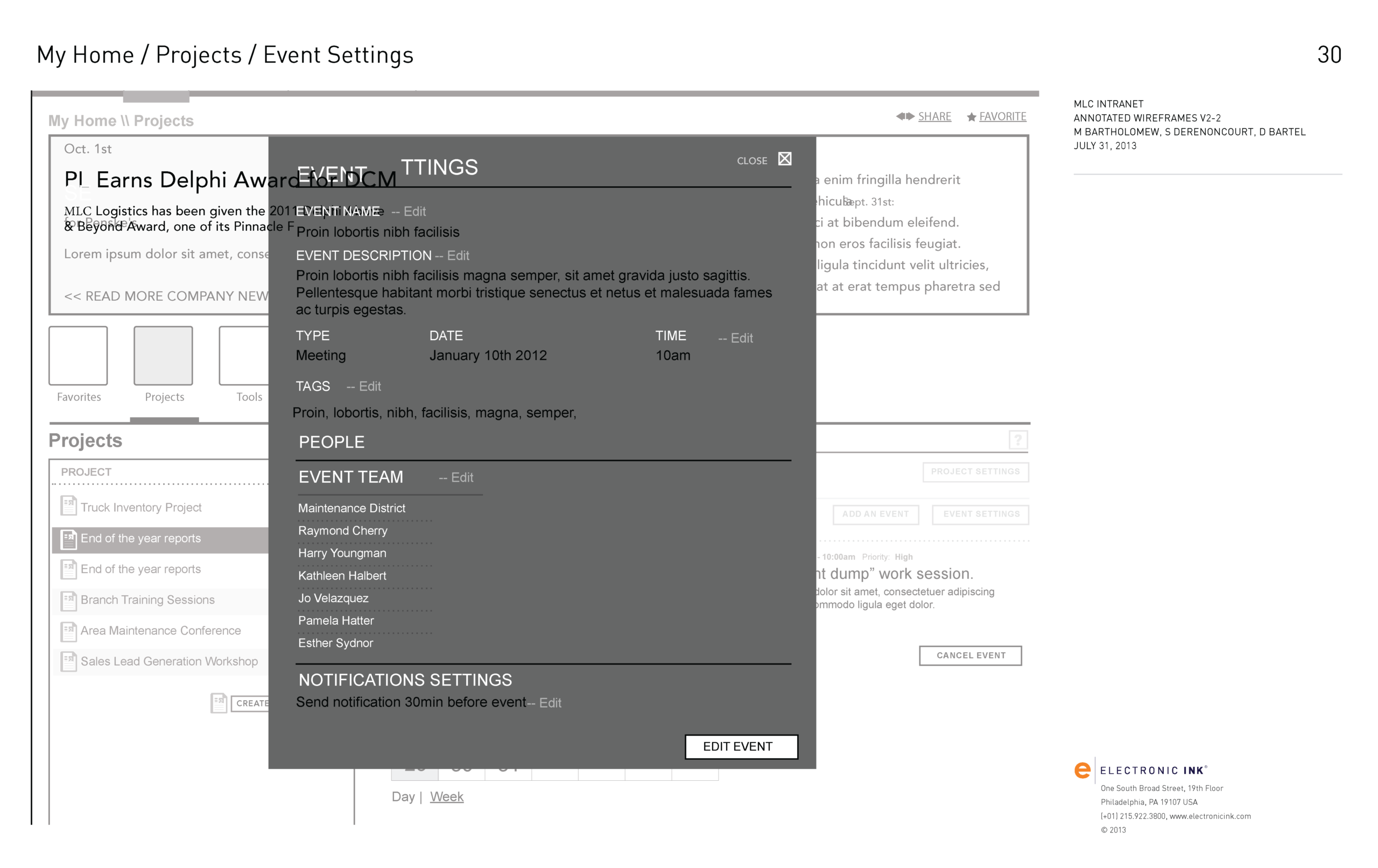

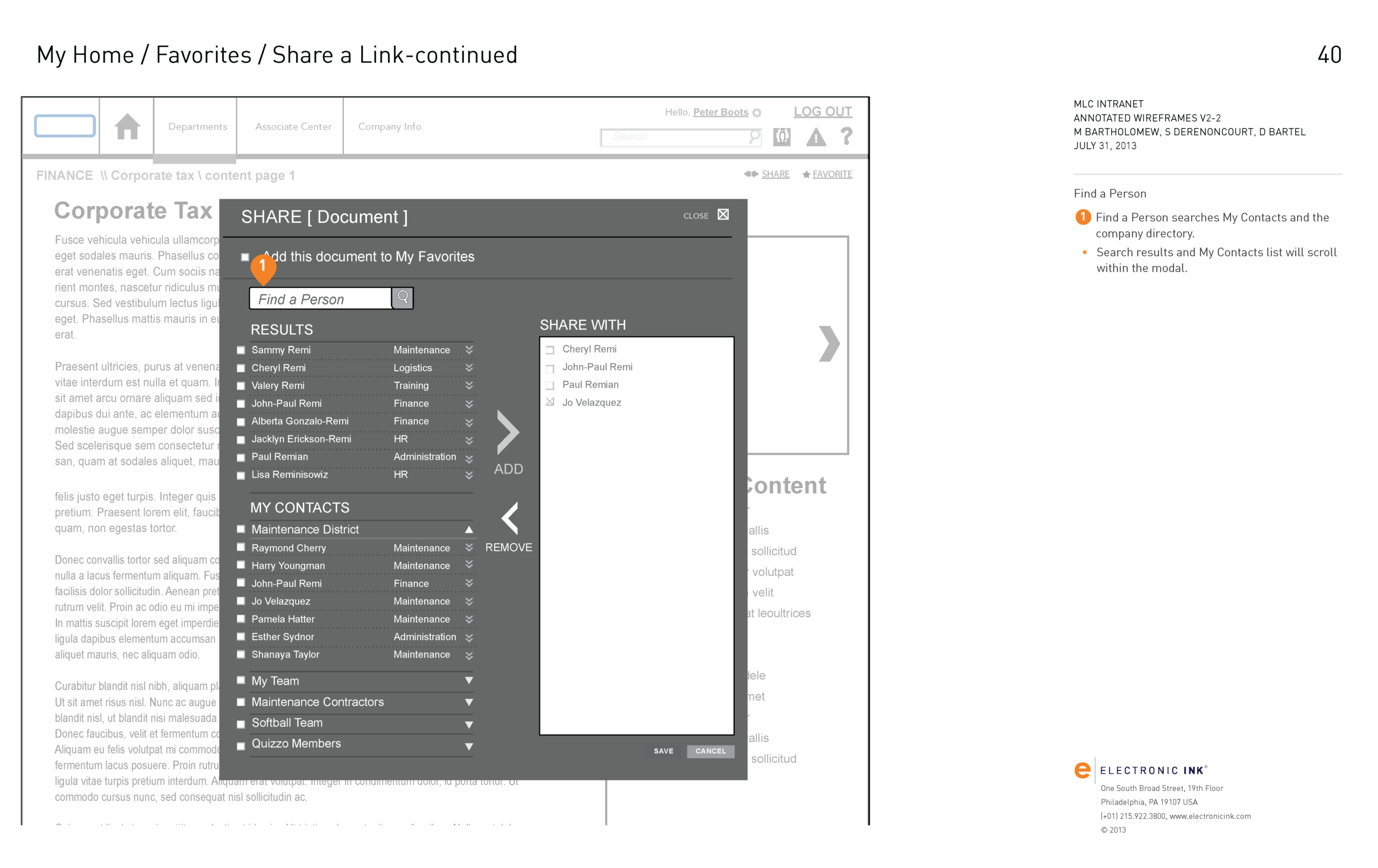

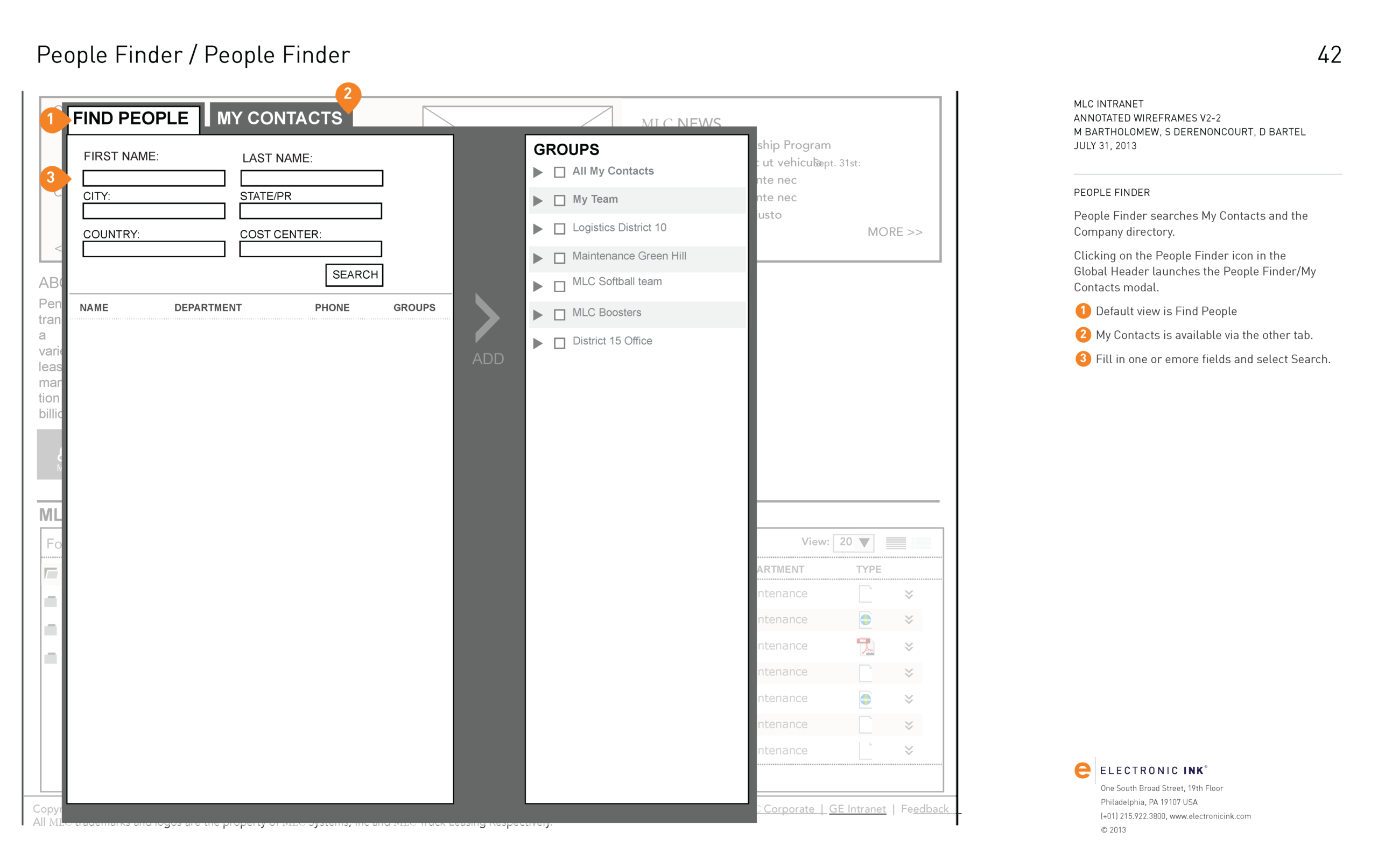
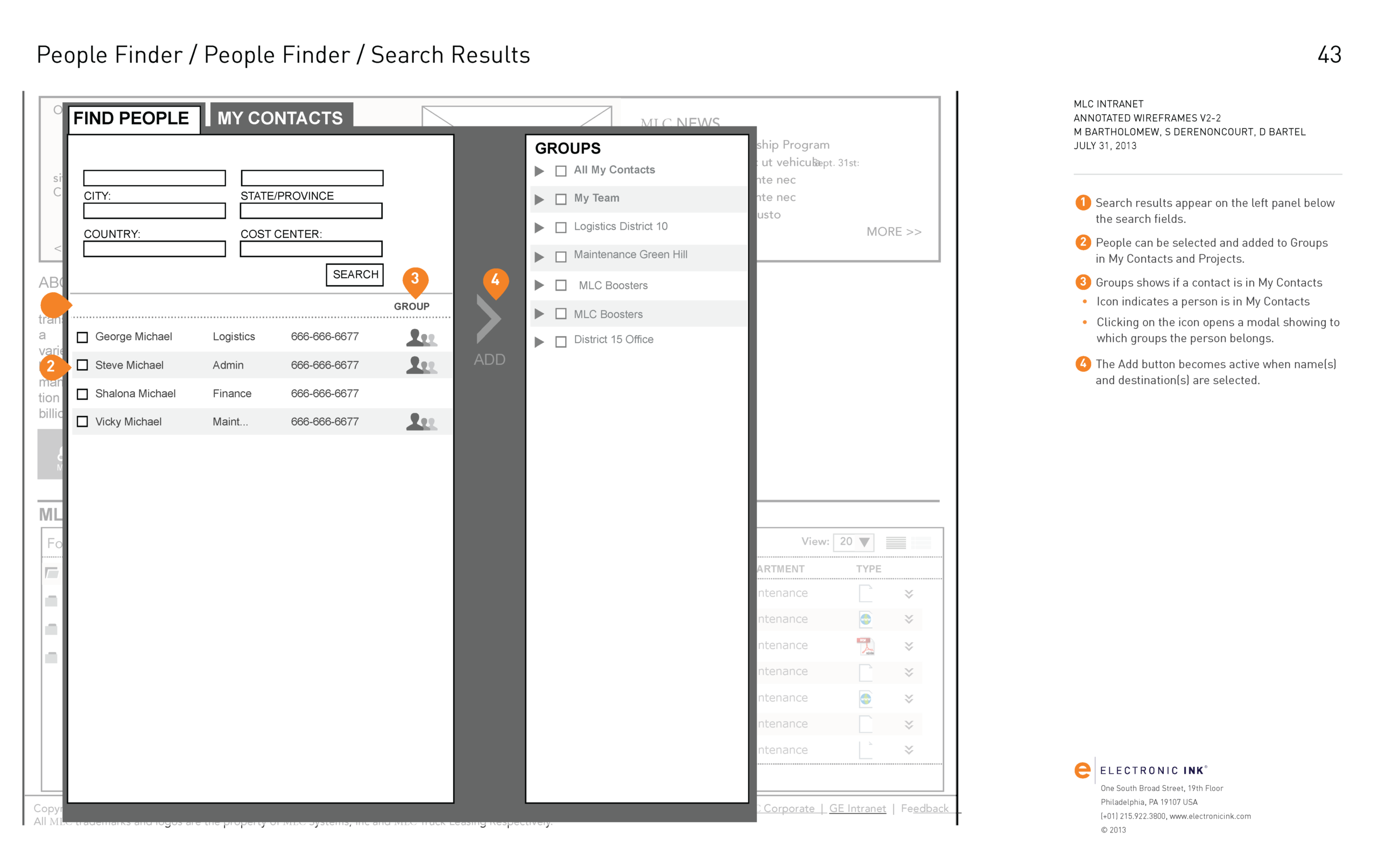
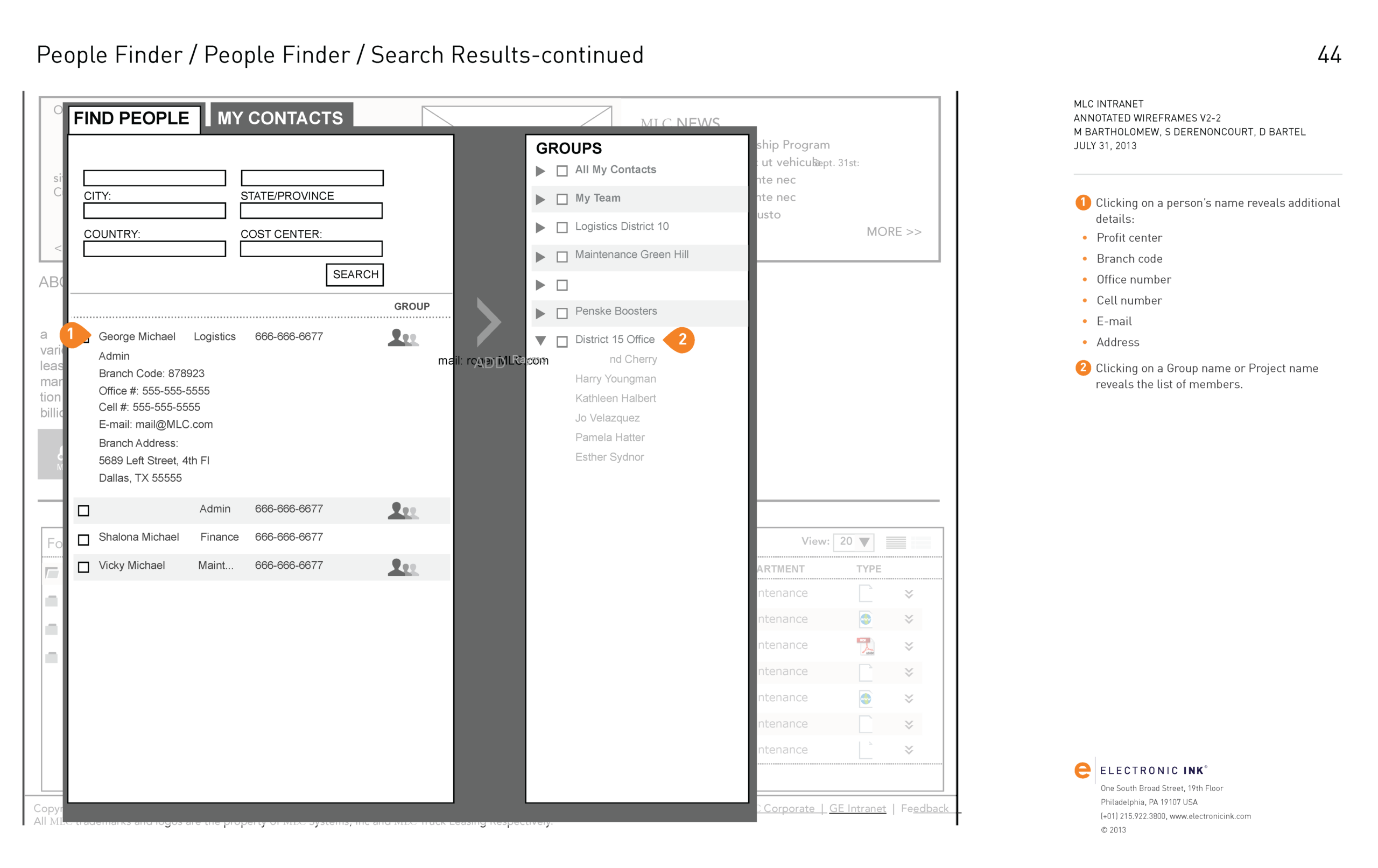


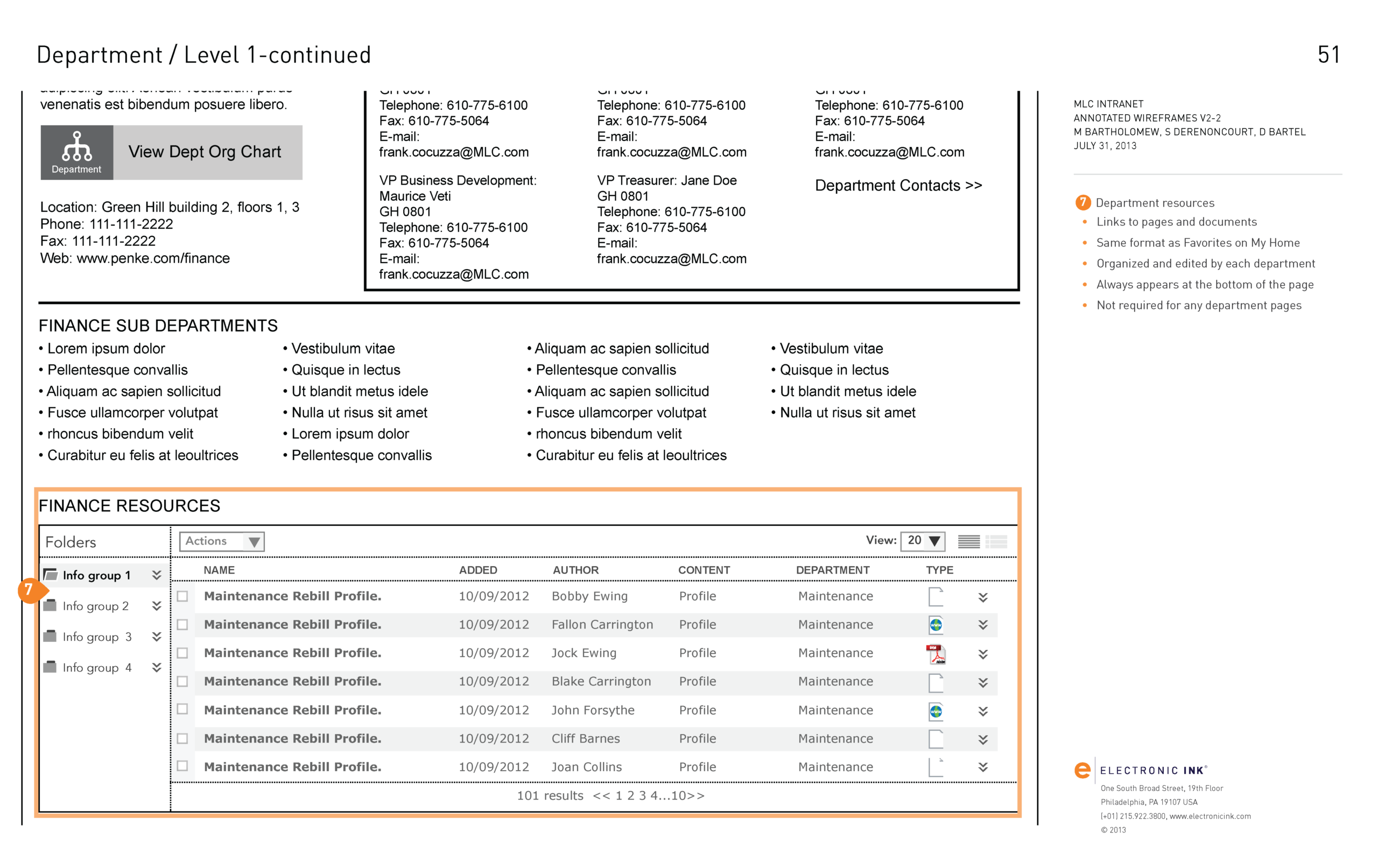
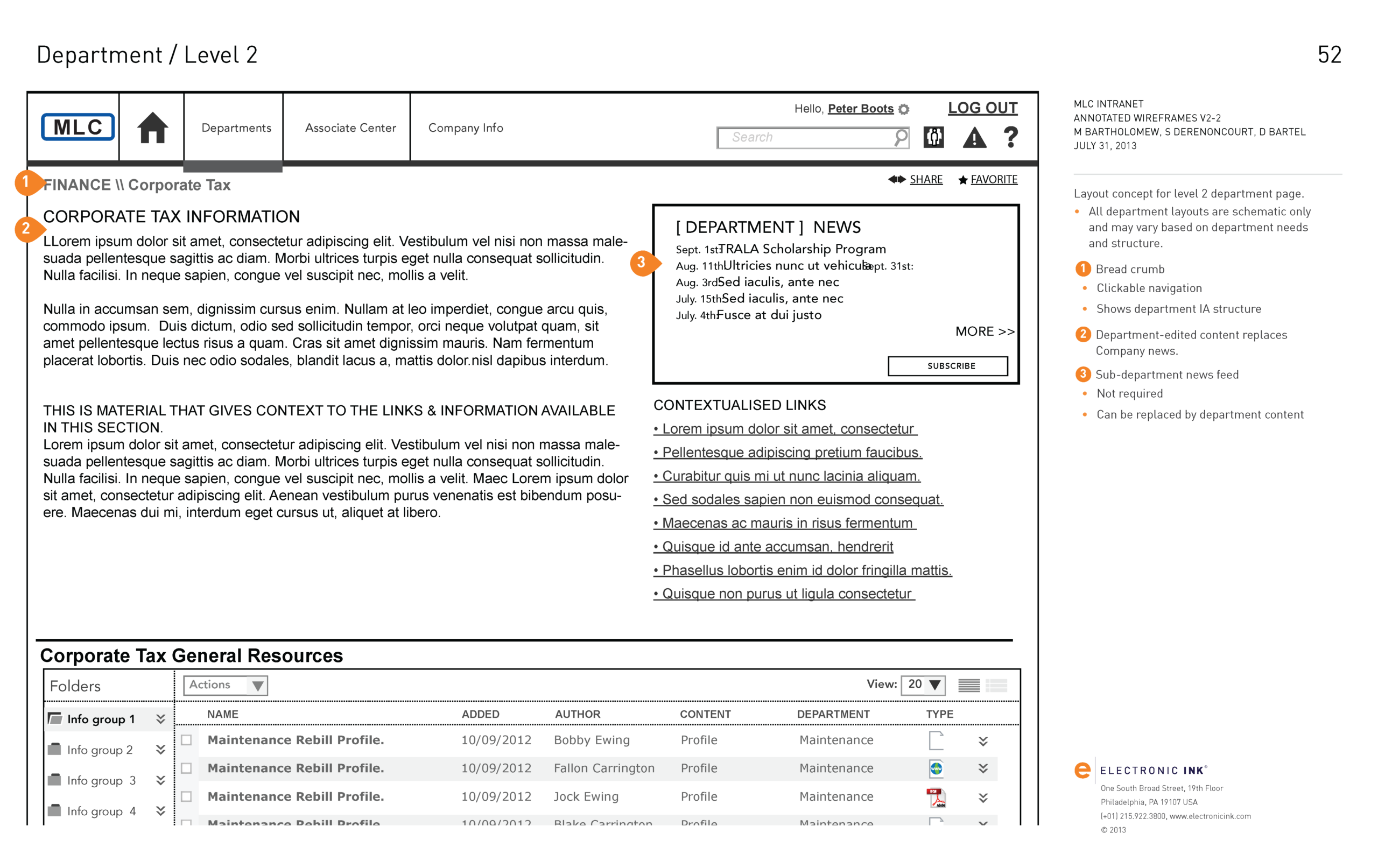
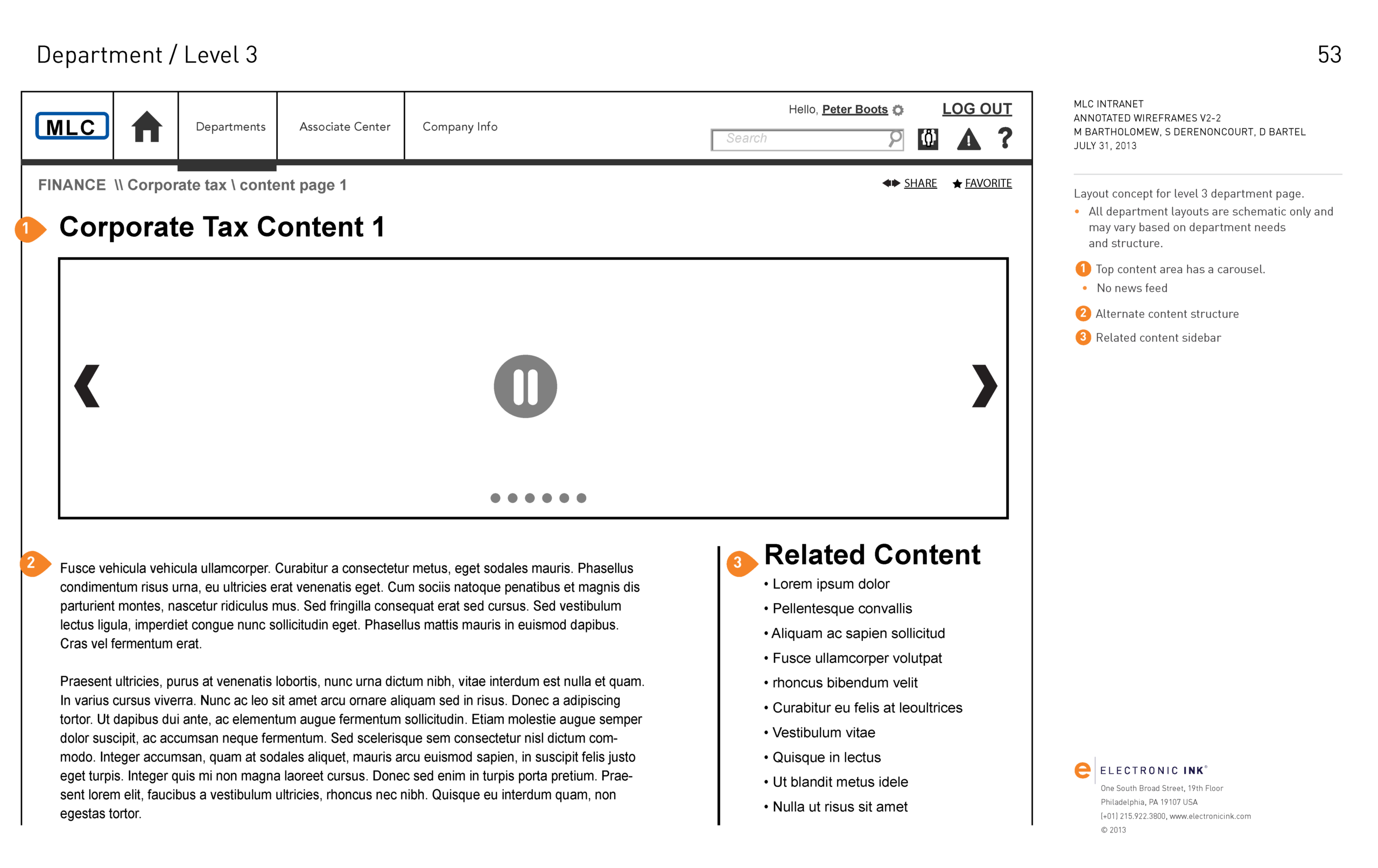
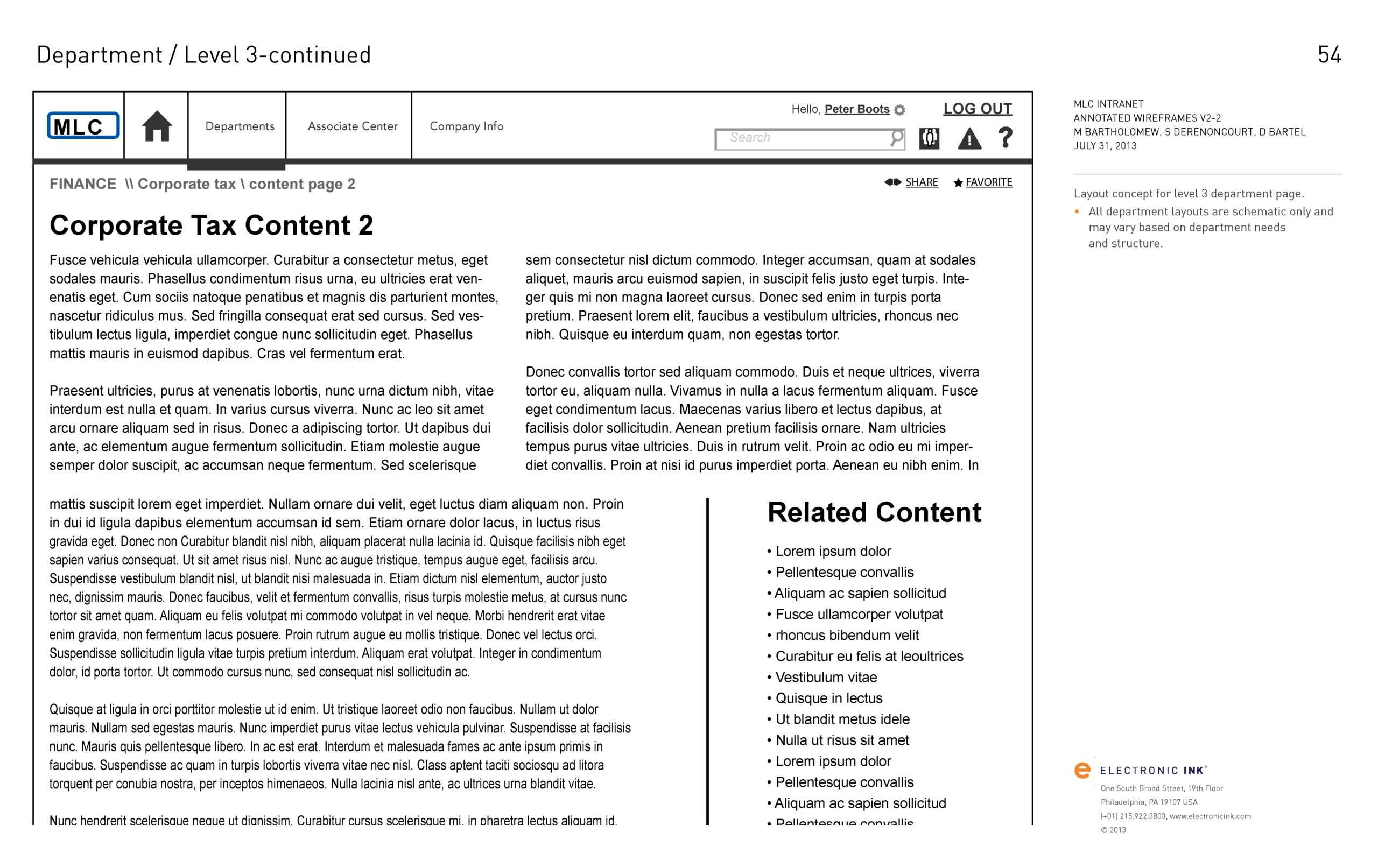
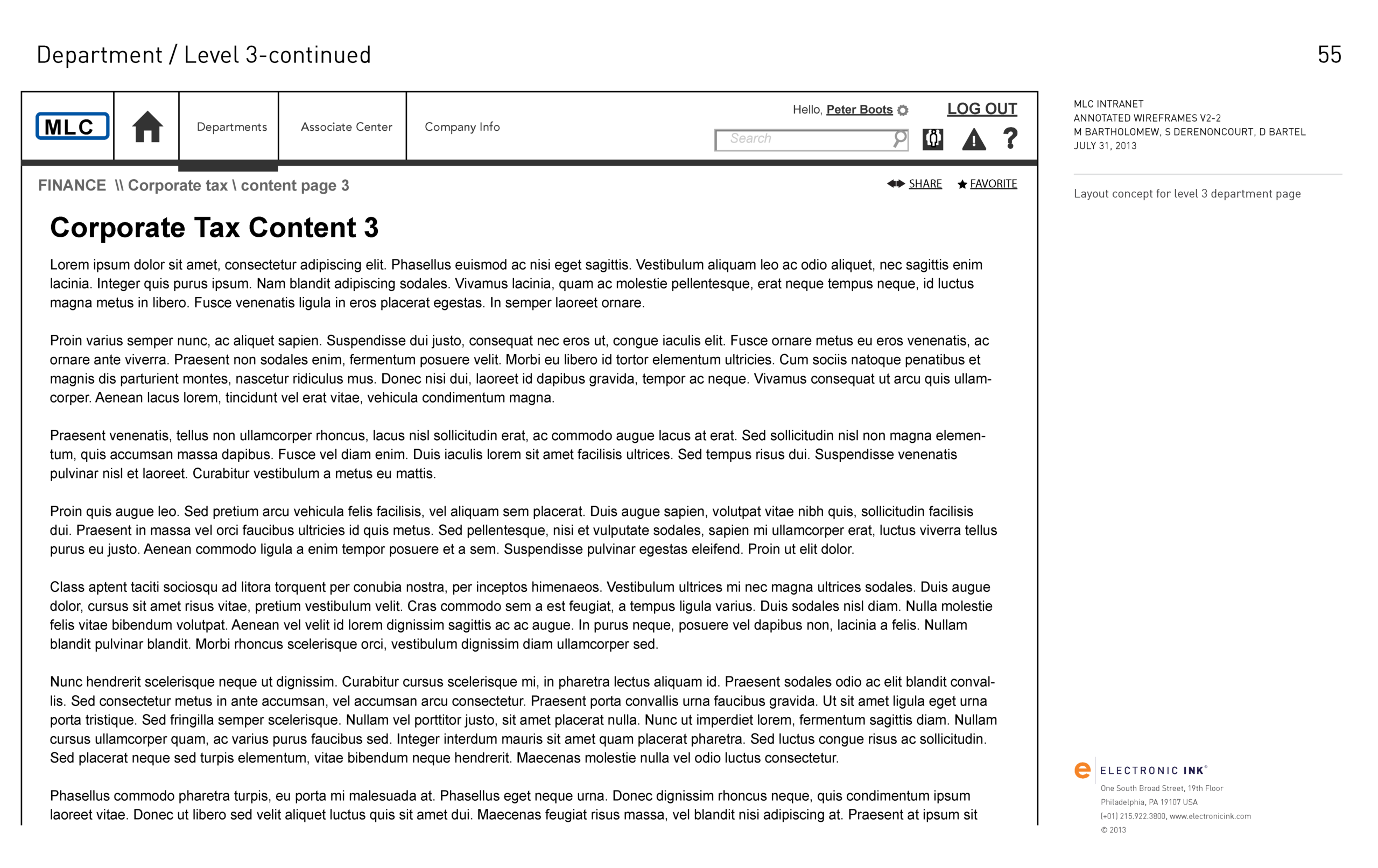
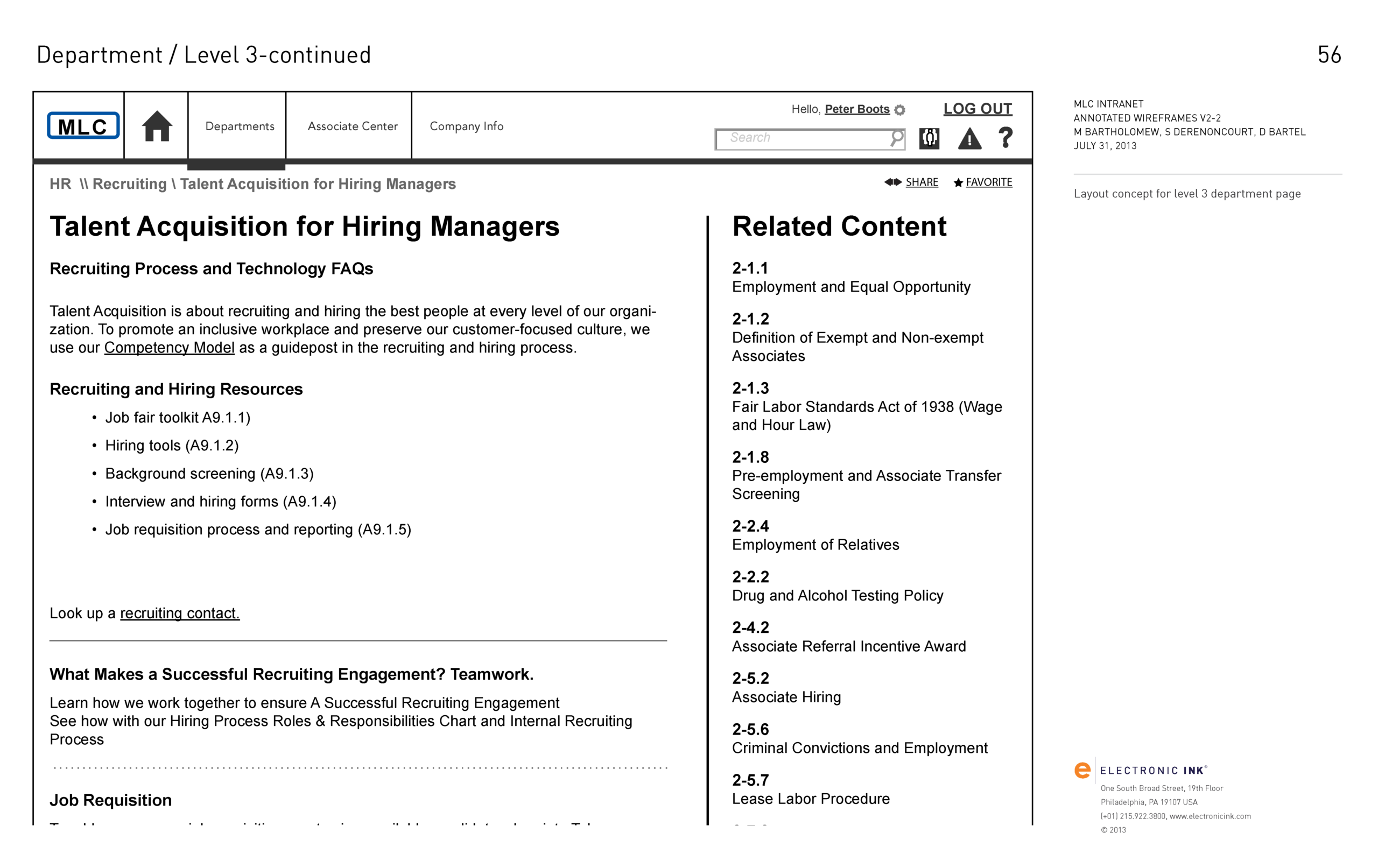
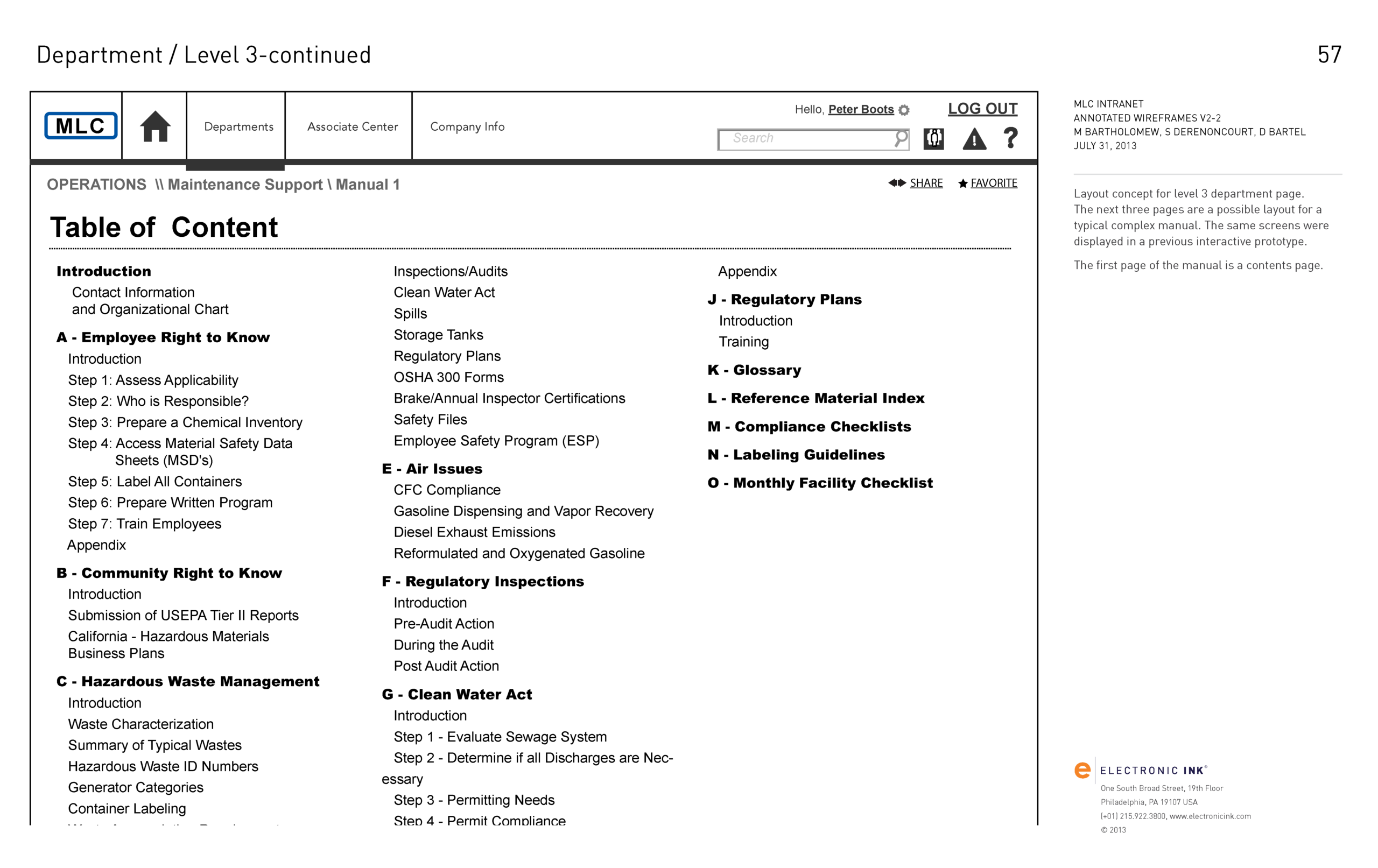
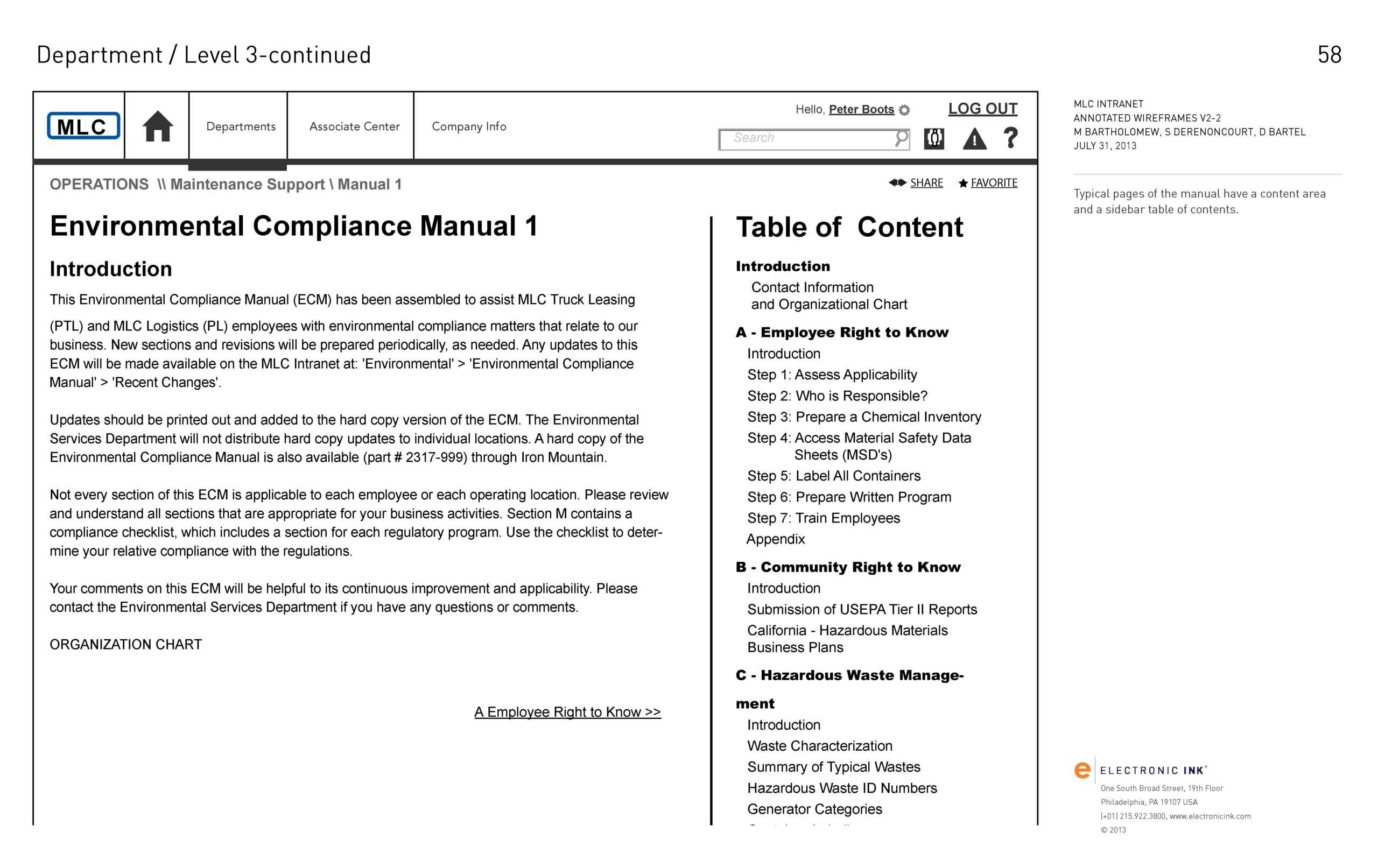
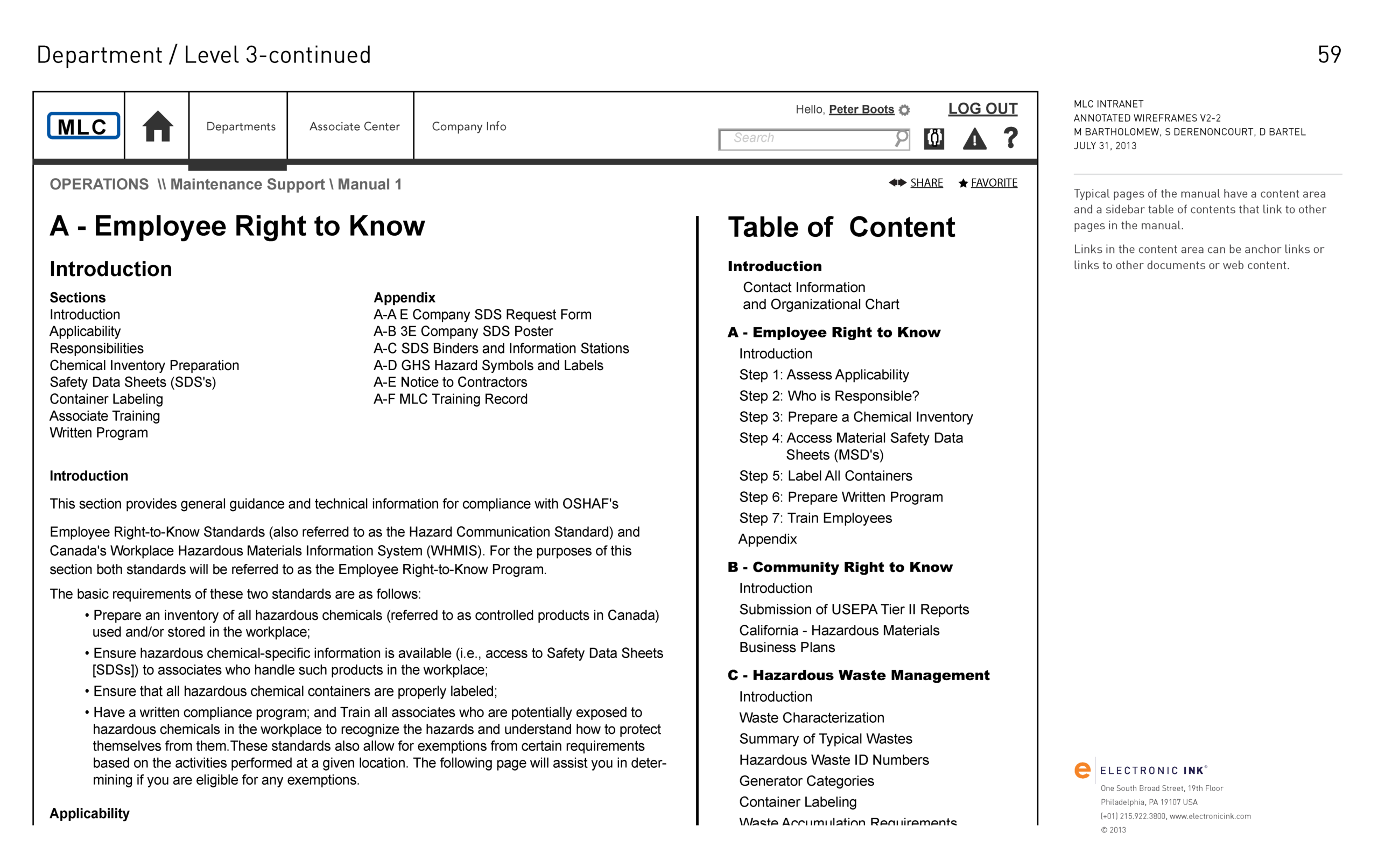

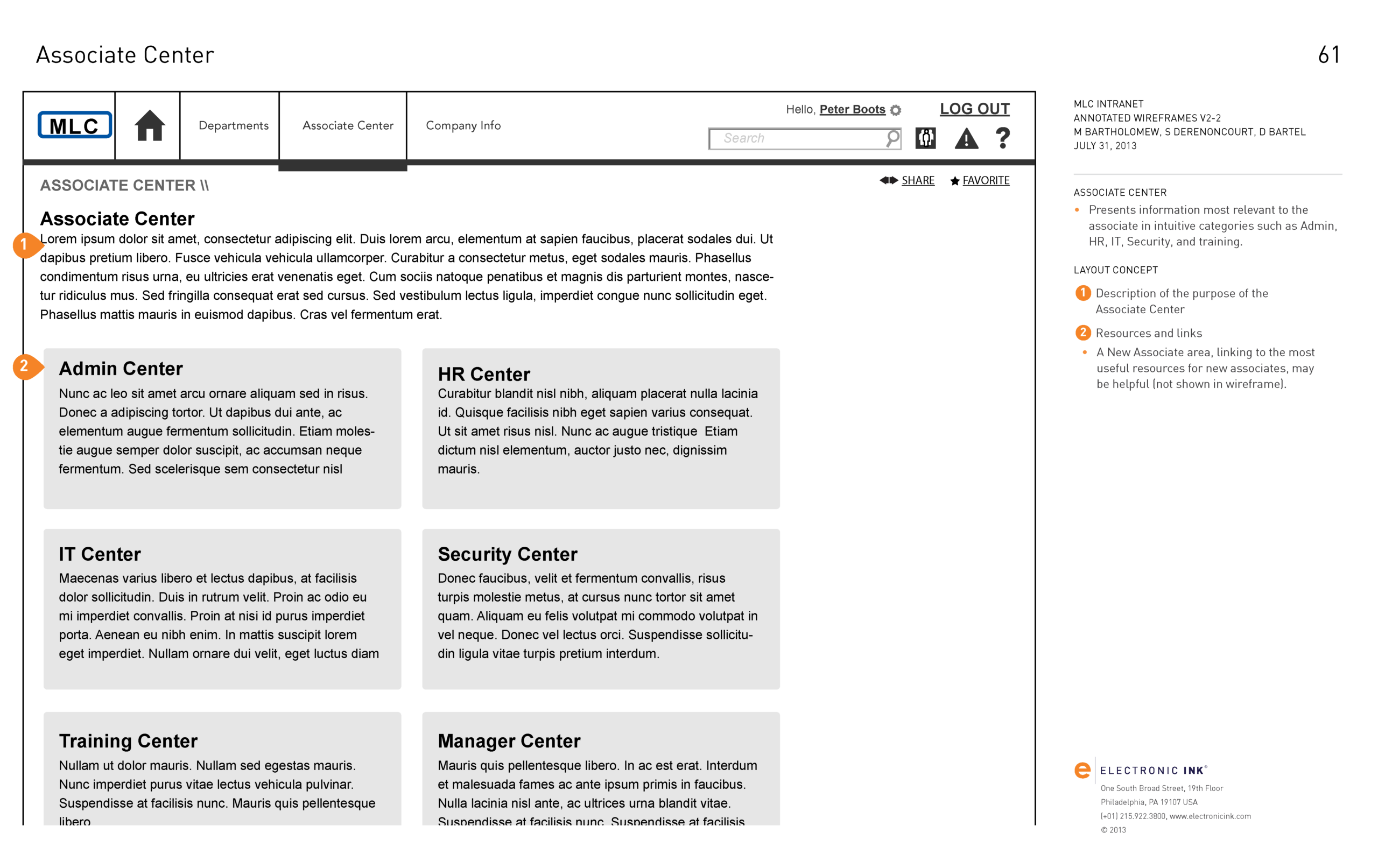
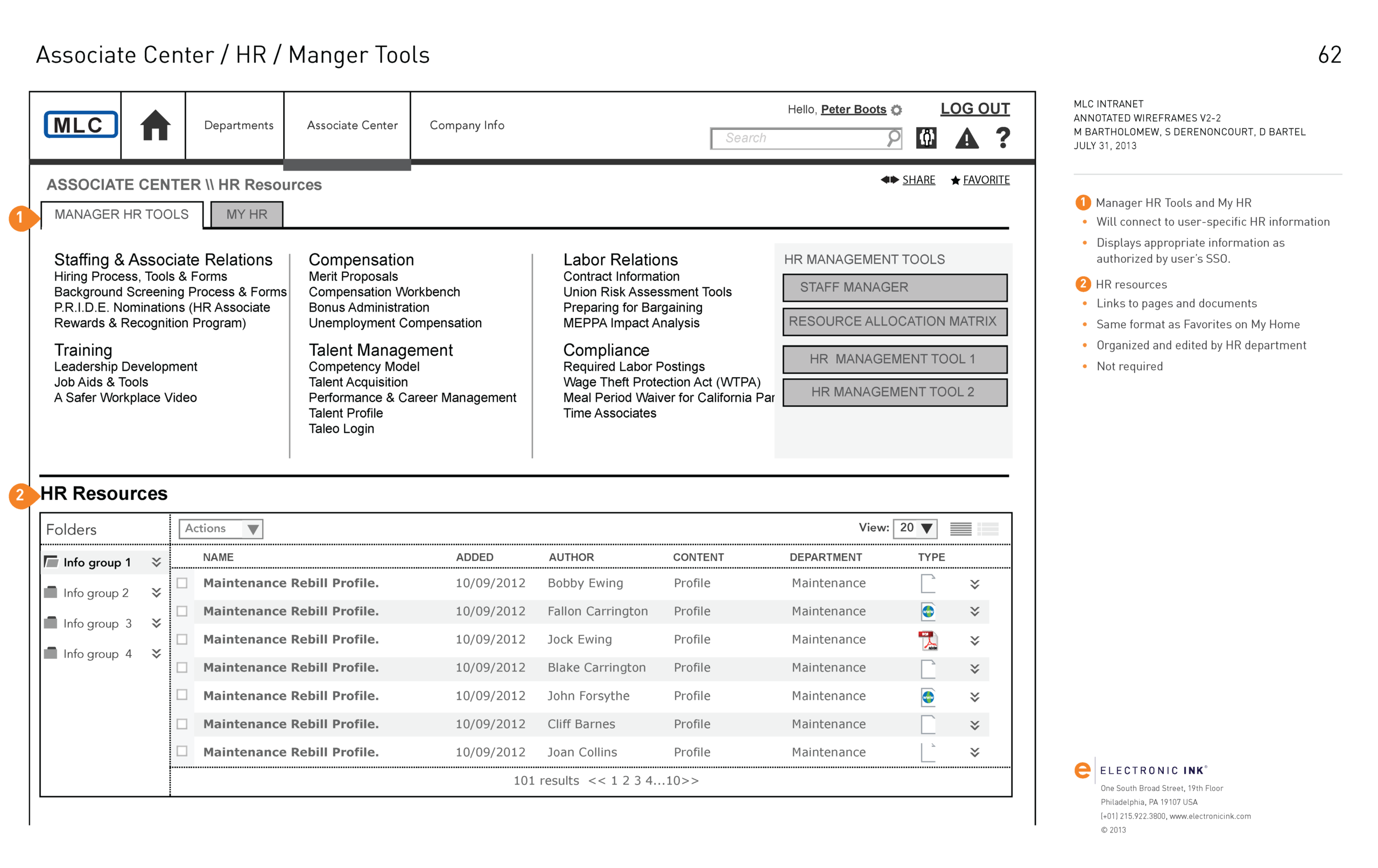
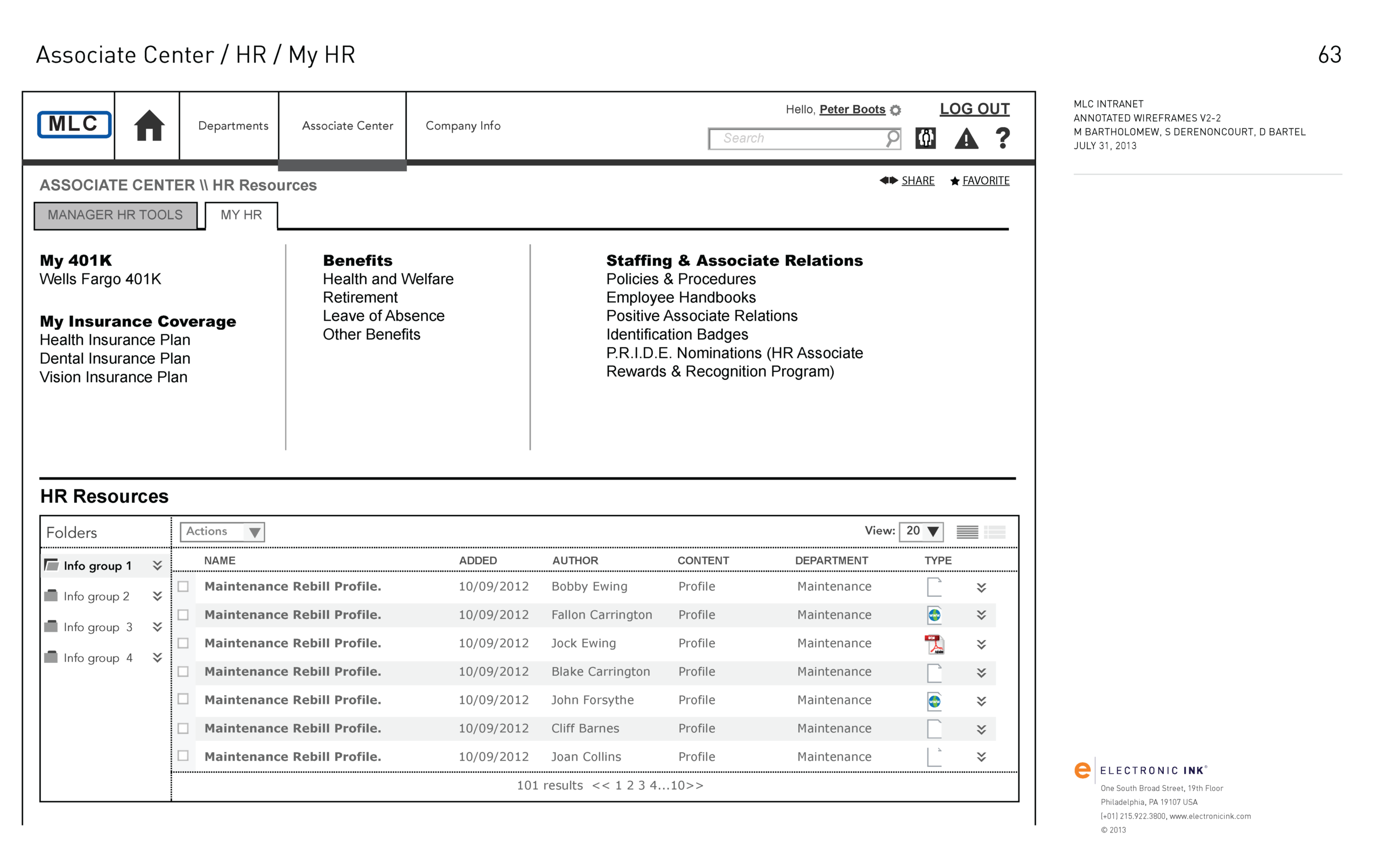

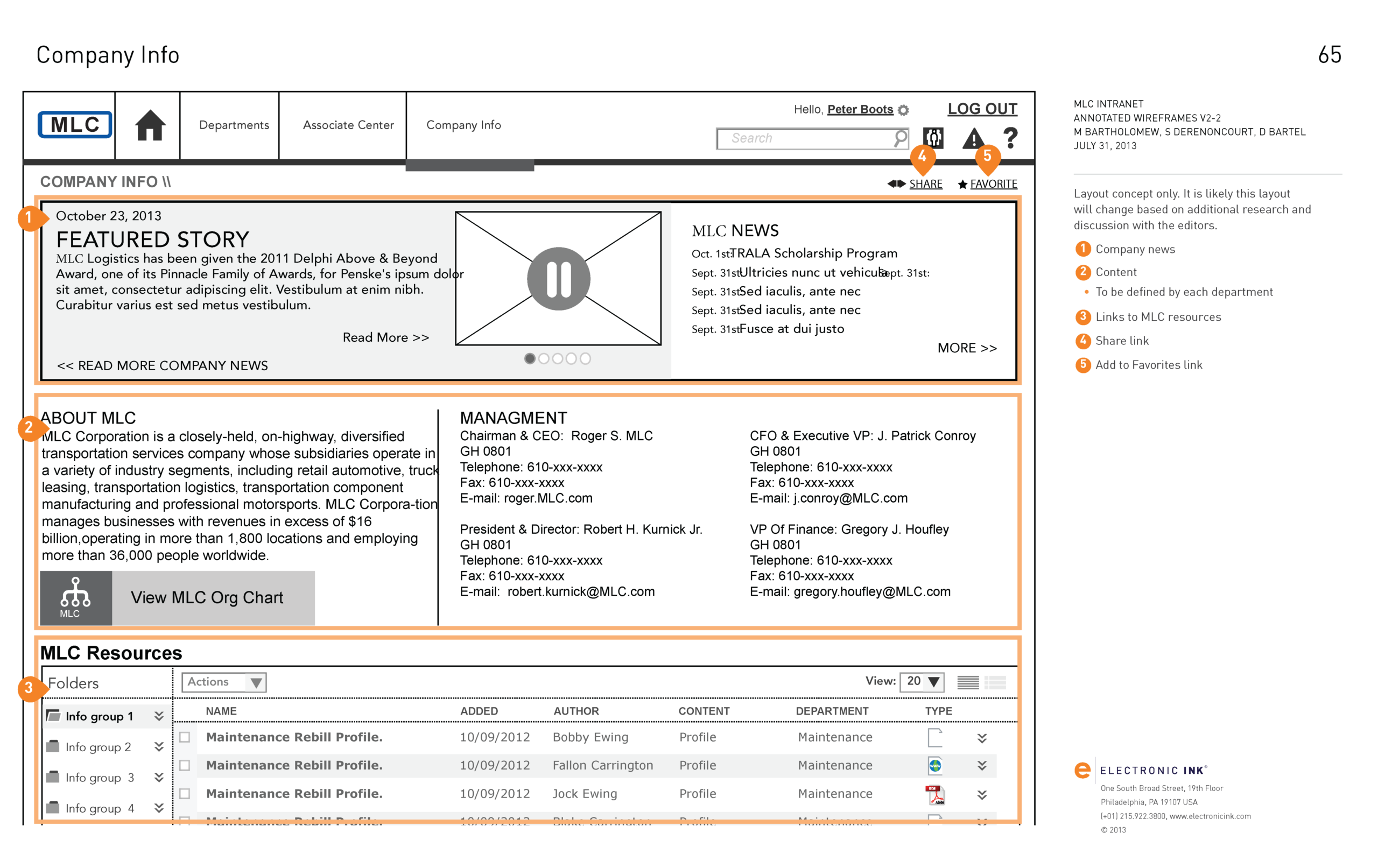
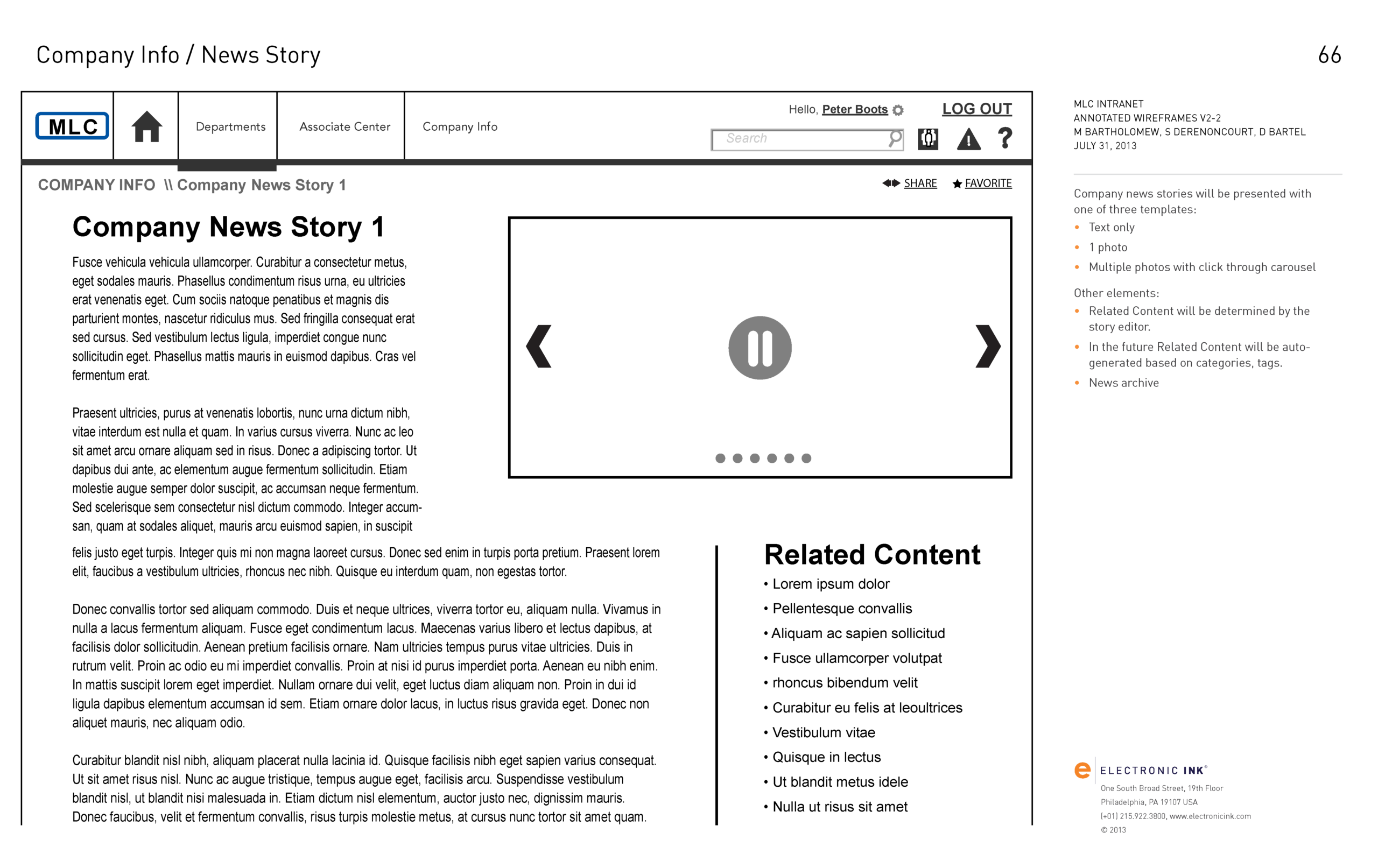

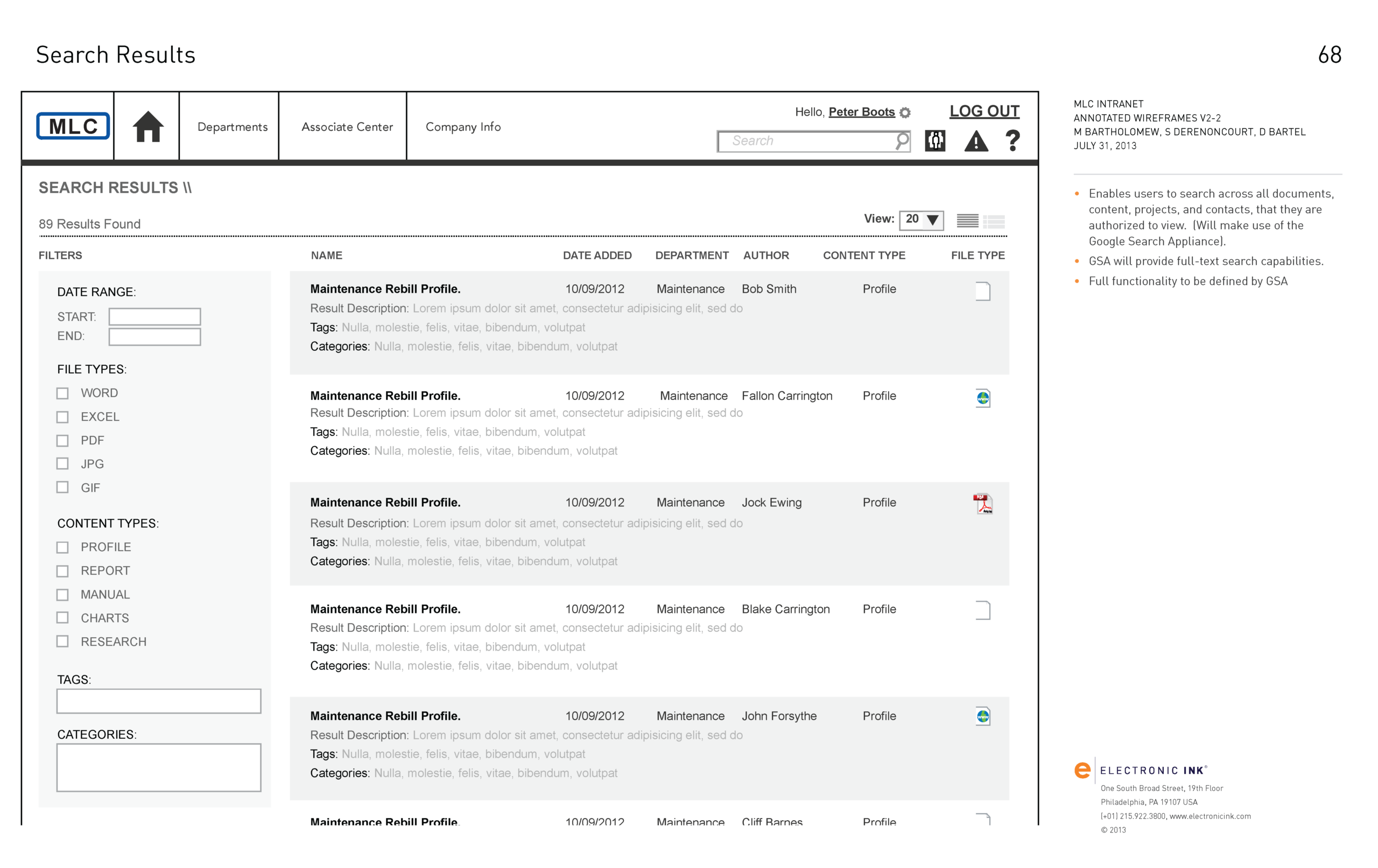
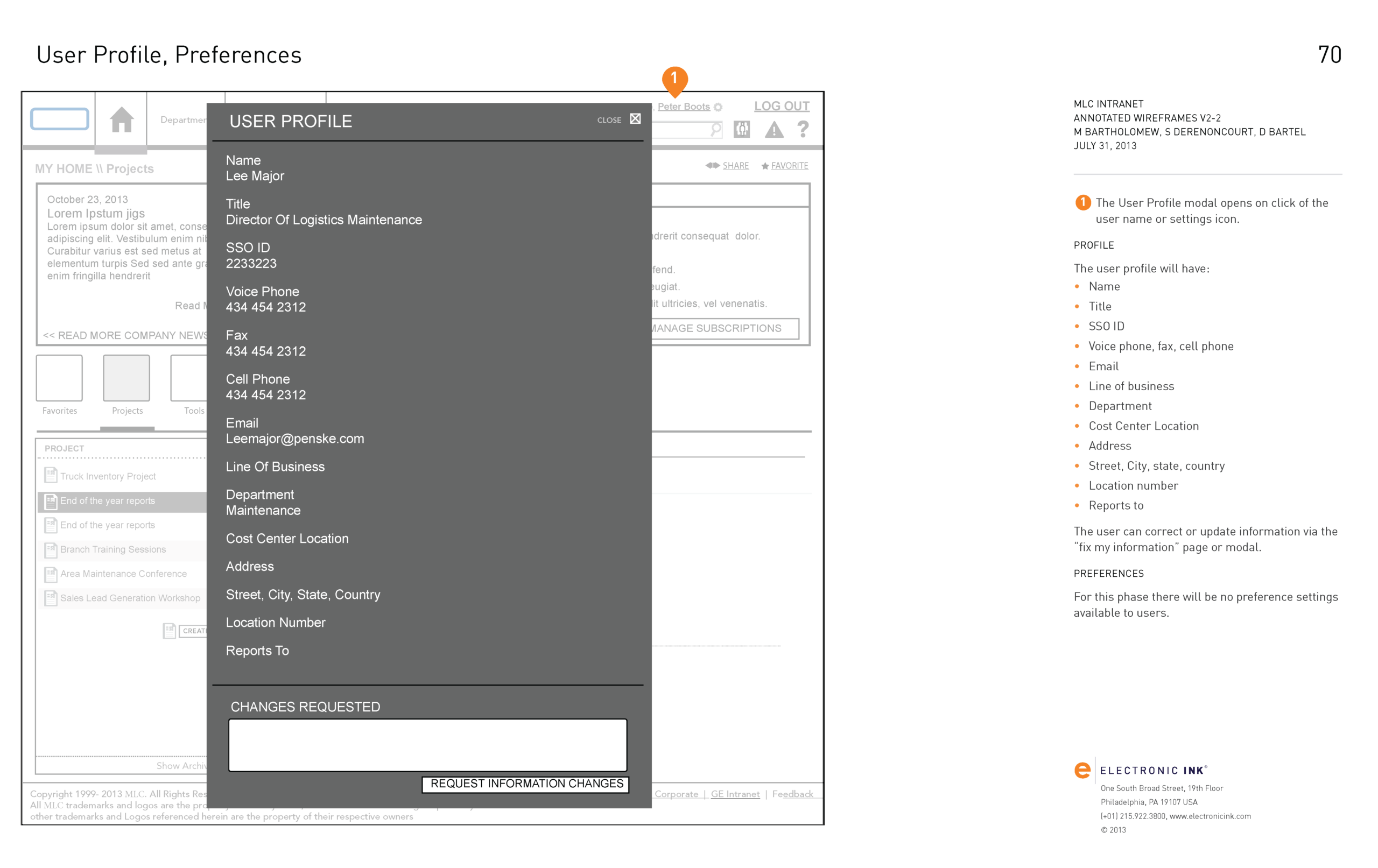
UI and Aesthetic direction
The UI for this system had to achieve three main goals: be extremely easy to learn, simple to use, and visually comfortable for extended periods, while complementing existing tools and work processes. It needed to be scalable, searchable, and extendible.
It required integration with a broad range of existing applications and toolchains, including those hosted locally on the workers’ computers, those on corporate networks, and those on their clients’ extranets and on the web/cloud.
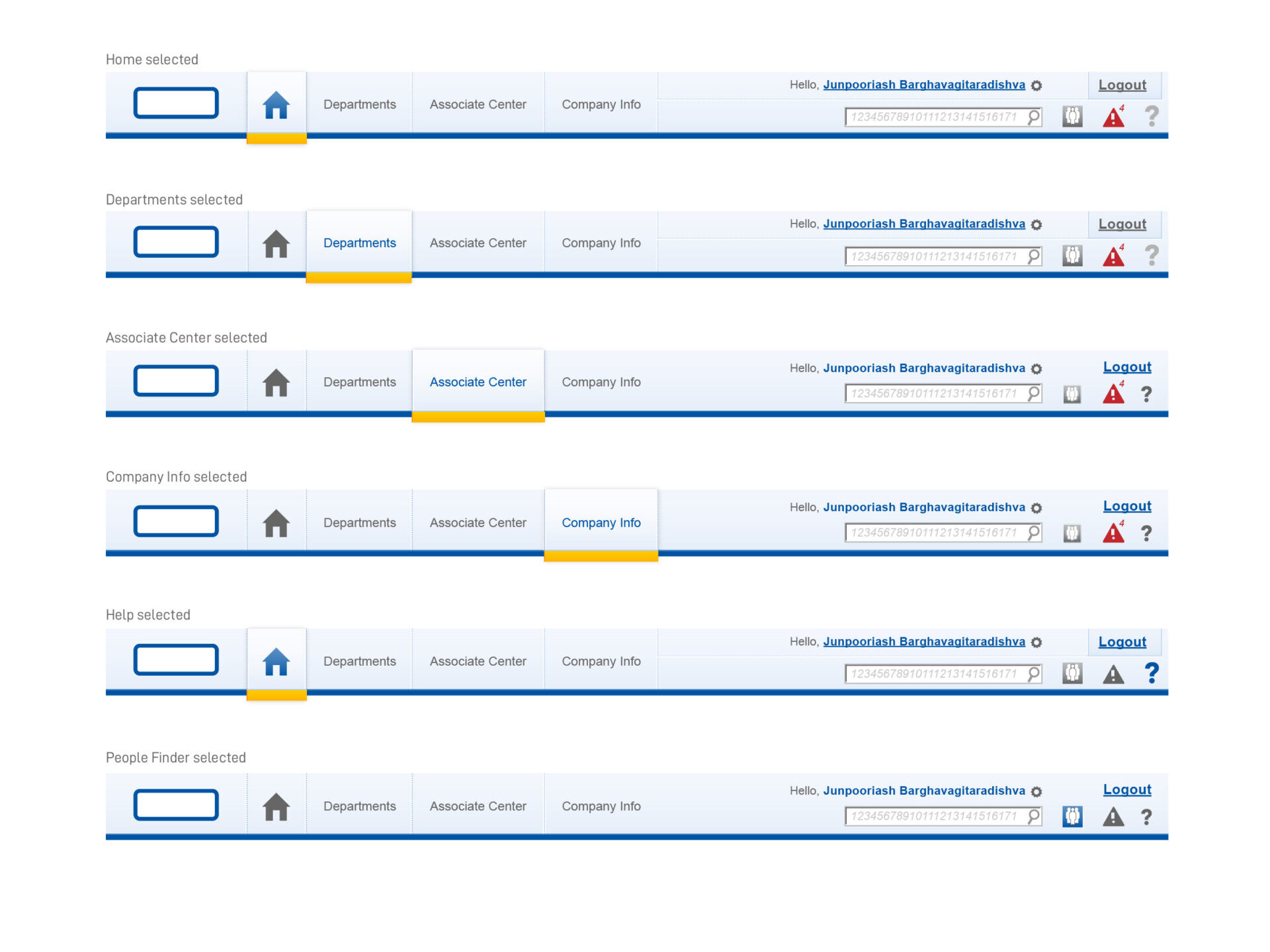
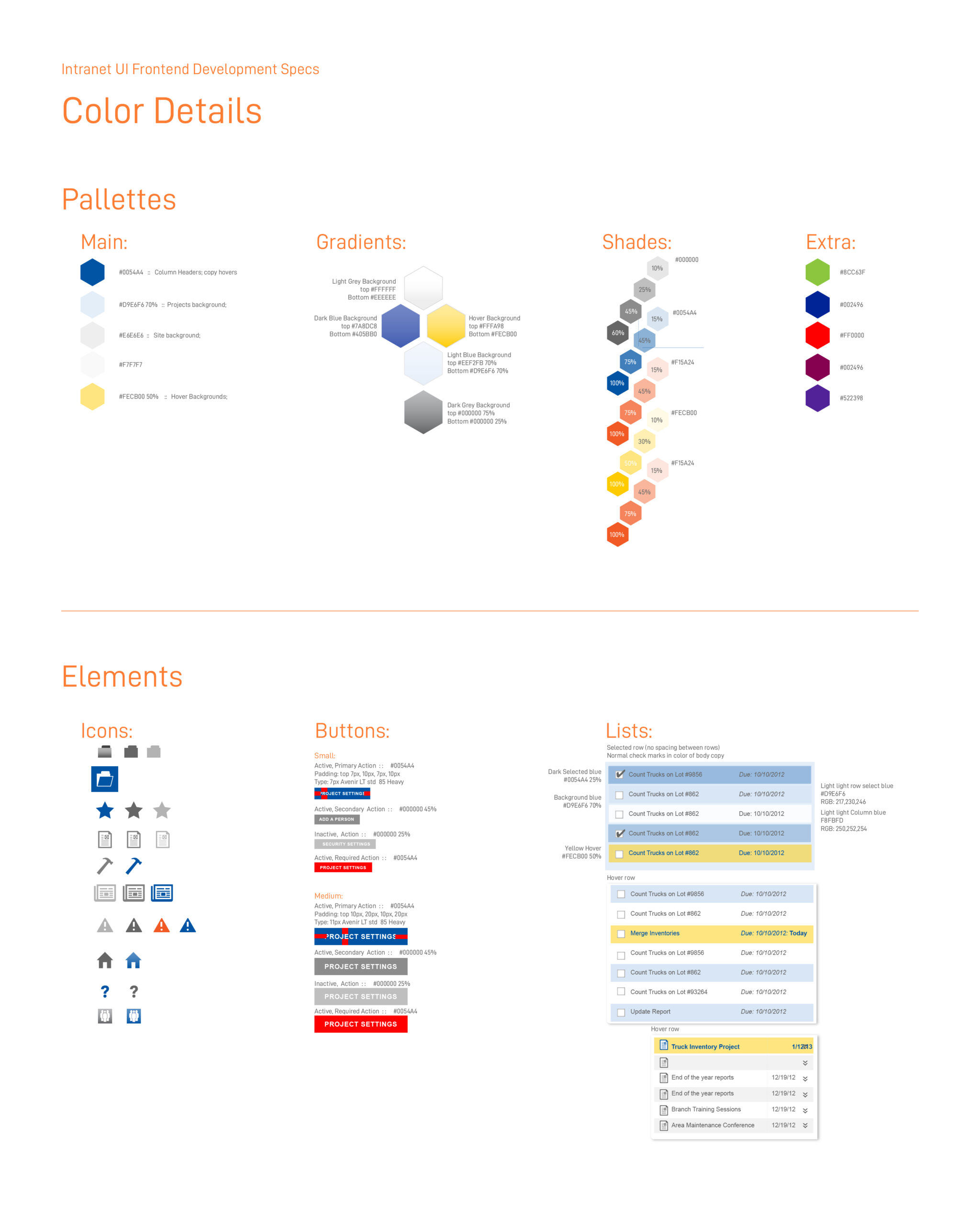
My initial task was to modify the existing corporate color scheme, designed to stand out in the consumer landscape, into a palette that was both ergonomically comfortable for extended use and compatible with MS Windows interface elements, as well as the client’s MS .net and MS VB application design elements.
This would essentially involve refining, evolving, and modernizing existing elements and ideas, rather than replacing them, which would significantly increase the learning curve for users.


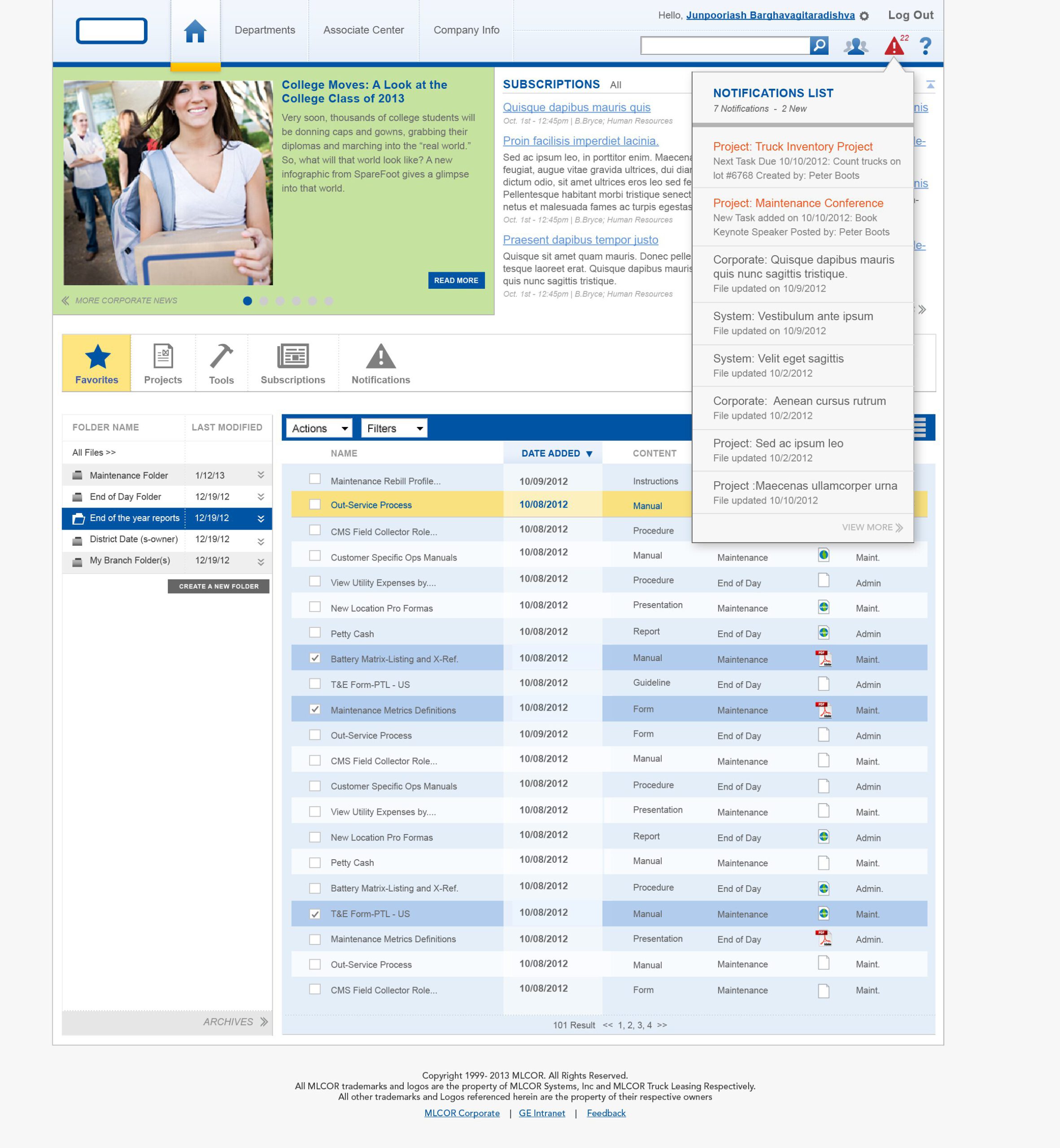
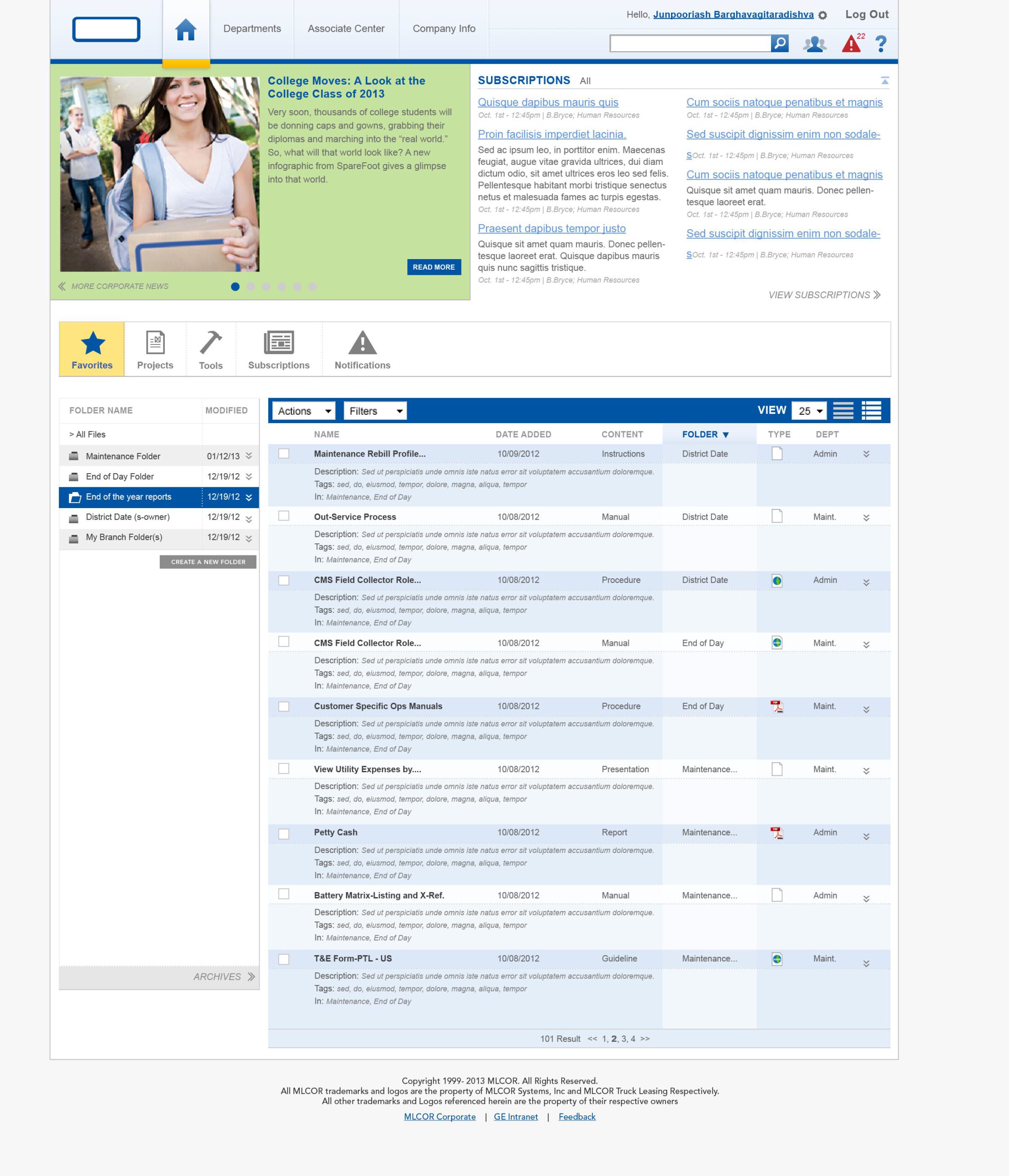
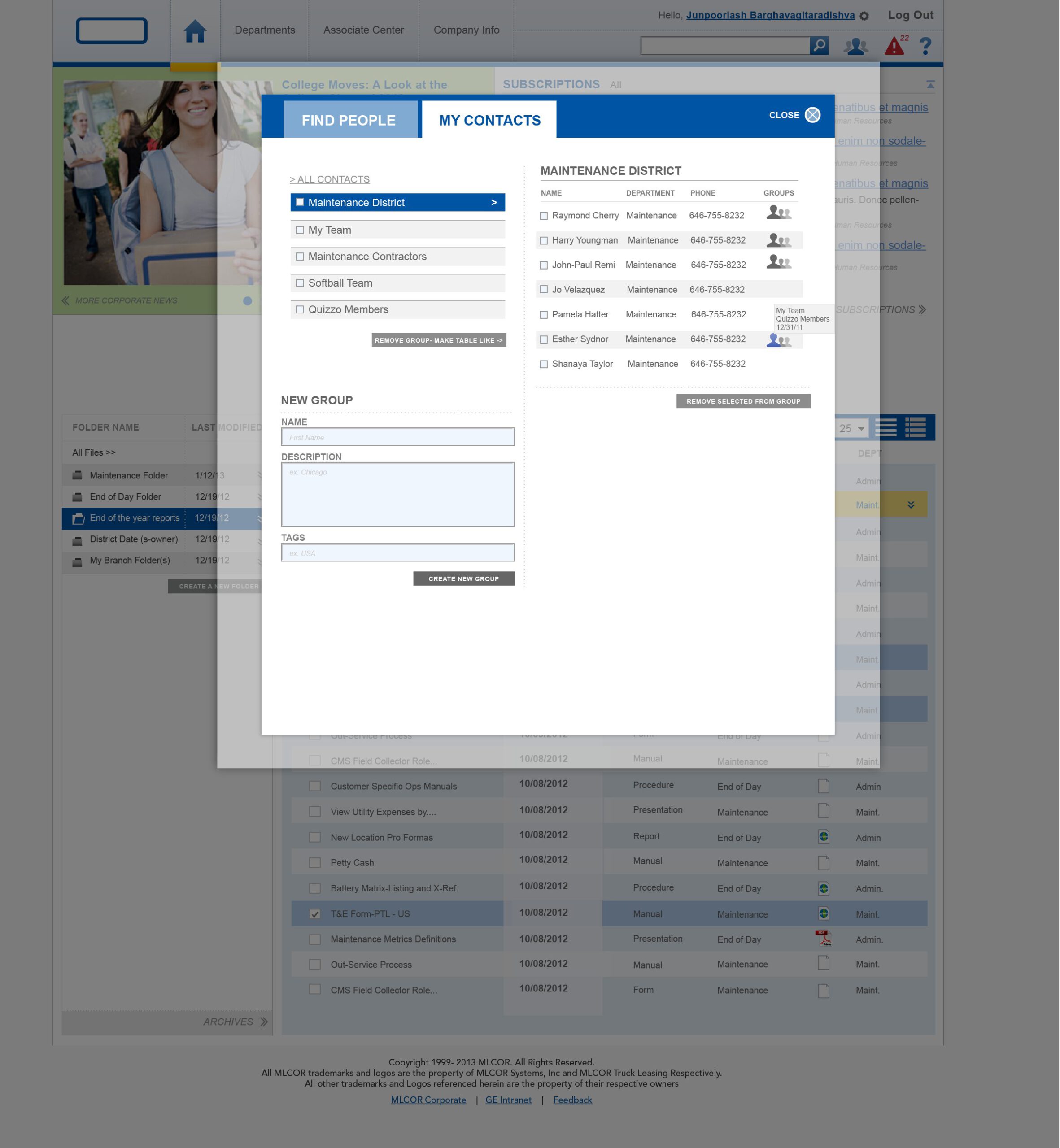
Example of most template types
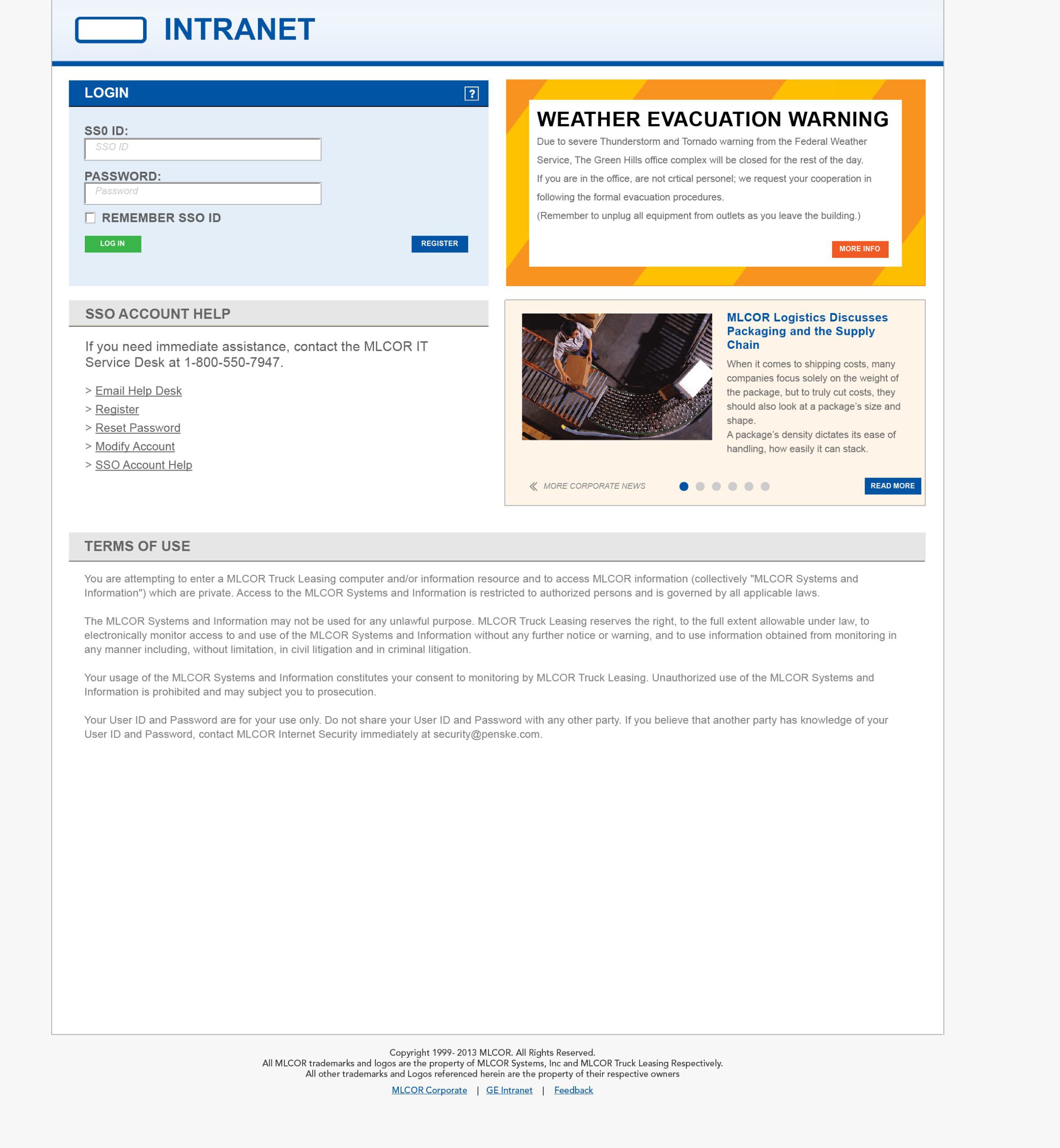
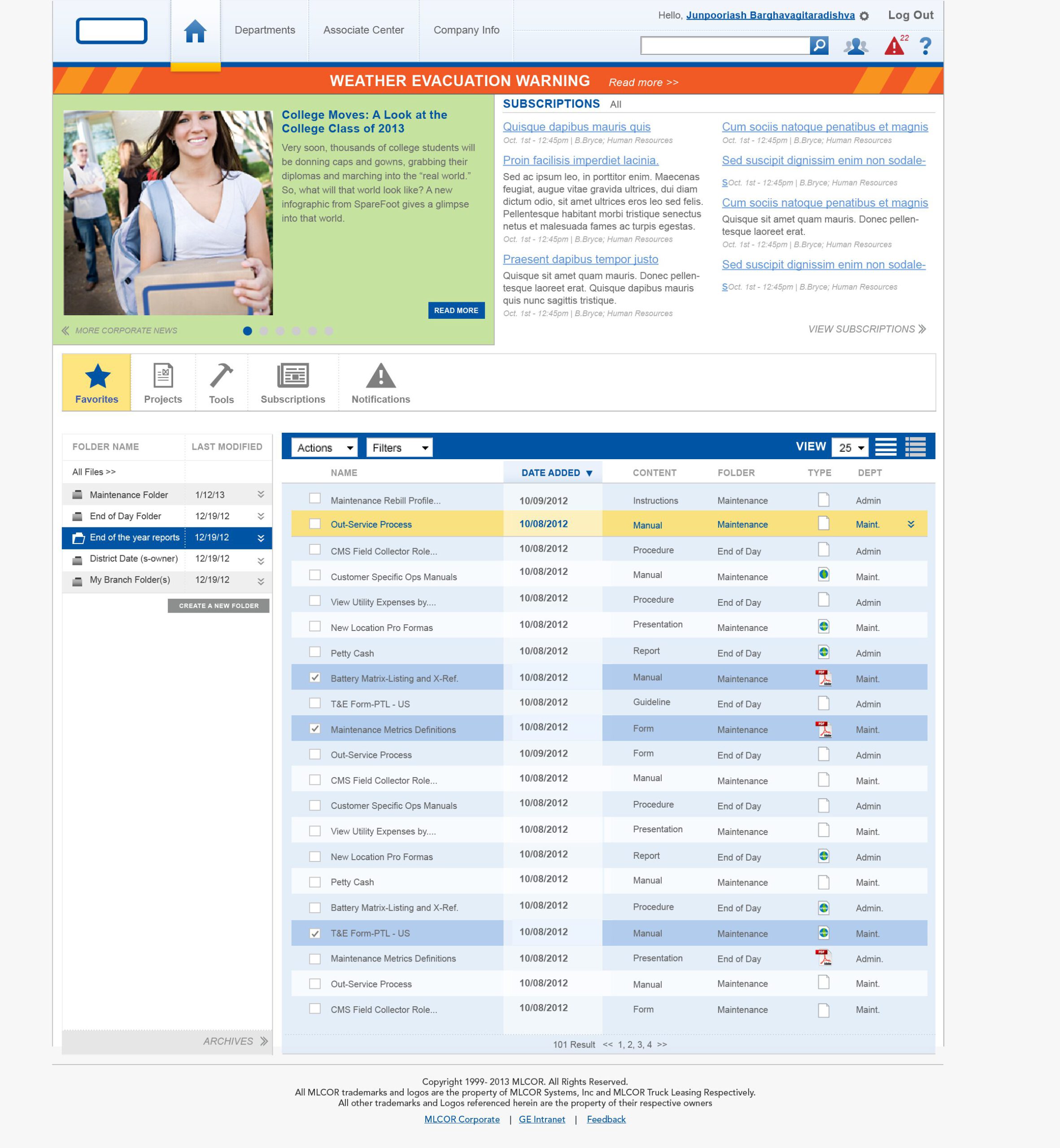
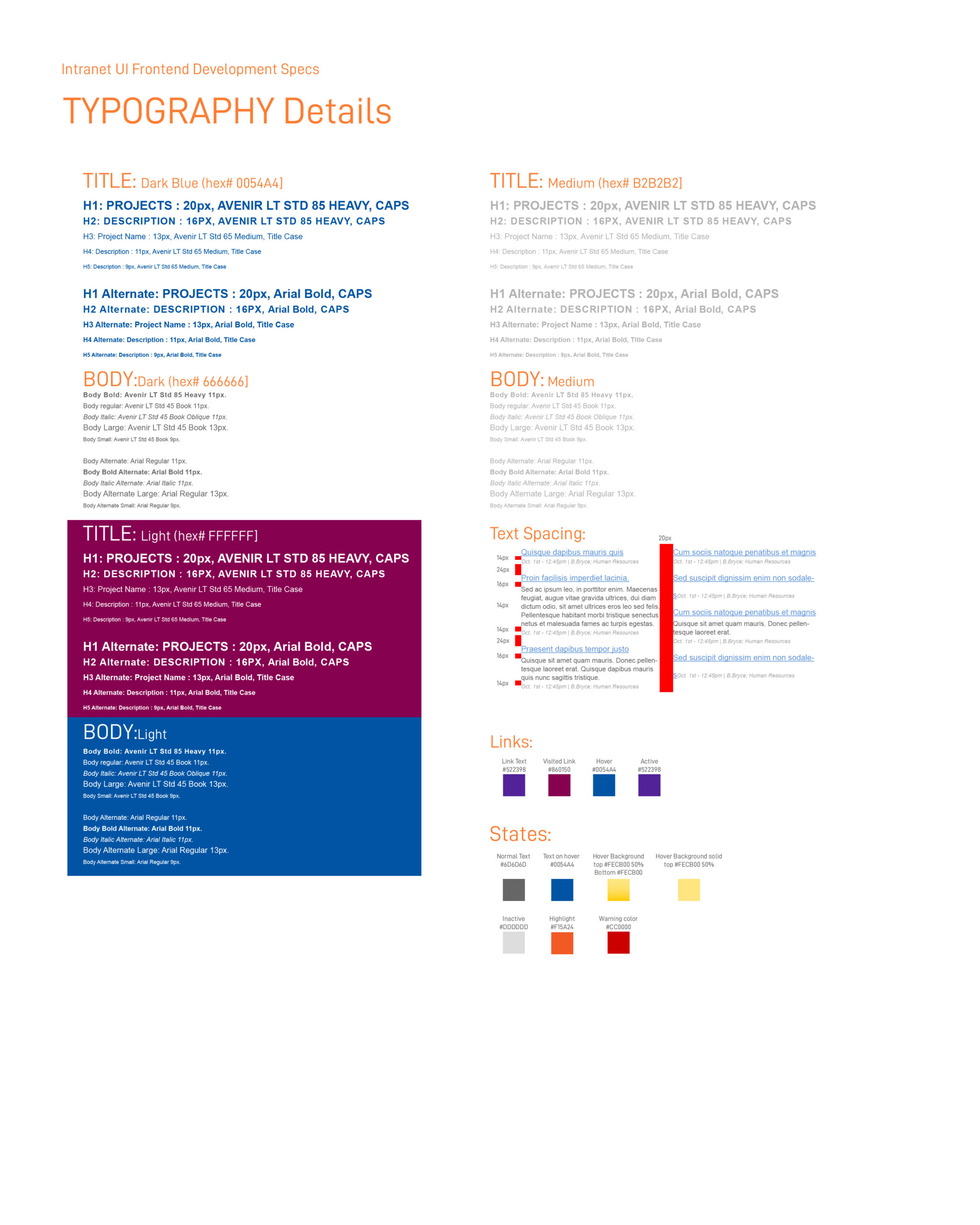
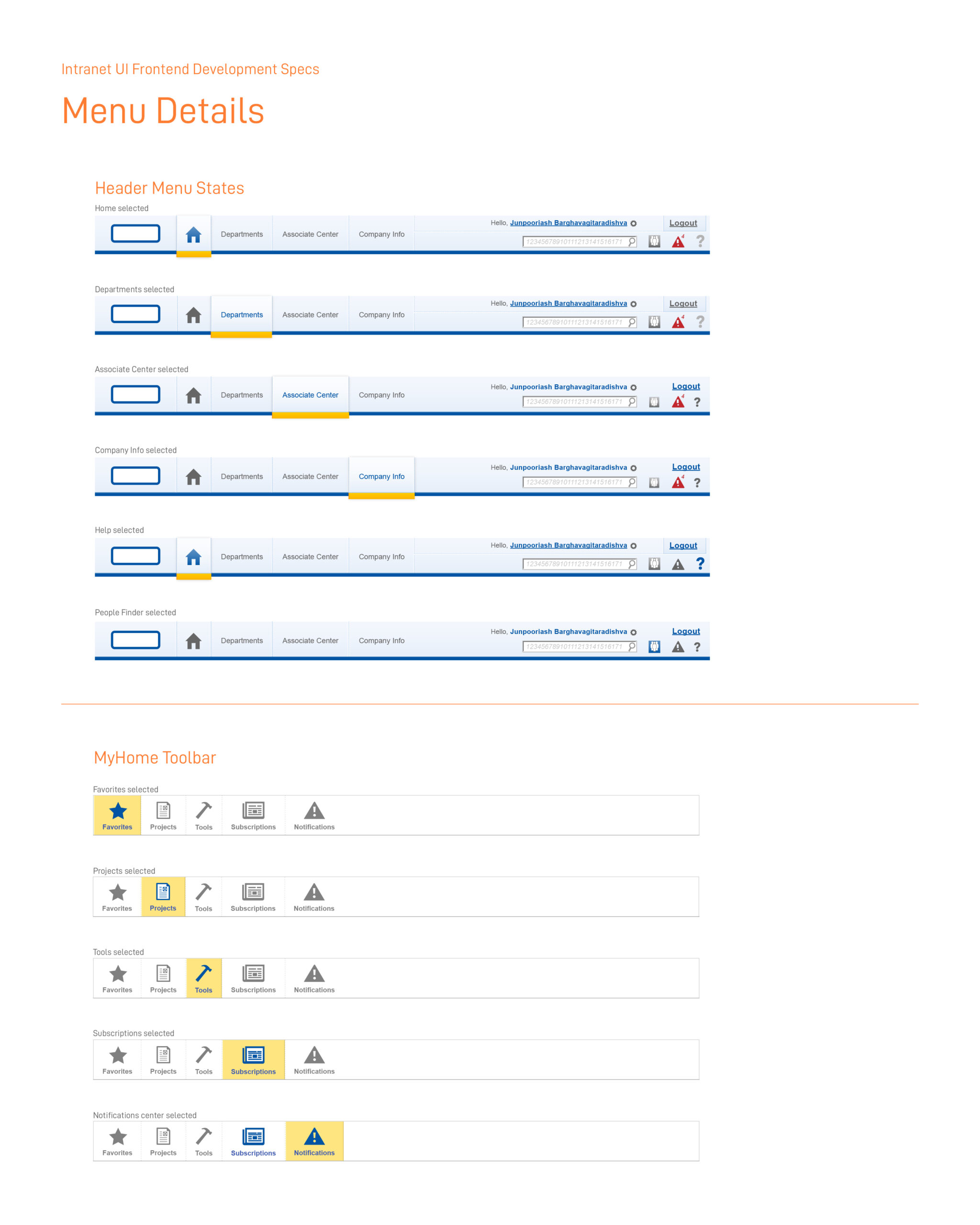
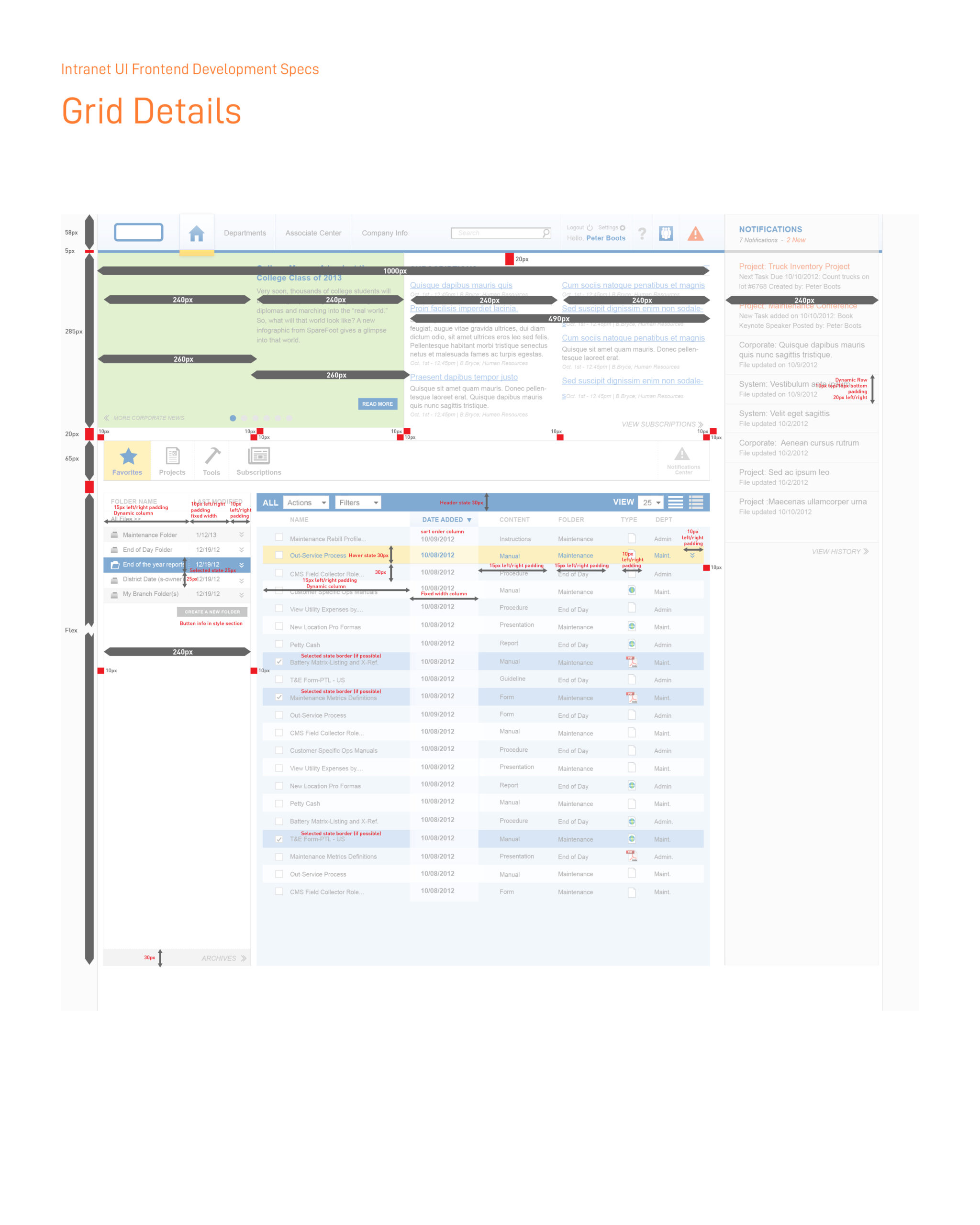
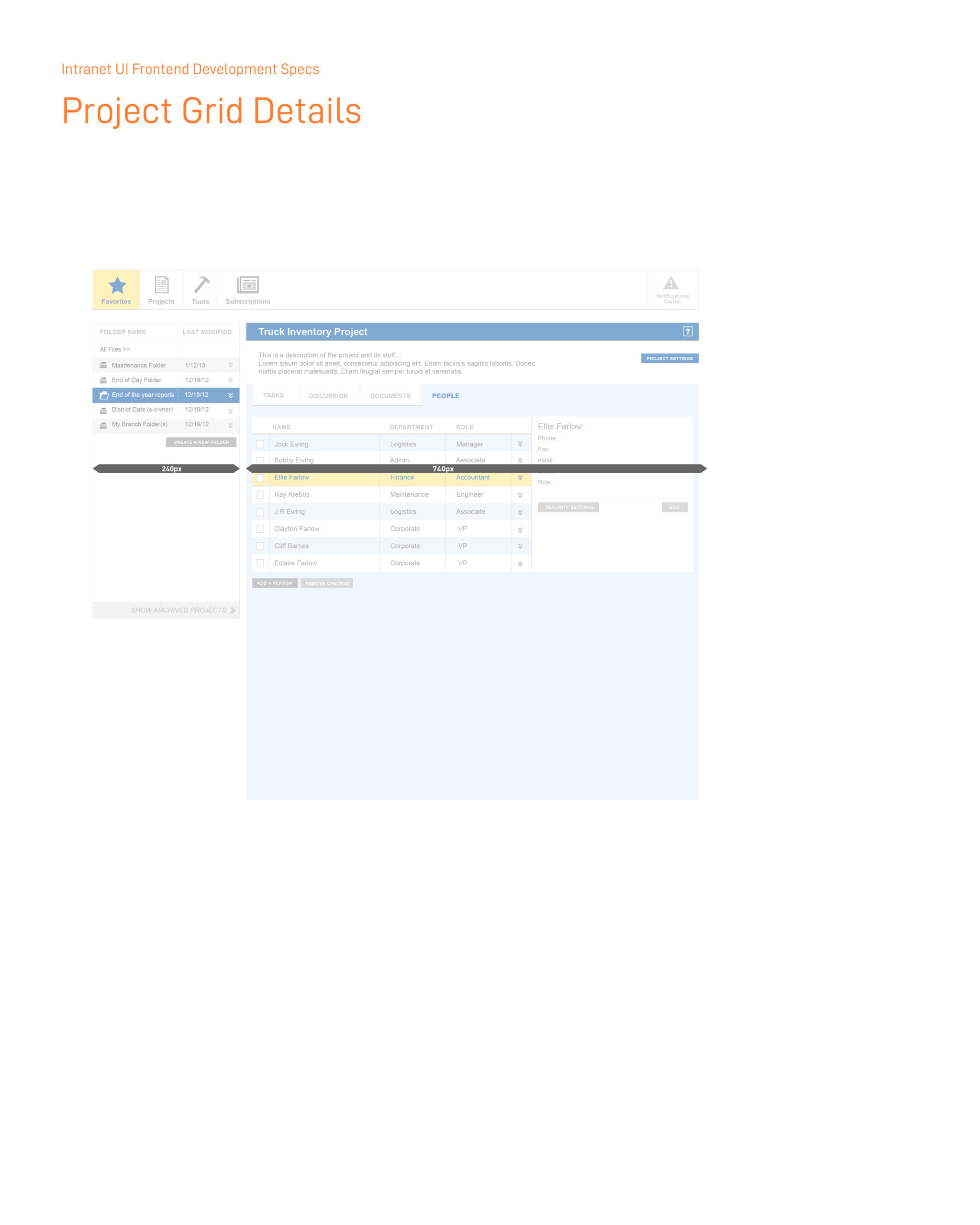
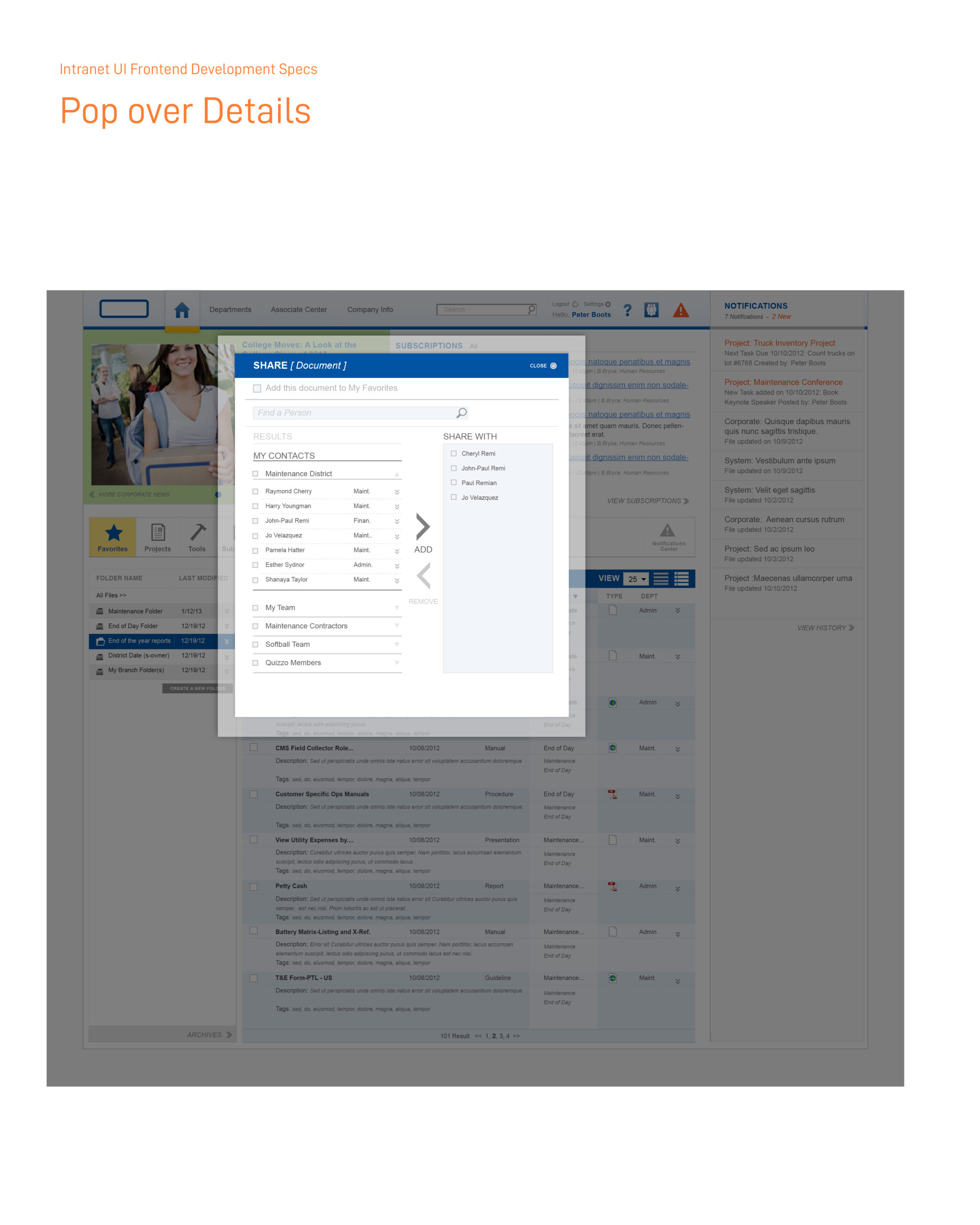
Frontend development specs
I assisted our frontend developer with documentation and presentations, fostering a collaborative environment with the client’s IT team, which enabled our developer to work seamlessly with them on web-based UI interfaces.